60
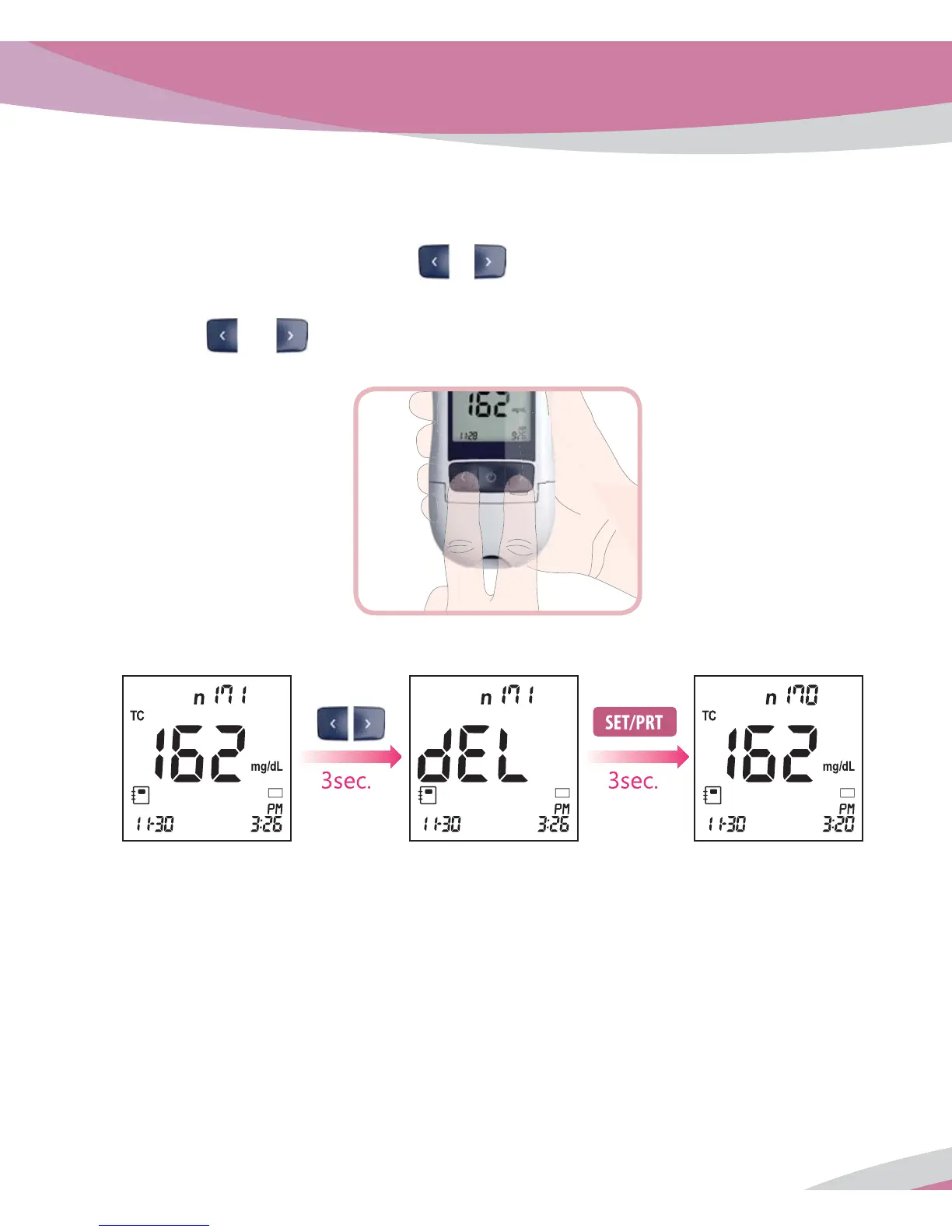
4. Delete Memory
1. Switch on the Analyzer and press
or button in display mode flashing lipid or
glucose test strip symbol to enter memory mode.
2. Press
and arrow button together for 3 seconds on the screen of the desired stored
result.
3. Then, 'dEL' message appears on the screen, press 'SET/PRT' button for 3 seconds.
BL BL BL



 To Next Page