64
2. Control Solution Test for lipid
What you need:
t SD LipidoCare®Analyzer
t Lipid test strips for the desired measurements with the related code strip
t SD Lipid Control Solution - Level 1 , Level 2
Performing a Lipid Control Solution Test
1. Prepare the test strip for required measurement. (e.g. measurement of Lipid Profile)
2. Make sure whether the codechip matches with the test strip is correctly inserted.
3. Insert a test strip into the Analyzer.
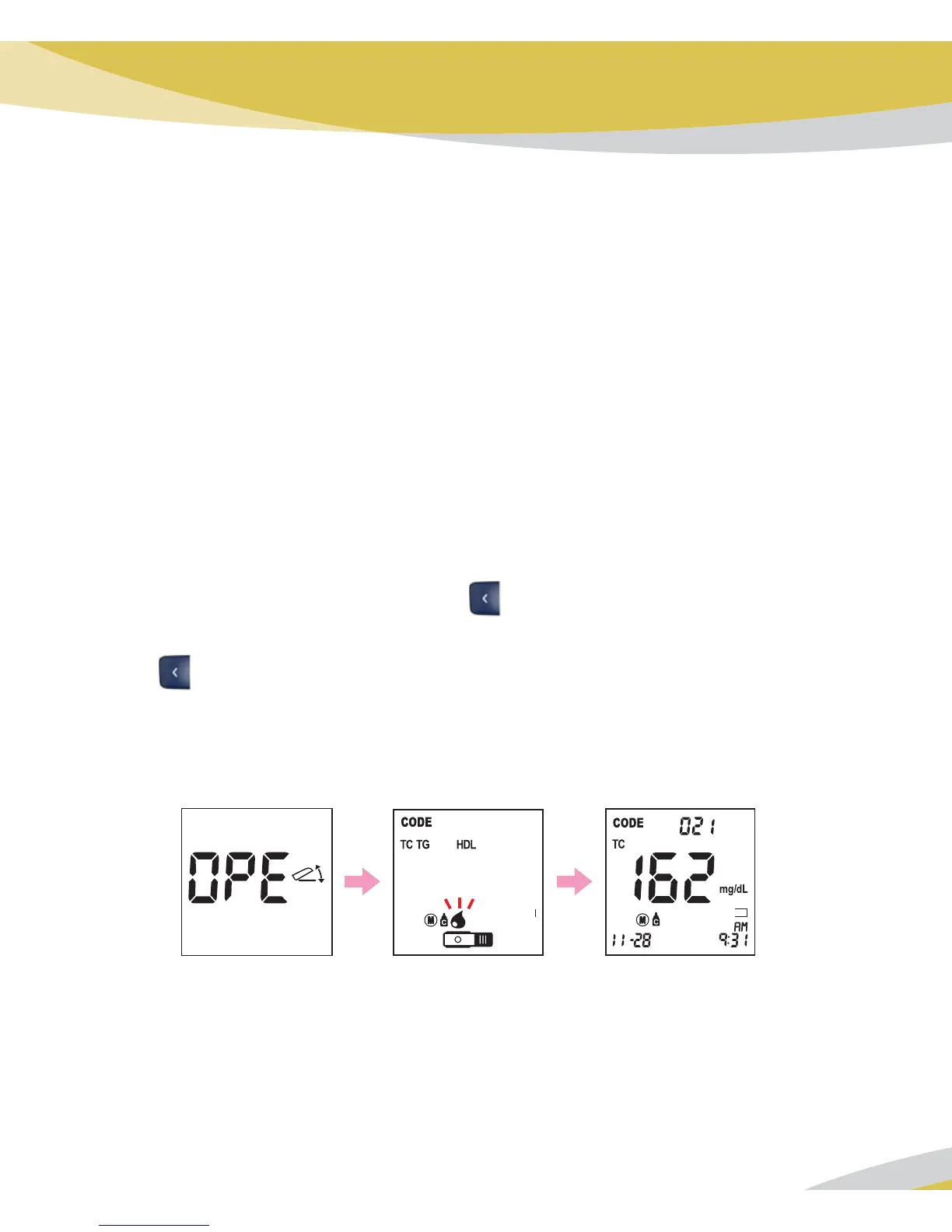
4. At appearing on the ‘OPE’ display, Open the chamber flap.
5. The chamber flap is left open. Press the
button for 3 seconds to check the testing
system using lipid control solution. If you don't want a lipid control solution check. press
button one time.
6. Gently mix the lipid control solution and apply the exact volume for proper parameter by
using micropipette or capillary tube.
7. After 3 minutes, the test result appears on the screen.
BL
BL



 To Next Page