58
3. Displaying Glucose Averages
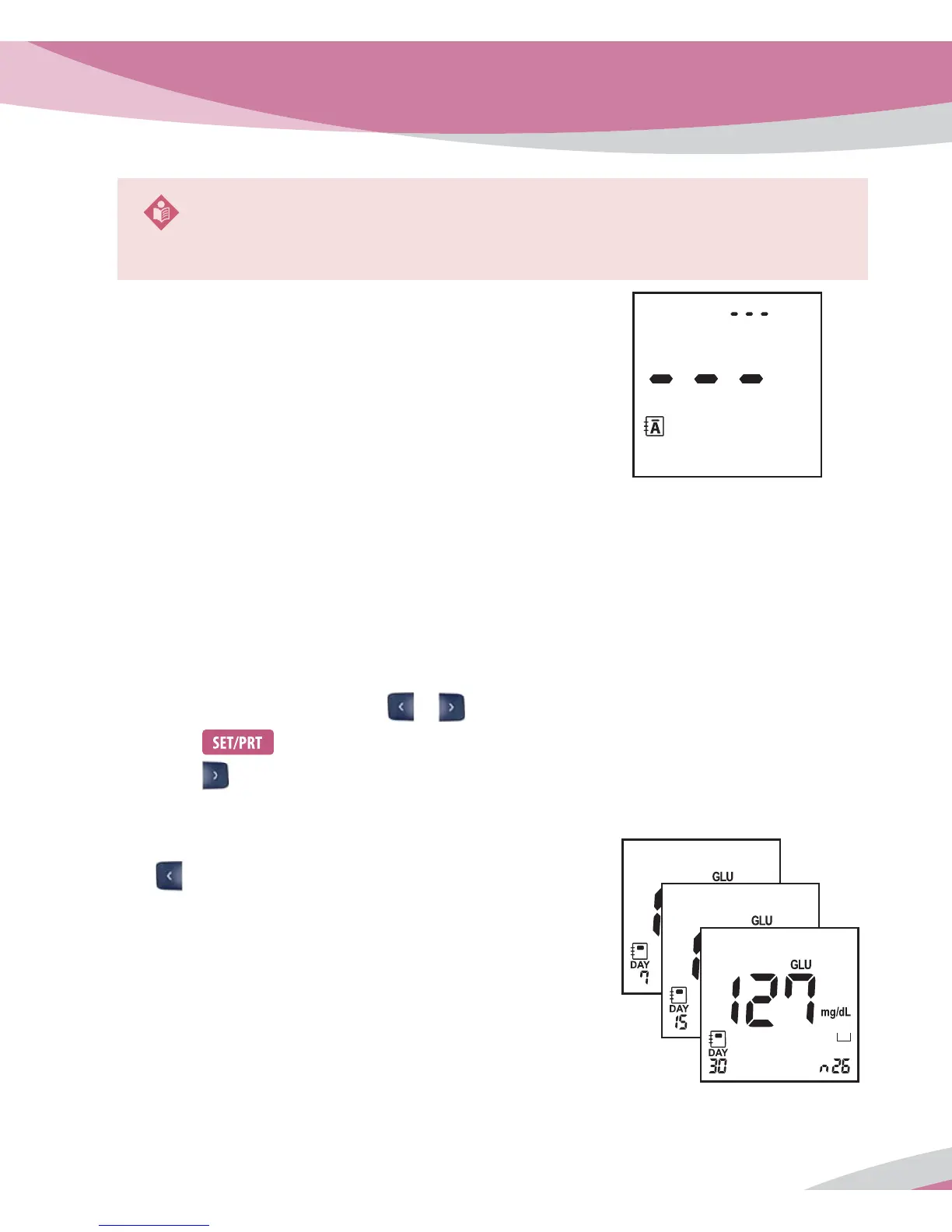
The Analyzer calculates 7, 15 and 30-day averages of glucose test results stored in memory. HI/
Lo result (results outside of the reading range) and results with control solution symbol are not
included in averages.
Searching Glucose Averages
1. Switch on the Analyzer, press
or button to enter all memory mode.
2. Press
button to enter glucose mode.
3. Press
button to review three kinds of 7, 15 and 30 day averages of glucose test results
stored in memory in sequence. You can also review the number of glucose results at each
average in the right bottom of the LCD window.
If you press
arrow button once more after displaying the 30 day
average, the 7-day average result appear again.
NOTE
If memory is empty, three dashes (– – –) will be appeared in the display.
BL
< Average >



 To Next Page