61
R
CHAPTER 4. Printing
How to Print
Auto Printing
If you set Auto Printing function to "ON" in the setting mode, the Analyzer will not display the
"Printing" symbol.
BL BL BL
Print one copy
function
Print two copy
function
NOTE
Manual Printing
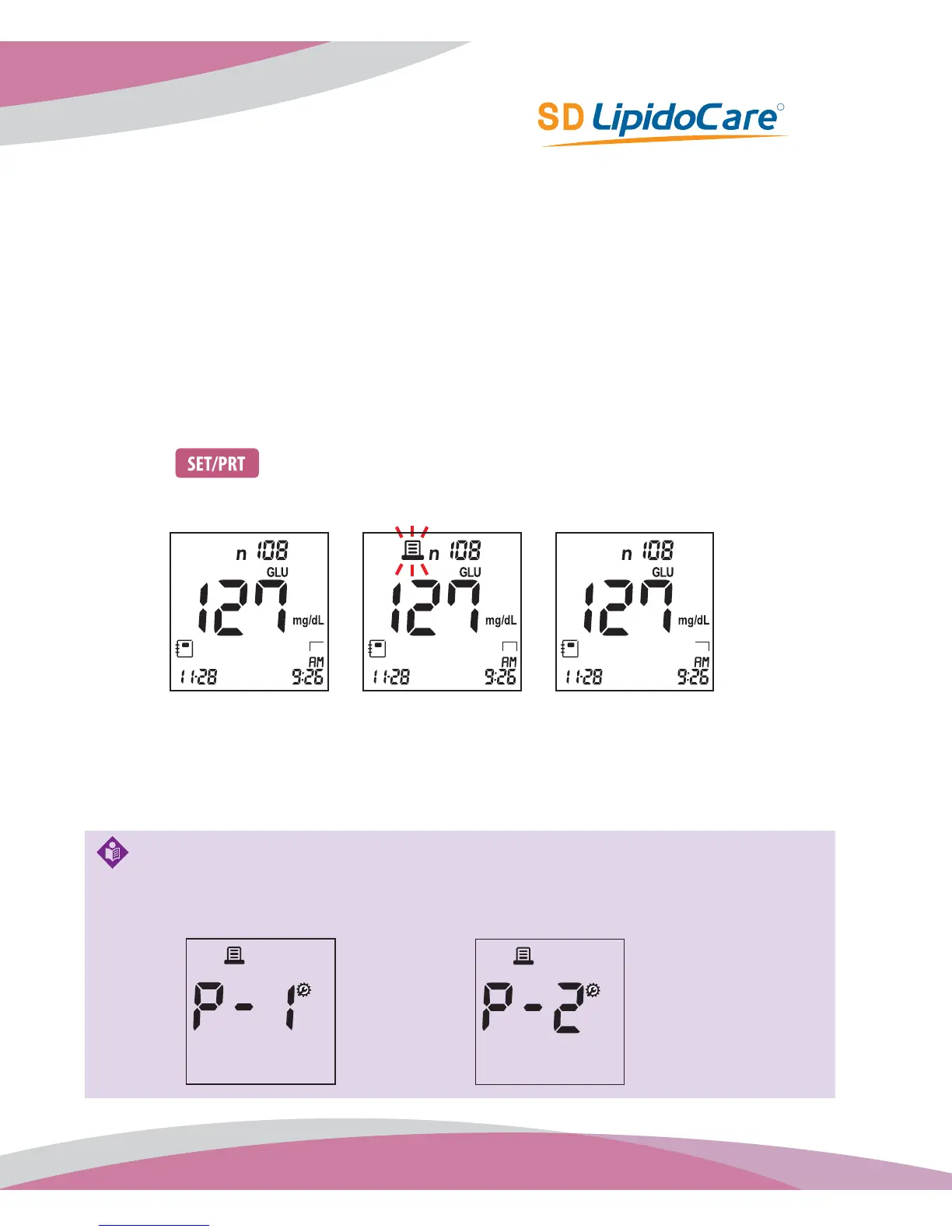
If you press button in any memory mode, the printer will print that result and display
the "Printing" symbol.
If you select 'P-1' in setting mode, the Analyzer prints only one copy in printing mode. If you select 'P-2',
the Analyzer automatically prints two copies.



 To Next Page