45
R
4. Running a test - Glucose
Test Procedure
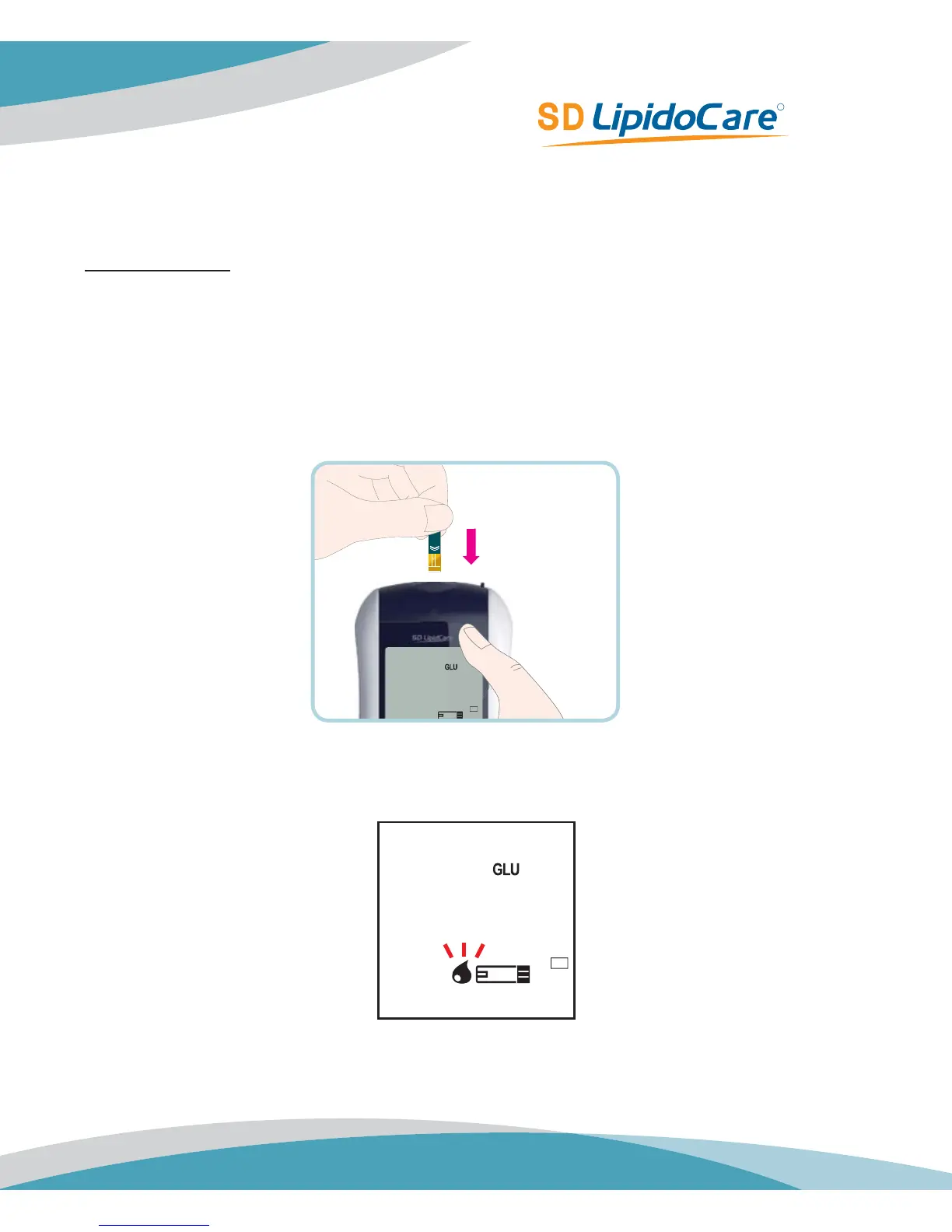
1. Remove a new glucose test strip from container. Be sure to tightly replace container cap
after removing glucose test strip.
2. Insert a glucose test strip into the 'Glucose Test Strip Slop' of the Analyzer. The Analyzer will
automatically enter the glucose testing mode regardless of inserting a codechip.
3. When the blood drop symbol flashes in the left side of glucose strip symbol, you are ready
to perform a glucose test.
BL



 To Next Page