70
2. How to Use a SD Glucose Check Strip
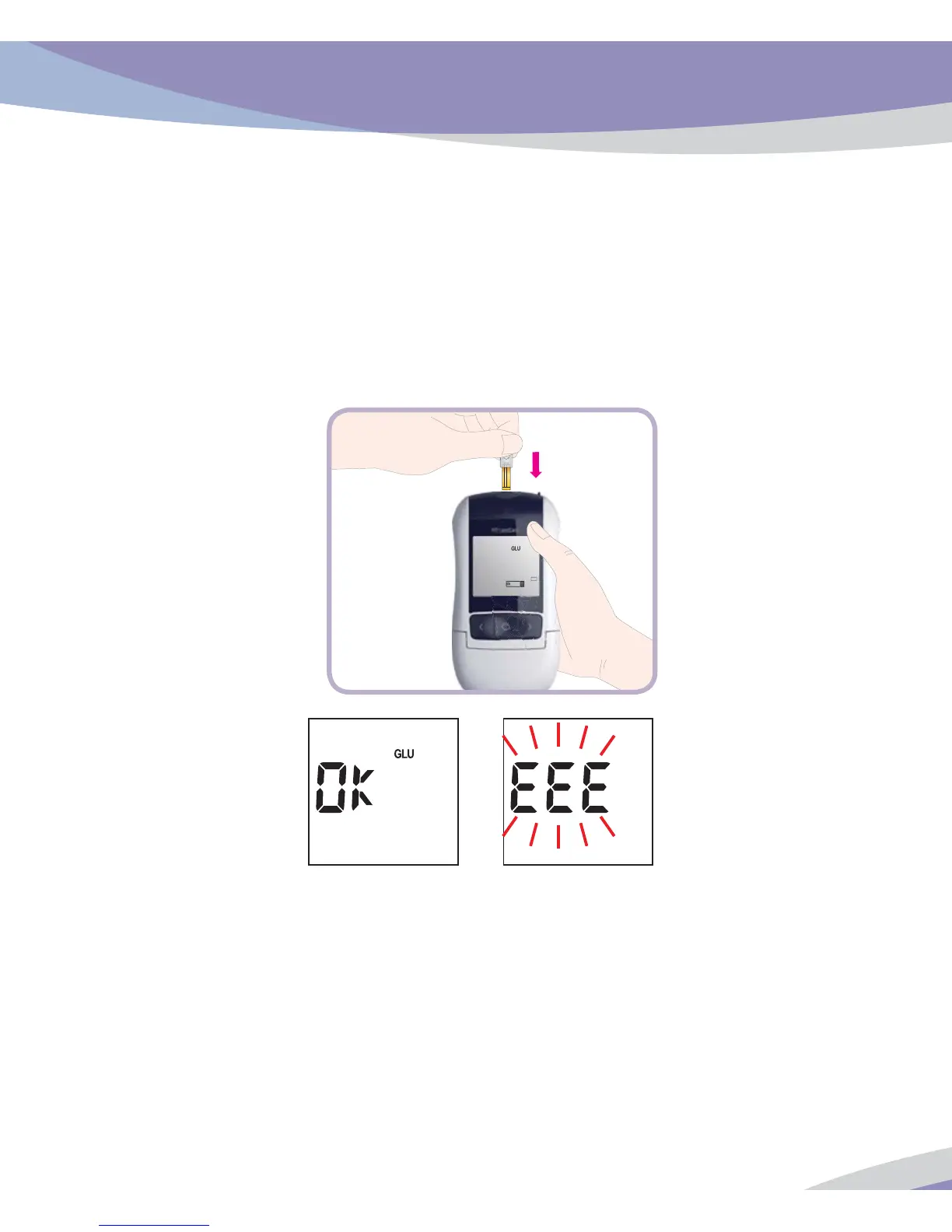
1. Insert a SD Glucose Check Strip (facing up ‘check strip’ printed in arming knob) into
gluconse test strip slot. The Analyzer turns on automatically.
2. The check result appears on the screen in just 5 seconds. If there isn’t any problem for the
analyzer, ‘OK’ message will appear on the screen. Otherwise, there is a problem with the
analyzer, ‘EEE’ error message will appear on the screen.



 To Next Page