20QB2000 9.2022 vers 1.0
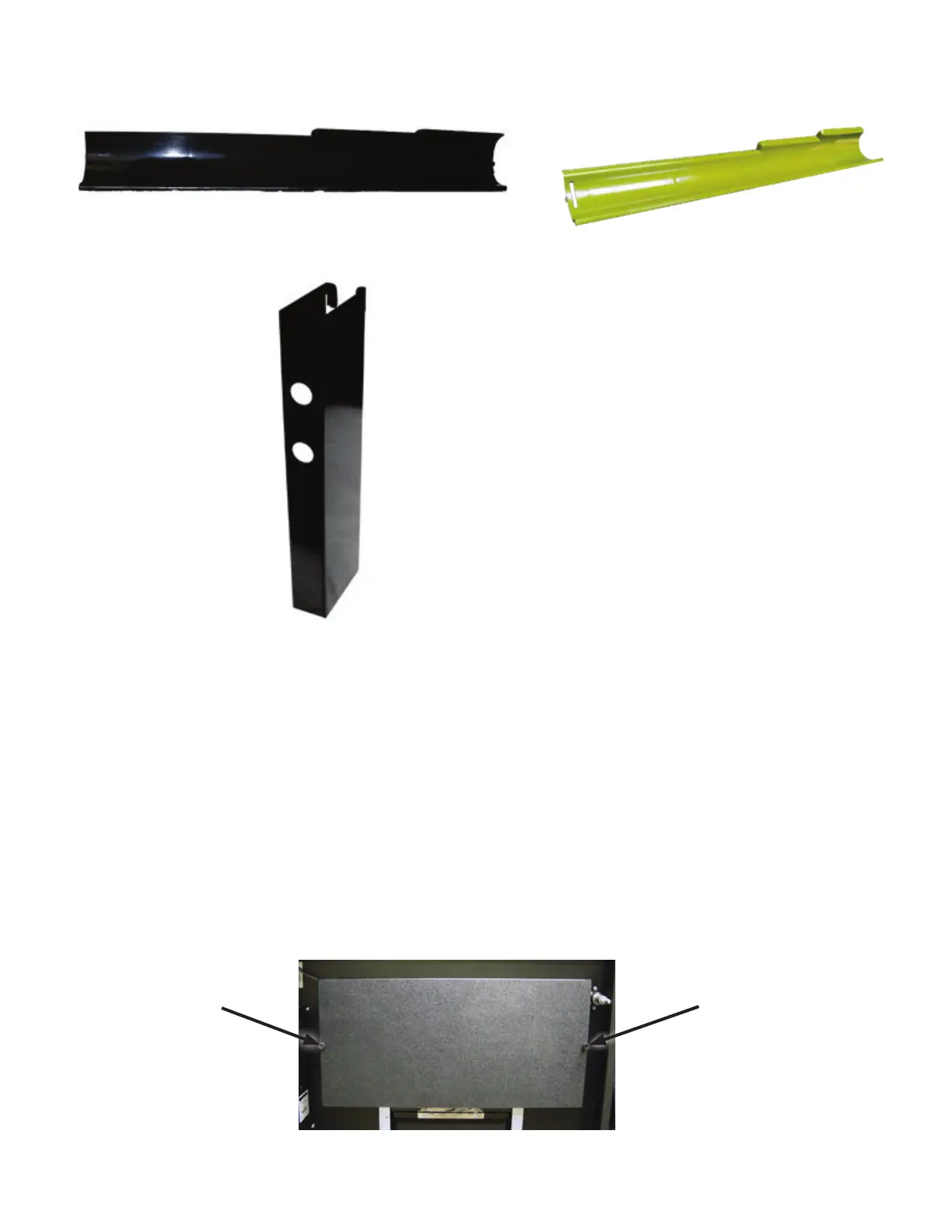
Figure 17 – Auger Inserts
Auger Insert, Large
Auger Insert, Narrow Product
Part # PLI2182
Part # PLI2206
Figure 18 –Back Spacer
Part # SA484
Unlike the snack secon of the vending system, the products that will vend are not viewable by your customers
when they are posioned in the vercal drop columns. To provide a live display, a product display shelf has
been provided. Take care to use packaging that is in perfect condion and products that are sll within their
expiraon date to present the best possible retail store front to your potenal customers. To load the live
product display:
1. Remove the Drink Display Back Panel by loosening and removing the thumb screws located on either side
of the panel.
2. Place each beverage, in order of selecon, in the display window taking care to make them evenly spaced
and oriented properly toward the front of the machine where the customer will see them.
3. Reinstall the beverage back panel.
Figure 19 – Live Drink Display
Thumb Screw Thumb Screw



 To Next Page