11
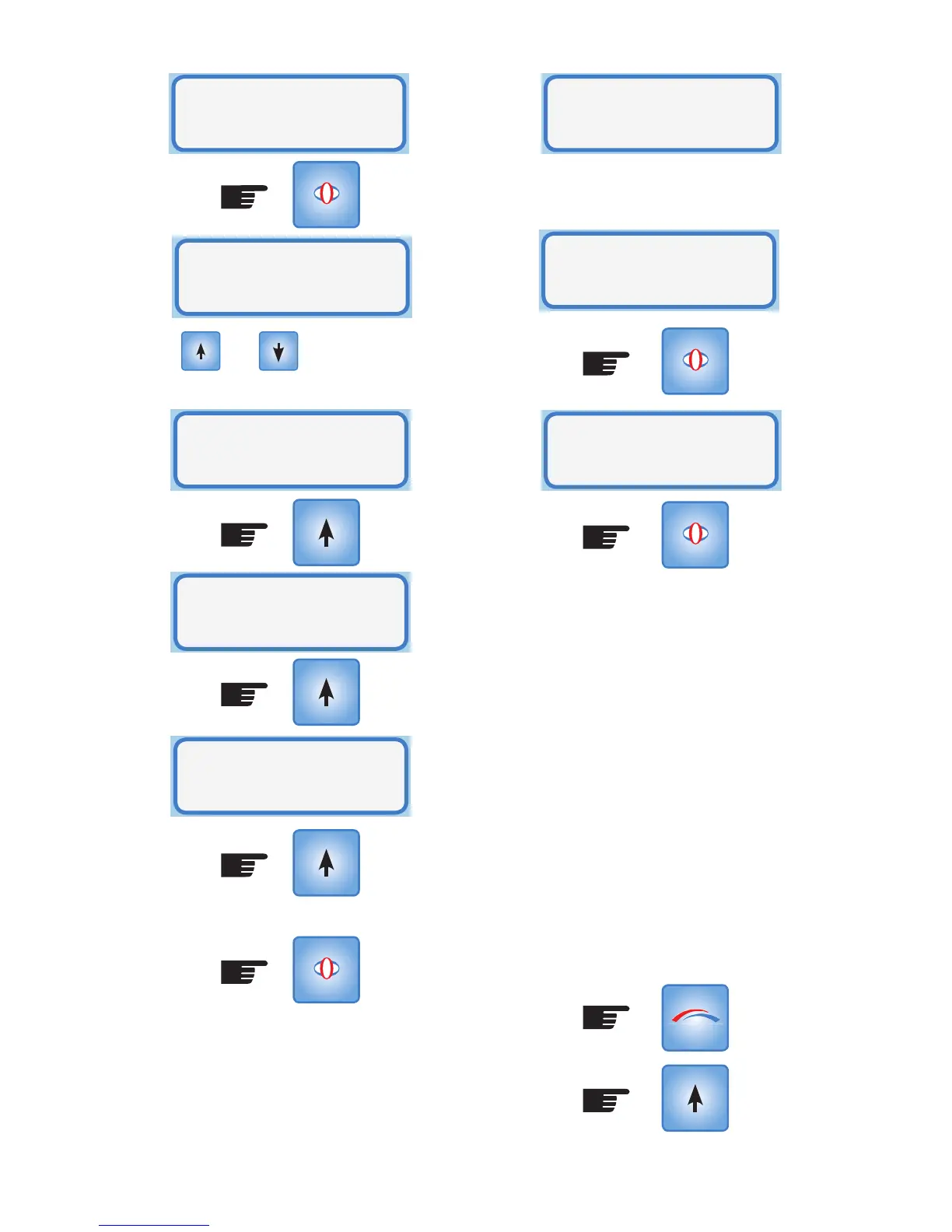
Use the and buttons to display
the time duration for the Override Heater
Mode.
When a choice has been made press
SELECT
Smart-Vent will turn ON the heater at
fan speed 2 when the controller returns
to Operational Mode. Screen three in
Operational Mode will display:
SELECT
Heater Mode:
Override
SELECT
Heater ON:
for 1 hour
Heater will return to Normal Operation.
Pressing Reset will also return the heater to
Normal Operation.
Note: Having entered an override time,
this can be changed to a greater or lesser
duration by simply re-entering Heater Mode,
selecting Override, changing the time and
selecting the new period.
For example:
A four hour Override has been chosen but
the householder decides that this is too
long. Enter Setup mode and step through to
Heater Mode. Select Override Mode and set
the heater for 1 hour:
(Press x6)
Heater ON:
for 2 hours
Heater ON:
for 4 hours
Heater ON:
for 6 hours
To disable Override Mode enter Setup Mode,
and scroll to Heater Mode option:
Heater On
Override
Heater
Mode
Heater Mode:
Normal
SELECT
MODE
SELECT



 To Next Page