2
2. Getting Started
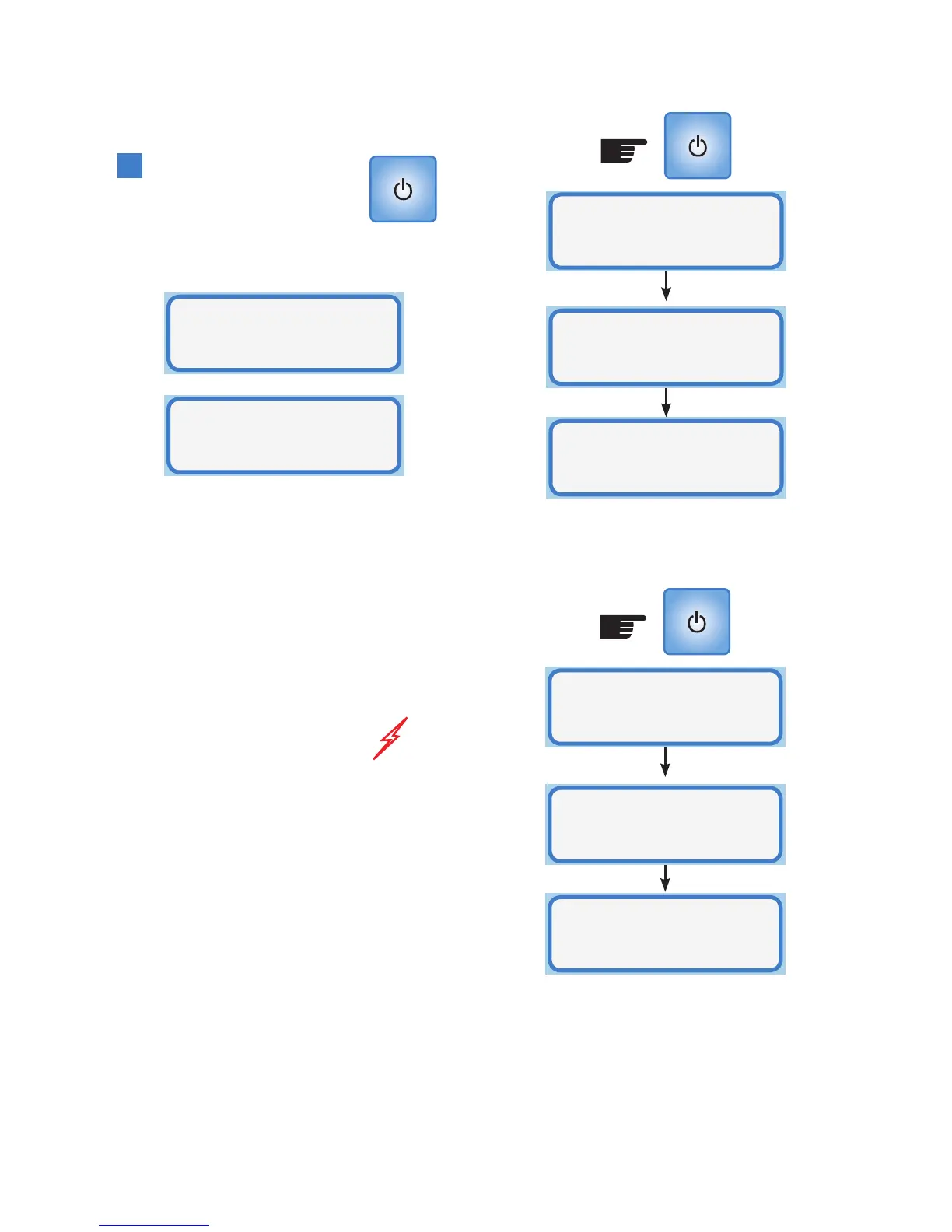
On/Off Button
This button turns the Smart-
Vent controller ON and OFF.
When the Smart-Vent is off the
display shows either:
Or:
This is dependent on the model purchased.
If the model purchased includes a summer
function then the controller will state
“Smart-Vent”. If no summer function
is included in the model purchased the
controller will state “EcoSmart-Vent”
Note:
• All relays in the ceiling unit are turned
OFF but the motor, damper assembly and
heater should be treated as live at all
times.
• The controller and the ceiling unit
continue to communicate but remain
passive in operation
• The other buttons will have no effect
other than to illuminate the LCD for 15
seconds if pressed
• Power is still active on both the controller
and ceiling unit
To turn the Smart-Vent or EcoSmart-Vent
on, press the ON/OFF button and the
following screens will appear:
Ceiling= 22
.
C
Room= 23
.
C
Smart-Vent
OFF
Smart-Vent
Active
Software
Version 2.XX
EcoSmart-Vent
OFF
Ceiling= 22
.
C
Room= 23
.
C
EcoSmart-Vent
Active
Software
Version 2.XX
Or:
Note: Software version 2.XX
- The XX denotes the version
number of the software.



 To Next Page