14
Set the hours and minutes as for the ON
time and press SELECT to exit the mode.
Screen 3 in Operational Mode shows
To exit this mode, return to Setup and
Heater Mode:
Heater returns to Normal Operation.
Pressing Reset will also return the heater to
Normal Operation.
Note: For all heater modes, pressing the
Reset button defaults to Normal Heater
Mode with the heater disabled.
SELECT
SELECT
SELECT
Heater On
Timer Mode
Heater
Mode
Heater Mode
Normal
Customer Service
To assist with any questions you may have
regarding your Smart-Vent controller a
contact number is conveniently stored in
setup mode.
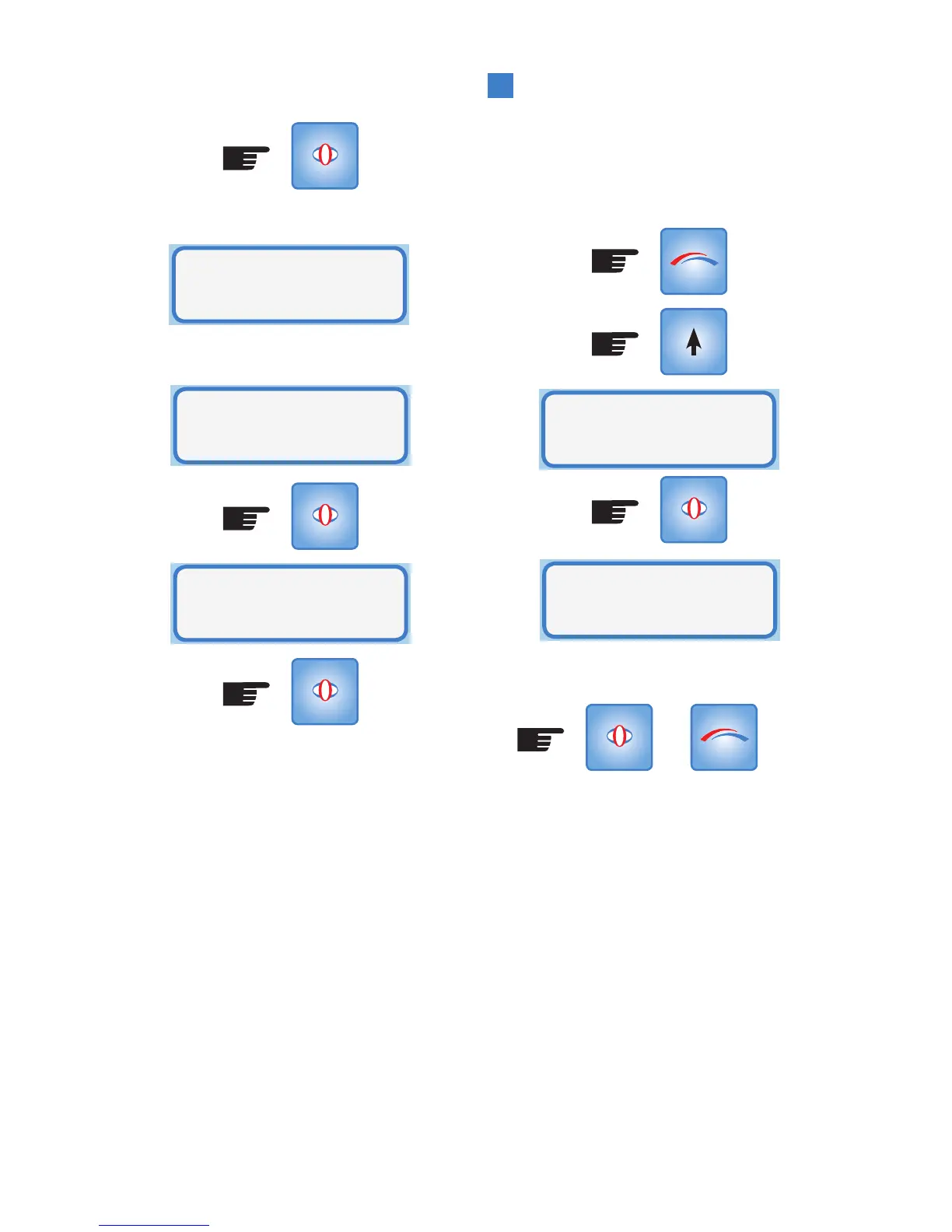
To access the help-line press MODE:
(Press x6)
Press SELECT or MODE to exit.
OR
MODE
Customer
Service
SELECT
Helpline
(09)259 1662
SELECT MODE



 To Next Page