4
Setup Mode is designed to allow the
householder to customise the Smart-Vent
operational parameters to their individual
requirements.
For example the householder may have
preferences for the normal fan speed and
the minimum temperature setting for
activating the in-line duct heater (if installed)
Setup Mode also provides information on
the % of filter life remaining, customer
service contacts and the setting of the real
time clock.
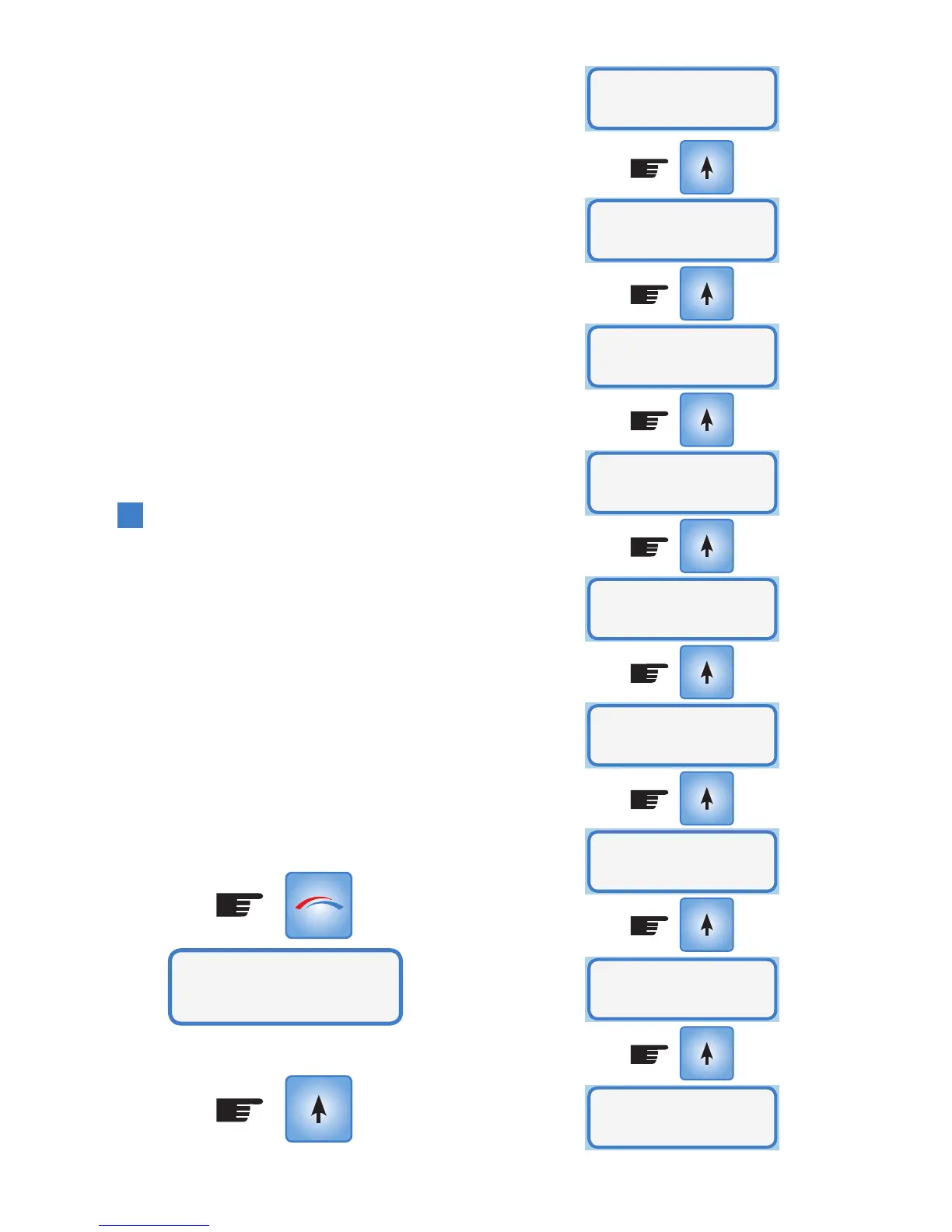
Setup Mode Menu
System Fan Speed
System Maximum Temperature
System Minimum Temperature
Filter Status
Heater Option
Heater Mode (if heater is installed & enabled)
Customer Service
Set Clock
Fan Mode (applies to Eco Smart-Vent models)
To enter Setup Mode, press the MODE
button
4. Setup Mode
MODE
System Setup
...Use arrows to change settings & select to enter
*
System
Fan Speed
System
Max Temp
System
Min Temp
Filter
Status
Heater
Option
Heater
Mode
Customer
Service
Fan
Mode
Set
Clock
**



 To Next Page