17
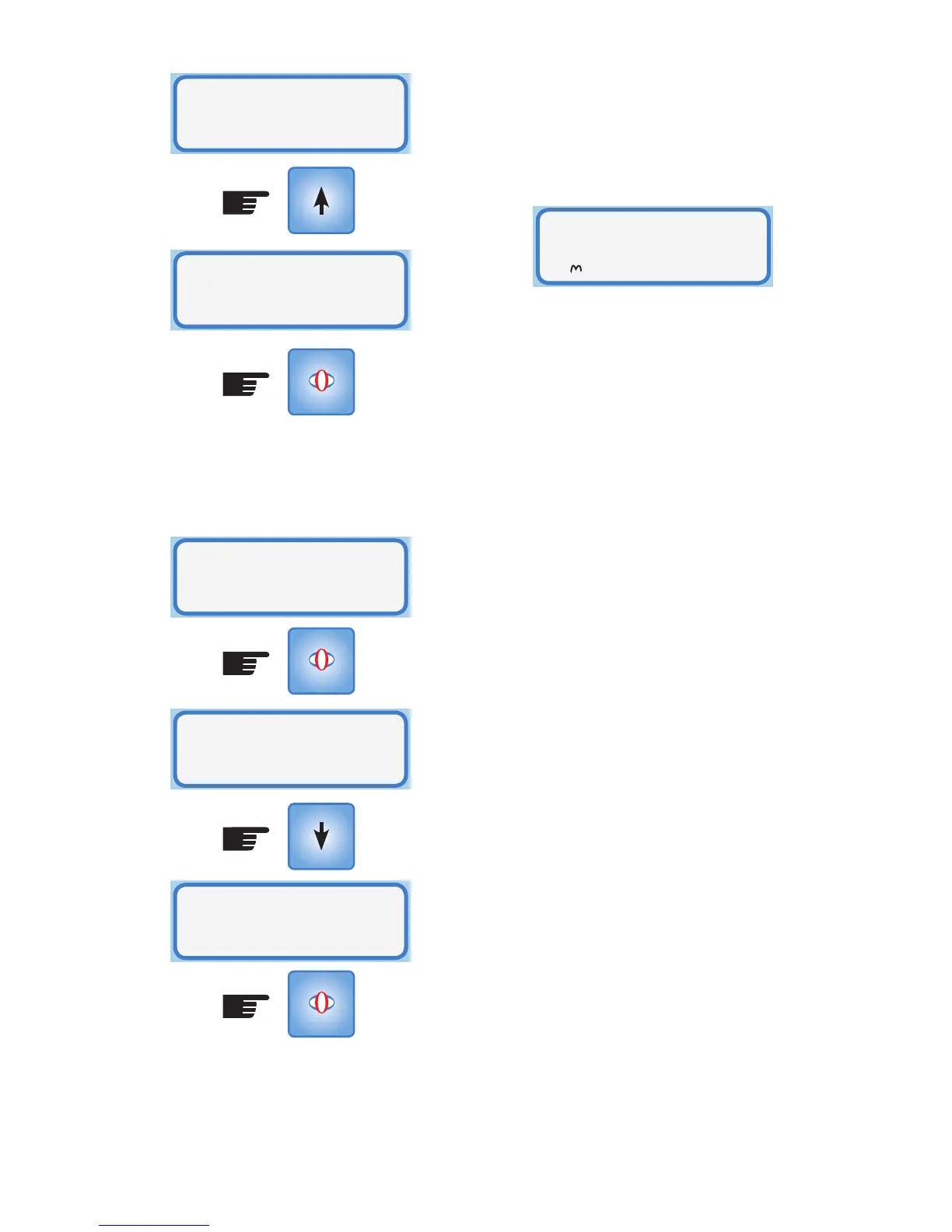
The fan will now be disabled above
the maximum temperature. Repeat the
procedure to restore the fan operation to
Normal Mode.
The Fan Mode has been set. Return to
Operational Mode by pressing MODE.
SELECT
SELECT
SELECT
Fan Mode
Max Temp off
Fan Mode
Max Temp off
Fan Mode
Normal
Fan
Mode
Fan Mode
Normal
If this Fan Mode is active and the maximum
temperature threshold has been exceeded
then the Normal Operating Mode shows
the fan icon as stationary & no fan speed
number.
The fan icon will return to a rotating display
when the ceiling temperature falls below
the maximum temperature threshold or the
fan operation is restored to normal or the
system is RESET.
Ceiling Vent
Heat Fan x



 To Next Page