Schweitzer Engineering Laboratories, Inc. SEL-487E-3, -4 Data Sheet
11
Rack-Type Breakers Mosaics
The SEL-487E supports the display of rack-type (also
referred to as truck-type) circuit breakers. The rack-type
breakers have three positions: racked out, test, and racked
in. When in the test or racked-in positions, the breaker
can be displayed as open or closed. When racked out, no
breaker open/close display are available. The rack-type
breakers are a display-only functionality and do not impact
any circuit breaker control capabilities.
Status and Trip Target LEDs
The SEL-487E includes programmable status and trip tar-
get LEDs, as well as programmable direct-action control
pushbuttons on the front panel. Figure 12 shows these targets.
The SEL-487E features a versatile front panel that you
can customize to fit your needs. Use SEL
OGIC control
equations and slide-in configurable front-panel labels to
change the function and identification of target LEDs
and operator control pushbuttons and LEDs. The blank
slide-in label set is included with the SEL-487E. You can
use templates supplied with the relay or hand label sup-
plied blank labels and print label sets from a printer.
Alarm Points
You can display messages on the SEL-487E front-panel
LCD that indicate alarm conditions in the power system.
The relay uses alarm points to place these messages on
the LCD.
Figure 19 shows a sample alarm points screen. The relay
can display as many as 66 alarm points. The relay auto-
matically displays new alarm points while in manual-
scrolling mode and in autoscrolling mode. You can con-
figure the alarm points message and trigger it either
immediately by using inputs, communications, or condi-
tionally by using powerful SEL
OGIC control equations.
The asterisk next to the alarm point indicates an active
alarm. Use the front-panel navigation pushbuttons to
clear inactive alarms.
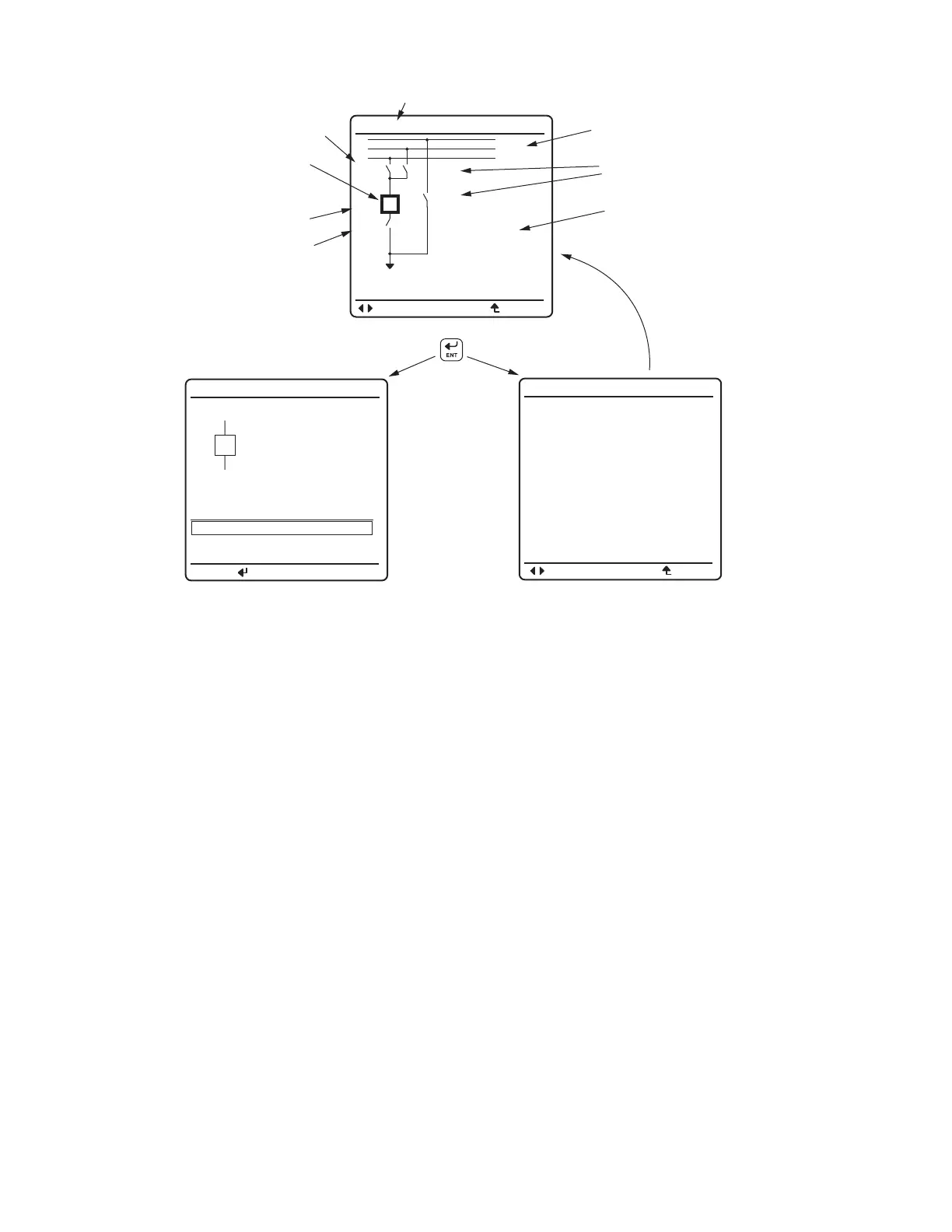
Figure 18 Screens for Circuit Breaker Selection
Bus Labels
BAYNAME
BAYNAME
OPEN BREAKER
CLOSE BREAKER
OPEN
Bkrnam
PRESS TO ACTIVATE
Bay not in
LOCAL Control!
Cannot issue
controls.
Press ENT with breaker highlighted
Breaker
Highlighted
(a) Bay Screen
(c) LOCAL bit NOT asserted
(b) Breaker Control Screen
After three seconds,
re-display the previous screen
BUS 2
Dis 4
Bkr 1
Dis 3
Dis 1
Dis 2
BUS 1
BUS T
Bay Name
Disconnect
Switch Label
Disconnect
Switch Label
Disconnect
Switch Label
Analog
Quantities
Display
Breaker
Label
6 ANALOGS
I:99999.9 A
V:99999.9 KV
P:99999.9 MW
Q:99999.9 MV
F:60.000 HZ
ESCNAVIG
ESCNAVIG



 To Next Page