Playing
Music with
Bluetooth
Devices
Music Sharing
Audio Boost
Smart Volume
Control
30K Motorcycle Bluetooth Communication System | 44
6. Stereo muSic
MENU
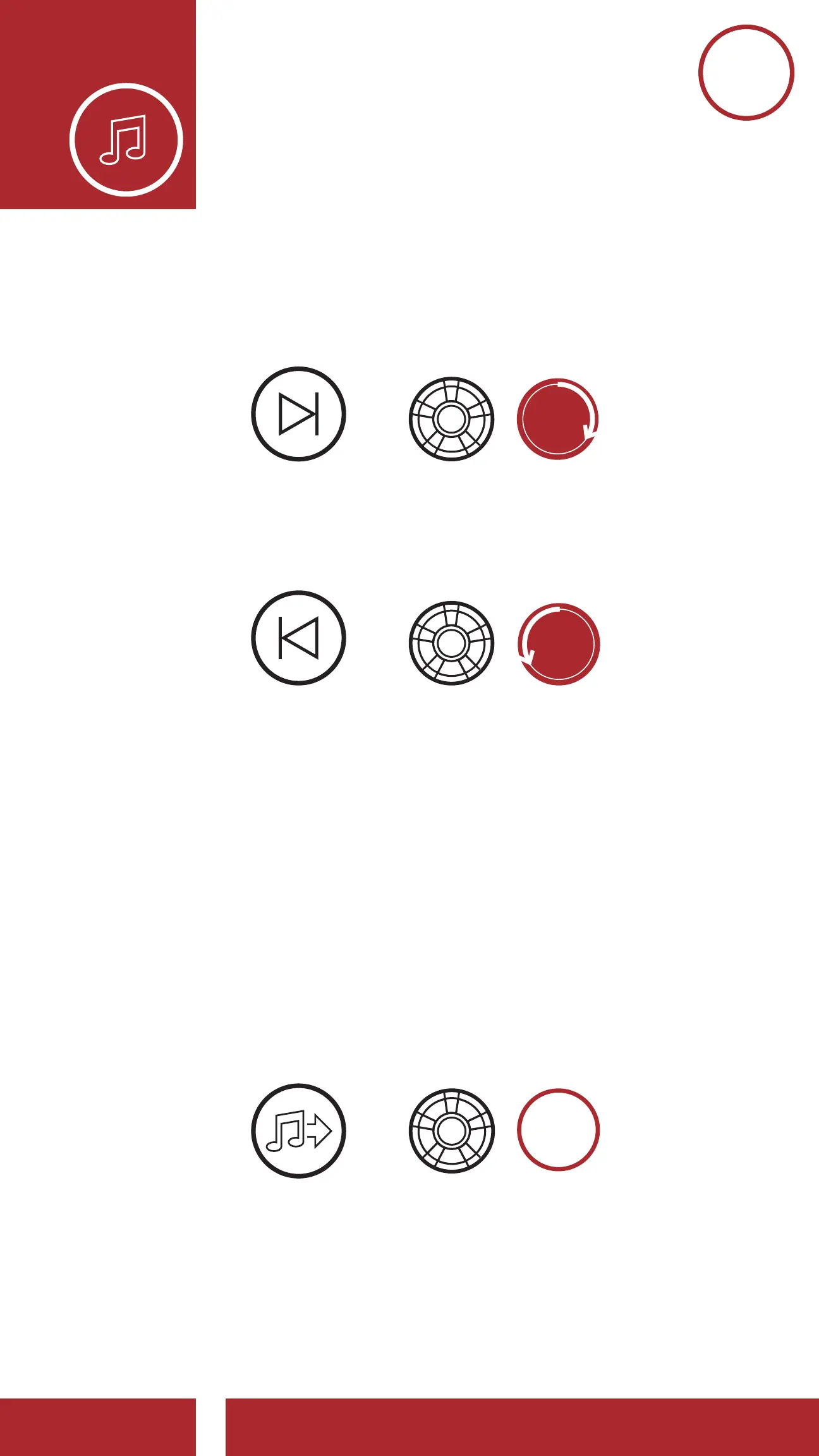
3. To track forward or back, rotate while pressing the
Jog Dial clockwise or counterclockwise.
Track Forward
Track Backward
=
=
SKIP TRACK
FORWARD
SKIP TRACK
BACKWARD
=
Volume Up
Volume Down
VOLUME
DOWN
VOLUME
UP
6.2 Music Sharing
You can share the music you’re listening to with an
Intercom Friend during an intercom conversation.
To start or terminate sharing music, press the Jog
Dial for 1 second during an intercom conversation
until you hear a double beep. Both you and your
Intercom Friend can control music playback.
Sharing Music with an Intercom Friend
during Intercom Conversation
SHARE
MUSIC
=



 To Next Page