Intercom
Pairing
Two-Way
Intercom
Multi-Way
Intercom
Three-Way
Conference
Phone Call
with Intercom
Users
Group
Intercom
Universal
Intercom
Audio
Multitasking
(Always On)
Intercom-
Audio Overlay
Sensitivity
Audio Overlay
Volume
Management
VOX Intercom
Intercom VOX
Sensitivity
HD Intercom
Advanced
Noise
Control™
30K Motorcycle Bluetooth Communication System | 53
7. Bluetooth
Intercom Setup
MENU
7.3.3 Ending Multi-Way Intercom
1. Press the Jog Dial for 1 second until you
hear a beep to terminate all intercom
connections.
2. Tap the Jog Dial to disconnect from your
rst Intercom Friend. Double tap the
Jog Dial to disconnect from your second
Intercom Friend.
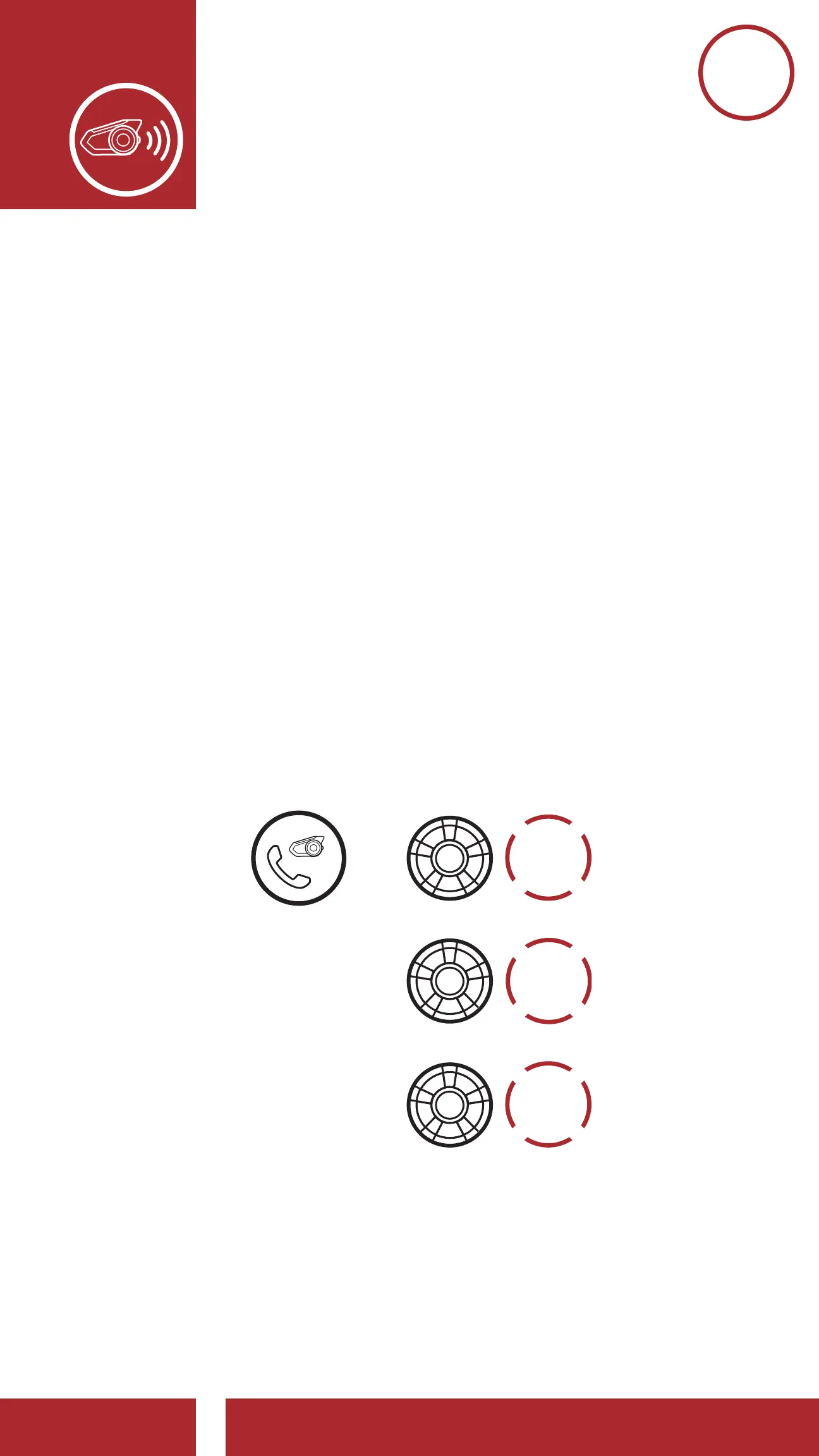
7.4 Three-Way Conference Phone Call
with Intercom Users
You can have a Three-Way Conference Phone Call
by adding an Intercom Friend to the mobile phone
conversation.
1. During a mobile phone call, tap the Jog Dial
once, twice or, three times to invite one of your
Intercom Friends to the conversation.
Invite an Intercom Friend into Phone Conference
Disconnect Intercom Friend from Conference
End Phone Call from Conference
ADD AN
INTERCOM
FRIEND
DURING
CALL
DISCONNECT
INTERCOM
END
INTERCOM
=
or
or



 To Next Page