FM Radio
On/Off
Seek and
Save Radio
Stations
Scan and
Save Radio
Stations
Temporary
Station Preset
Navigating
Preset
Stations
Region
Selection
Radio Data
System (RDS)
Alternative
Frequency
(AF) Setting
FM Station
Guide
30K Motorcycle Bluetooth Communication System | 77
9. Using the FM Radio
MENU
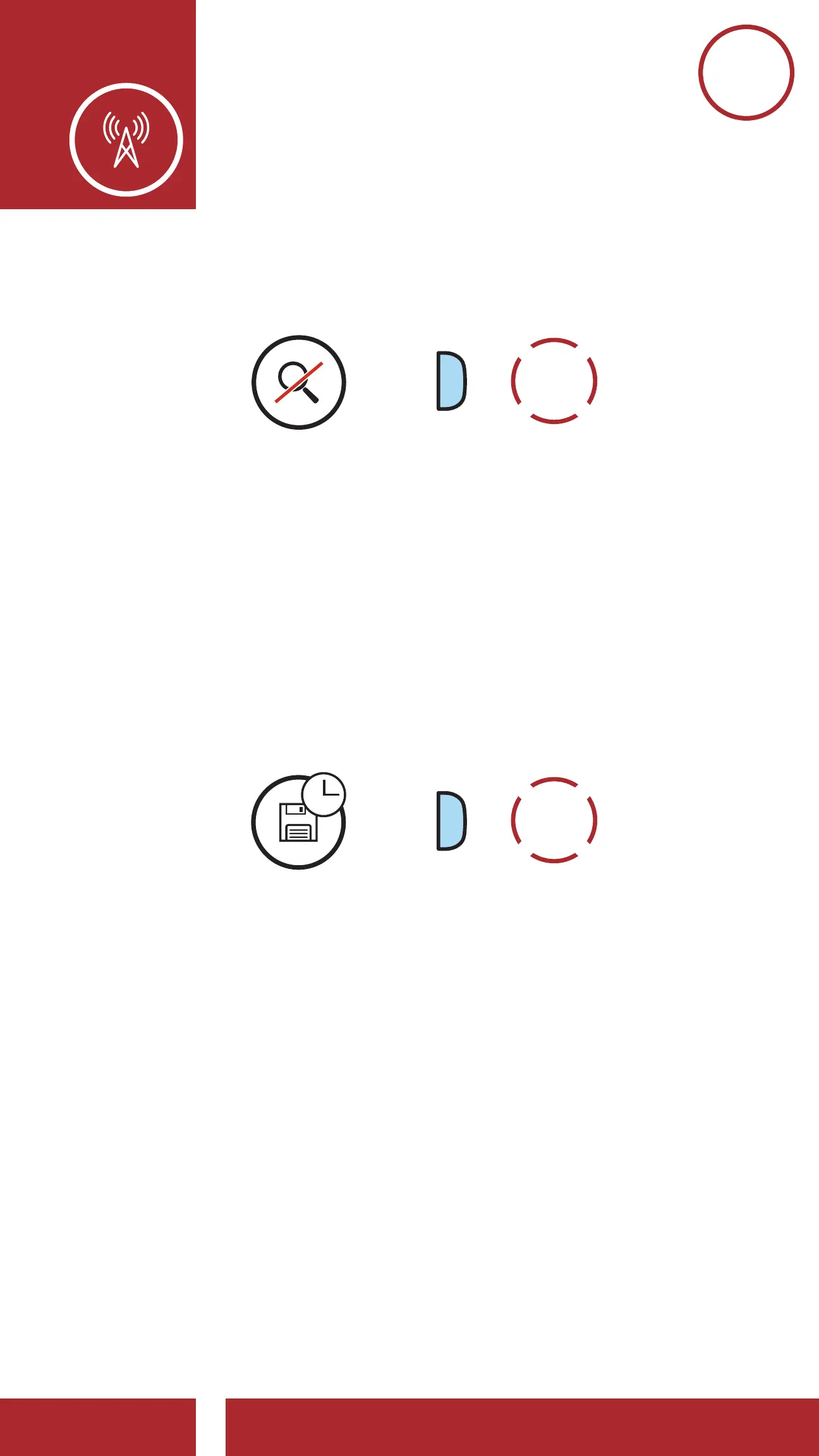
4. To stop scanning, double tap the Phone Button.
“Save preset (#)”
Scan and Save Radio Stations
Save the Current Station
Stop Scanning
START
SCANNING
SAVE
STATION
STOP
SCANNING
=
9.4 Temporary Station Preset
The Temporary Preset feature automatically nds
and saves the nearest 10 radio stations without
changing your existing preset stations.
1. Tap the Phone Button three times to
automatically nd and save 10 stations.
TEMPORARY
STATIONS
=
2. The temporary preset stations will be cleared
when the headset reboots.



 To Next Page