Mobile Phone
Additional
Mobile Phones,
MP3 Player
or Sena SR10
Two-Way Radio
Adapter
Advanced
Selective
Pairing:
Hands-Free or
A2DP Stereo
GPS Pairing
30K Motorcycle Bluetooth Communication System | 35
4. Pairing the
headset with
Other BluetOOth
devices
MENU
2. With your mobile phone in Bluetooth-
pairing mode, select the headset in the list
of devices detected.
3. If your mobile phone asks for a PIN, enter
0000.
Phone Selective Pairing
Blue fl ashing lights
indicates device is now
discoverable.
=
LED STATUS
=
PIN NUMBER
“Phone selective pairing”
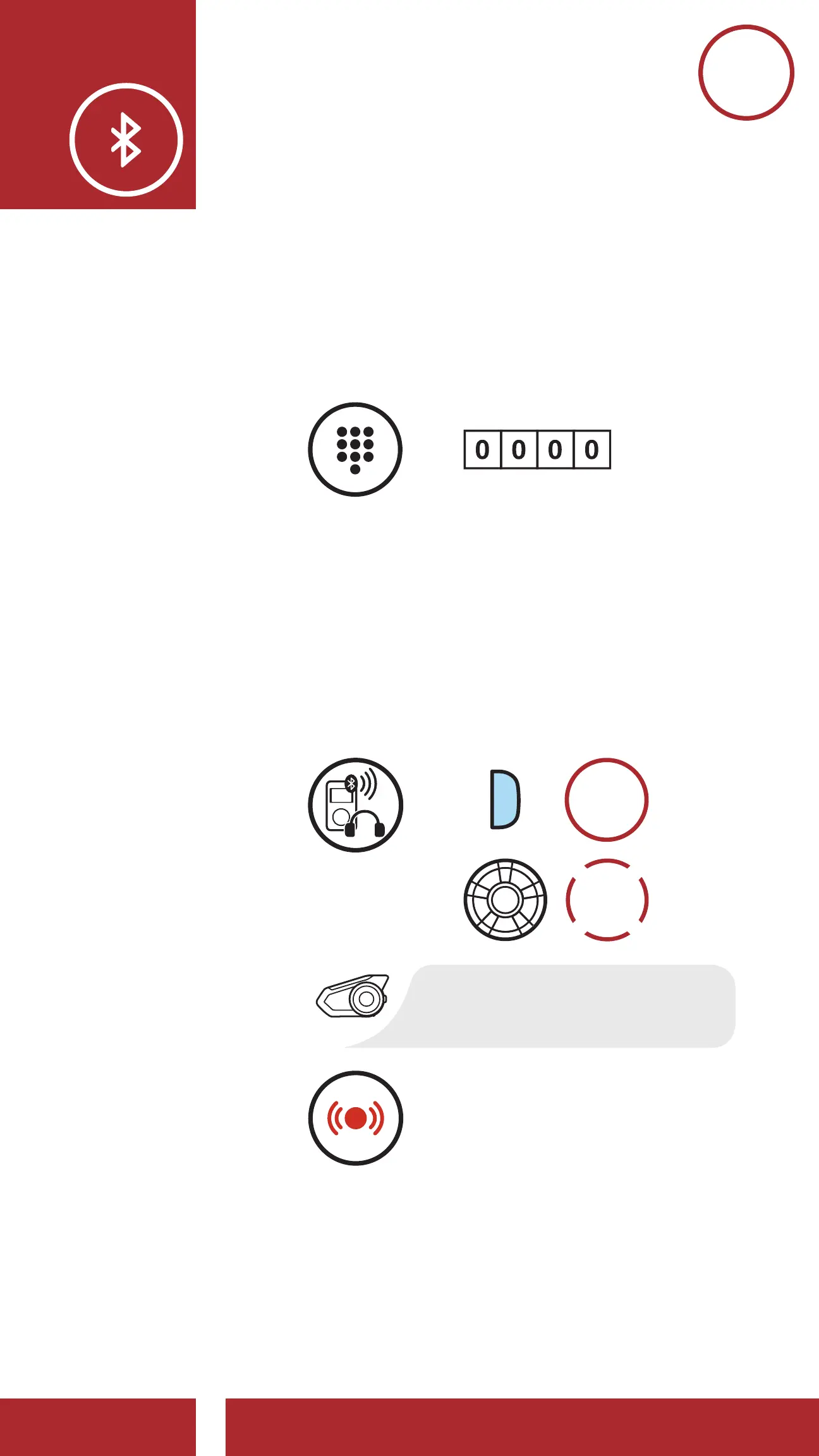
4.3.2 Media Selective Pairing - A2DP Profile
1. Execute Media Selective Pairing by
holding down the Phone Button for 5
seconds. Tap the Jog Dial once within 2
seconds.
Red fl ashing lights
indicate device is now
discoverable.
=
LED STATUS
“Media selective pairing”
5s
HOLD
=
MEDIA
SELECTIVE
PAIRING



 To Next Page