What is Mesh
Intercom?
Mesh Intercom
Mode
Using the Mesh
Mesh Intercom
Conference
with Bluetooth
Intercom
Participant
30K Motorcycle Bluetooth Communication System | 69
8. Mesh IntercoM
MENU
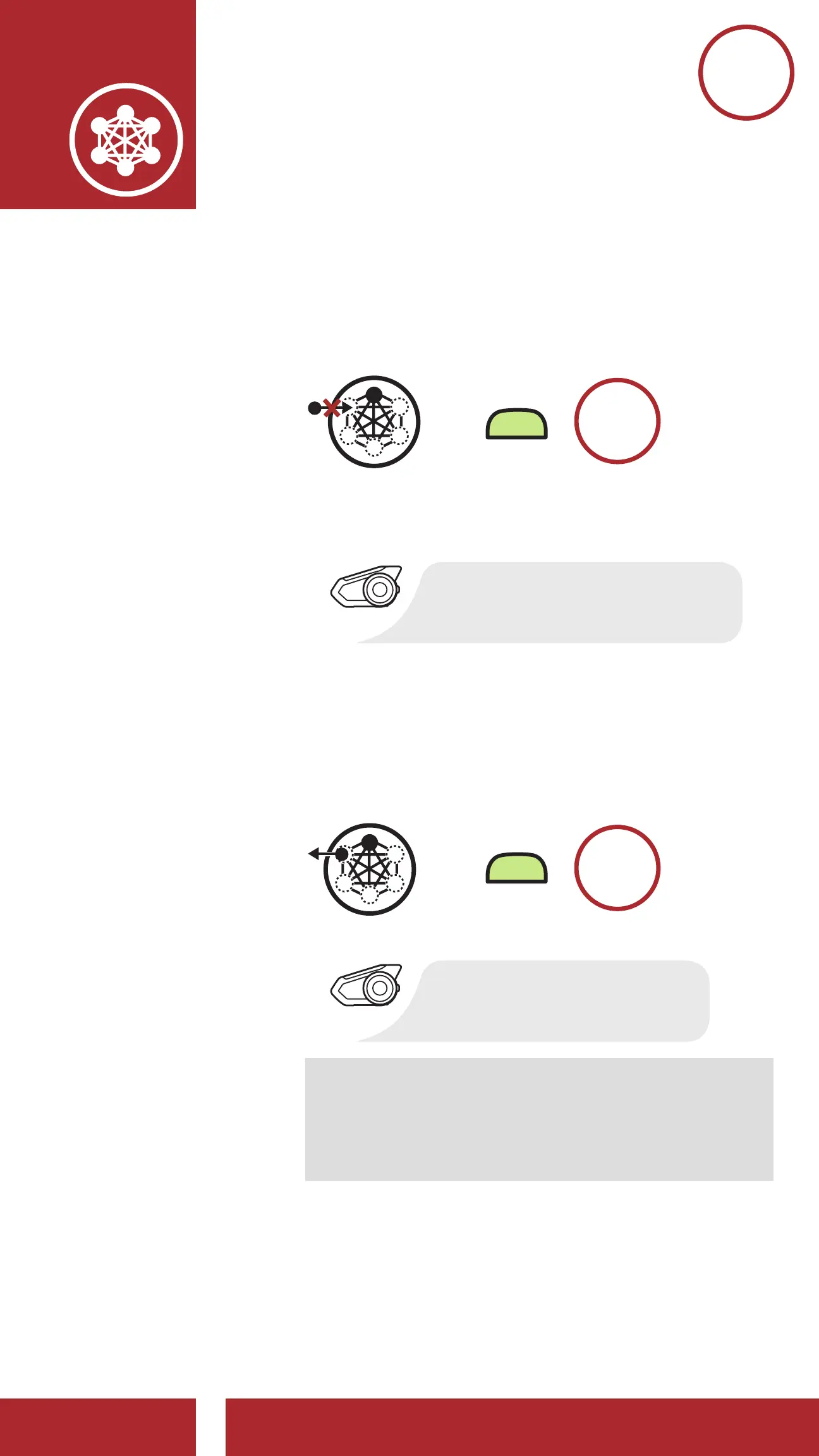
The creator of the Mesh can reject the request
for a user to join the closed intercom.
M
JOIN AN
EXISTING MESH
ACCEPT
REJECT
Join an Existing Mesh
[Participant]
[Creator]
Accept a participant
[Creator]
[Participant]
Reject a participant
[Creator]
[Participant]
=
“Searching for Mesh”
“Joined the mesh”
“Request rejected”
“Would you like to add
a new participant?”
QUIT MESH
=
“Quit the mesh”
8.3.3 Quit the Mesh
Users that quit the Mesh will automatically
return to Public Mode.
M
JOIN AN
EXISTING MESH
ACCEPT
REJECT
Join an Existing Mesh
[Participant]
[Creator]
Accept a participant
[Creator]
[Participant]
Reject a participant
[Creator]
Quick the Mesh
[Participant]
=
=
=
“Searching for Mesh”
“Joined the mesh”
“Request rejected”
“Would you like to add
a new participant?”
QUIT MESH
=
“Quit the mesh”
Note: When a user quits the Mesh, the
headset will automatically switch to Public
Mode and the stored Mesh Network
information will be deleted.



 To Next Page