Function
Priority
Firmware
Upgrades
Voice
Prompts
Sidetone
Delete All
Bluetooth
Pairing
Information
30K Motorcycle Bluetooth Communication System | 86
12. General SettinGS
MENU
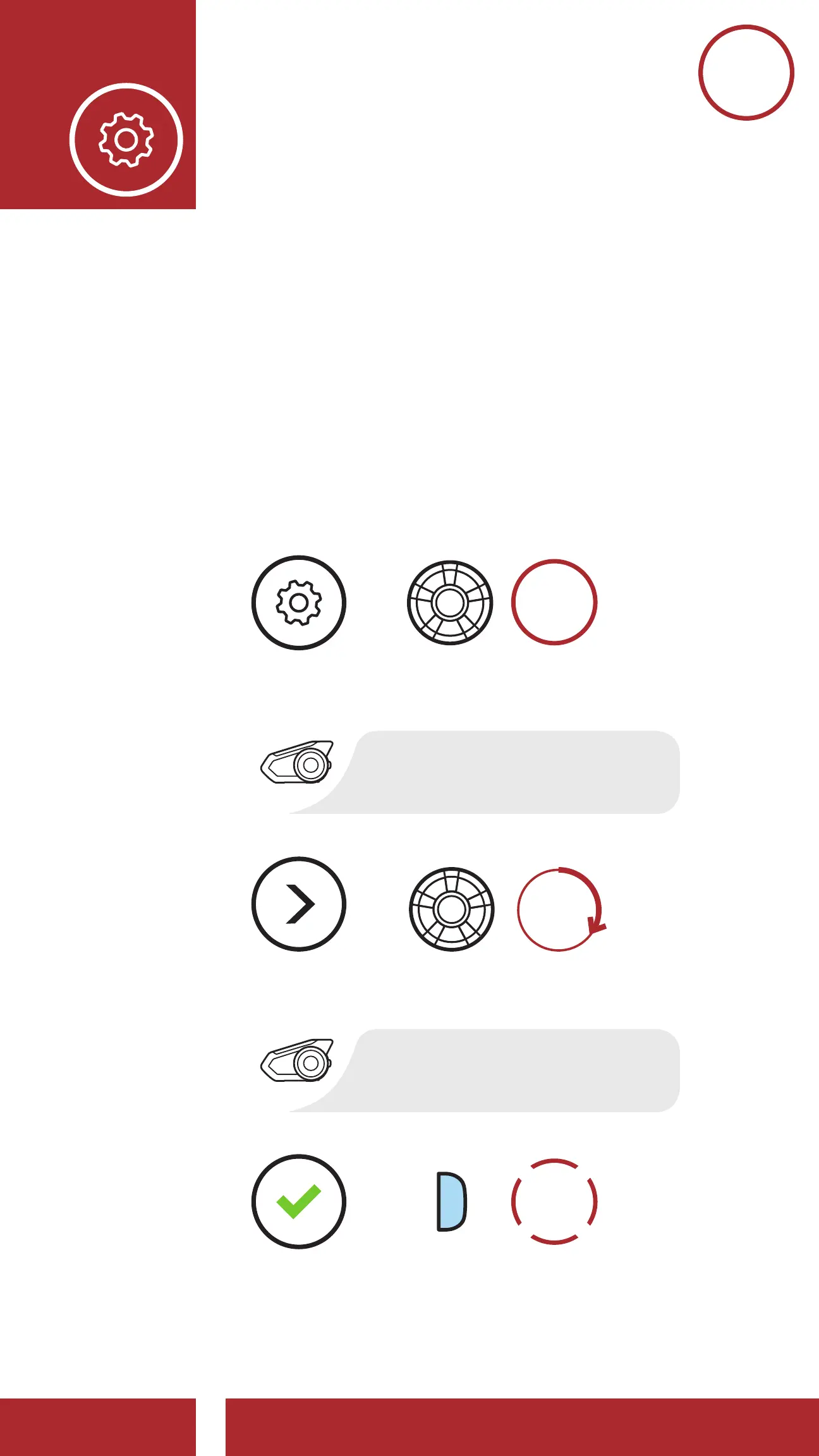
12.5 Delete All Bluetooth Pairing
Information
A Delete All Bluetooth Pairing Information
setting can be found in the Headset Configuration
Menu.
Tap the Phone Button when in this menu to Delete
All Bluetooth Pairing Information stored in the
headset.
NAVIGATE
FORWARD
“Confi guration menu”
“Delete all pairings”
Access Delete All Pairings in the Confi guration Menu
EXECUTE
=
=
=
ACCESS
CONFIG.
MENU



 To Next Page