Intercom
Pairing
Two-Way
Intercom
Multi-Way
Intercom
Three-Way
Conference
Phone Call
with Intercom
Users
Group
Intercom
Universal
Intercom
Audio
Multitasking
(Always On)
Intercom-
Audio Overlay
Sensitivity
Audio Overlay
Volume
Management
VOX Intercom
Intercom VOX
Sensitivity
HD Intercom
Advanced
Noise
Control™
30K Motorcycle Bluetooth Communication System | 46
7. Bluetooth
Intercom Setup
MENU
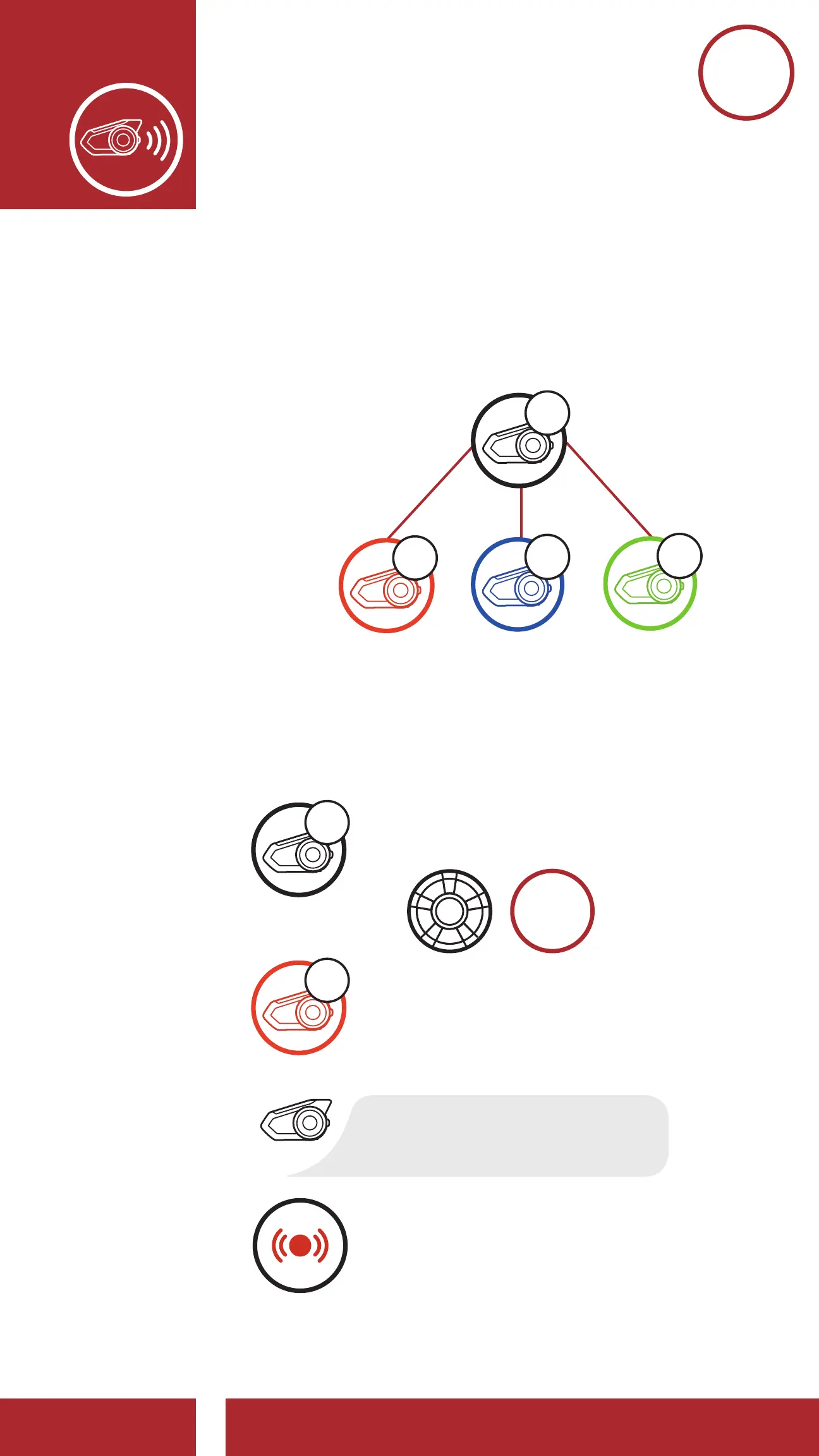
7.1 Intercom Pairing
Up to three people can communicate via intercom
with the headset simply by pairing their headsets.
Pairing with Intercom Friends
Pairing Headset A with Headset B
and
or
=
=
“Intercom pairing”
=
LED
STATUS
Flashing blue LED confi rms
intercoms are paired.
Red fl ashing lights indicate
device is now discoverable.
=
LED STATUS
YOU
YOU
1. Press and hold the Jog Dials of two headsets
for 5 seconds until you hear the voice prompt,
“Intercom pairing”.
Pairing with Intercom Friends
Pairing Headset A with Headset B
and
=
“Intercom pairing”
=
LED
STATUS
Flashing blue LED confi rms
intercoms are paired.
Red fl ashing lights indicate
device is now discoverable.
=
LED STATUS
YOU
7. BLuETOOTh
INTErCOm SETuP



 To Next Page