Button
Functions
Powering On
and Off
Charging
Checking the
Battery Level
Volume
Adjustment
Downloadable
Sena Software
Configuration
Menu
30K Motorcycle Bluetooth Communication System | 28
3. GettinG Started
MENU
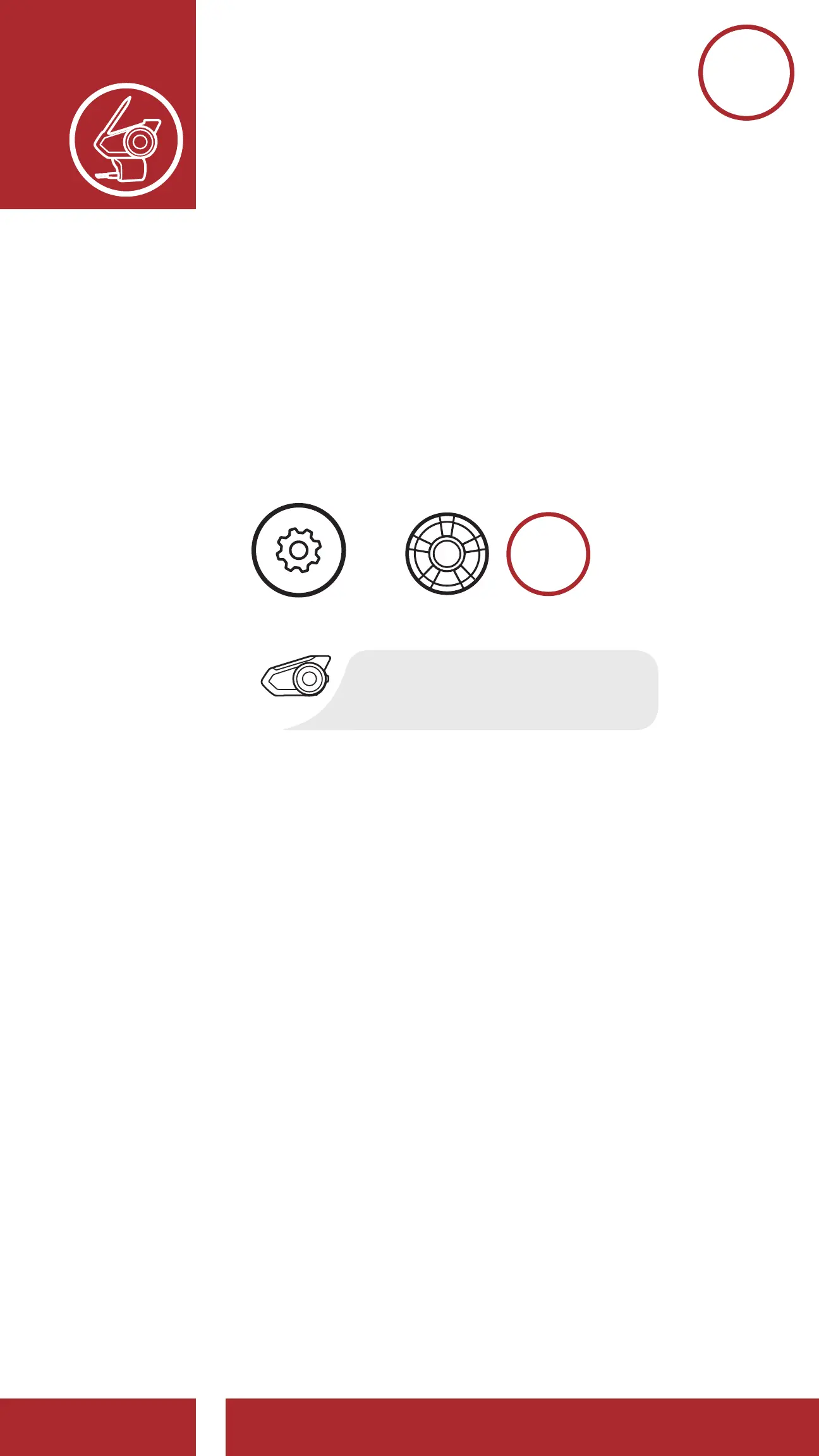
3.7 Configuration Menu
The headset can be congured by following a series
of voice prompts. Further details about each of these
settings will be explained on the following pages.
1. To access the Configuration Menu, press and
hold the Jog Dial for 10 seconds until you hear
the voice prompt, “Configuration menu.”
Accessing the Confi guration Menu
Navigating Forward through the Menu
Navigating Backward through the Menu
Execute Menu Options
10s
HOLD
=
“Confi guration menu”
CONFIG.
MENU
“[Menu prompt]”
NAVIGATE
FORWARD
NAVIGATE
BACKWARD
=
=
“[Menu prompt]”



 To Next Page