Button
Functions
Powering On
and Off
Charging
Checking the
Battery Level
Volume
Adjustment
Downloadable
Sena Software
Configuration
Menu
30K Motorcycle Bluetooth Communication System | 29
3. GettinG Started
MENU
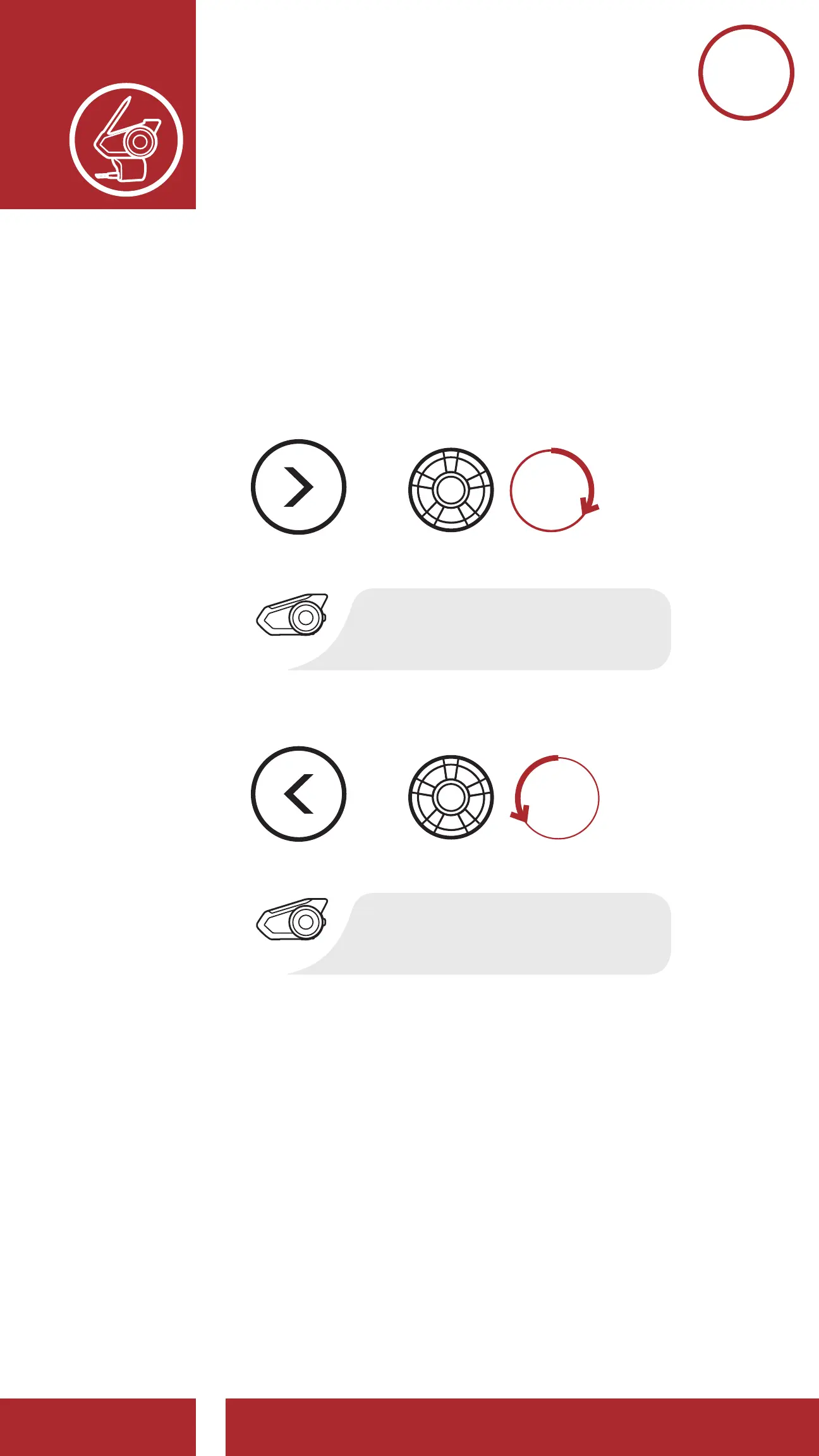
2. Rotate the Jog Dial clockwise or
counterclockwise to navigate between the
menus. You will hear voice prompts for each
menu item. The list of functions is shown in the
“Headset Configuration Menu” on page 30.
Accessing the Confi guration Menu
Navigating Forward through the Menu
Navigating Backward through the Menu
=
“Confi guration menu”
CONFIG.
MENU
“[Menu prompt]”
NAVIGATE
FORWARD
NAVIGATE
BACKWARD
=
=
“[Menu prompt]”



 To Next Page