What is Mesh
Intercom?
Mesh Intercom
Mode
Using the Mesh
Mesh Intercom
Conference
with Bluetooth
Intercom
Participant
30K Motorcycle Bluetooth Communication System | 67
8. Mesh IntercoM
MENU
8.3 Using the Mesh
8.3.1 Creating the Mesh
A user can create a Mesh so that they can
invite nearby 30K headsets to join in a closed
intercom conversation.
M
CREATE
MESH
ACCEPT
INVITATION
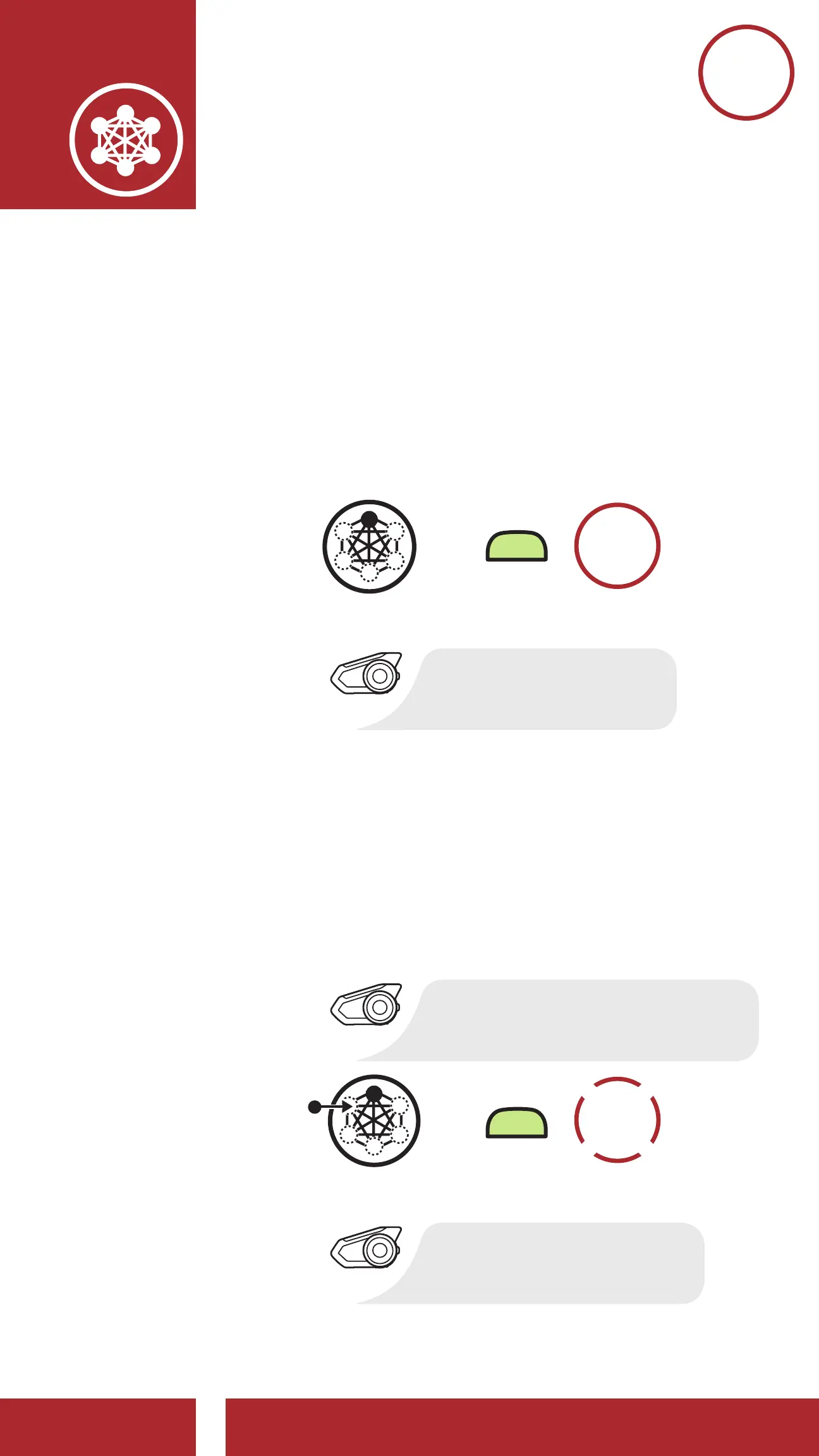
Create Mesh
[Creator]
Accept Invitation During Mesh Creation
[Participant]
=
“Creating mesh”
“Joined the mesh”
“Would like to join a mesh?”
Users within range and in Public Mode can
accept the invitation sent by the creator of the
Mesh to join a closed intercom conversation
after hearing the voice prompt “Would you
like to join a mesh?”
M
ACCEPT
INVITATION
Accept Invitation During Mesh Creation
[Participant]
=
“Joined the mesh”
“Would like to join a mesh?”



 To Next Page