What is Mesh
Intercom?
Mesh Intercom
Mode
Using the Mesh
Mesh Intercom
Conference
with Bluetooth
Intercom
Participant
30K Motorcycle Bluetooth Communication System | 71
8. Mesh IntercoM
MENU
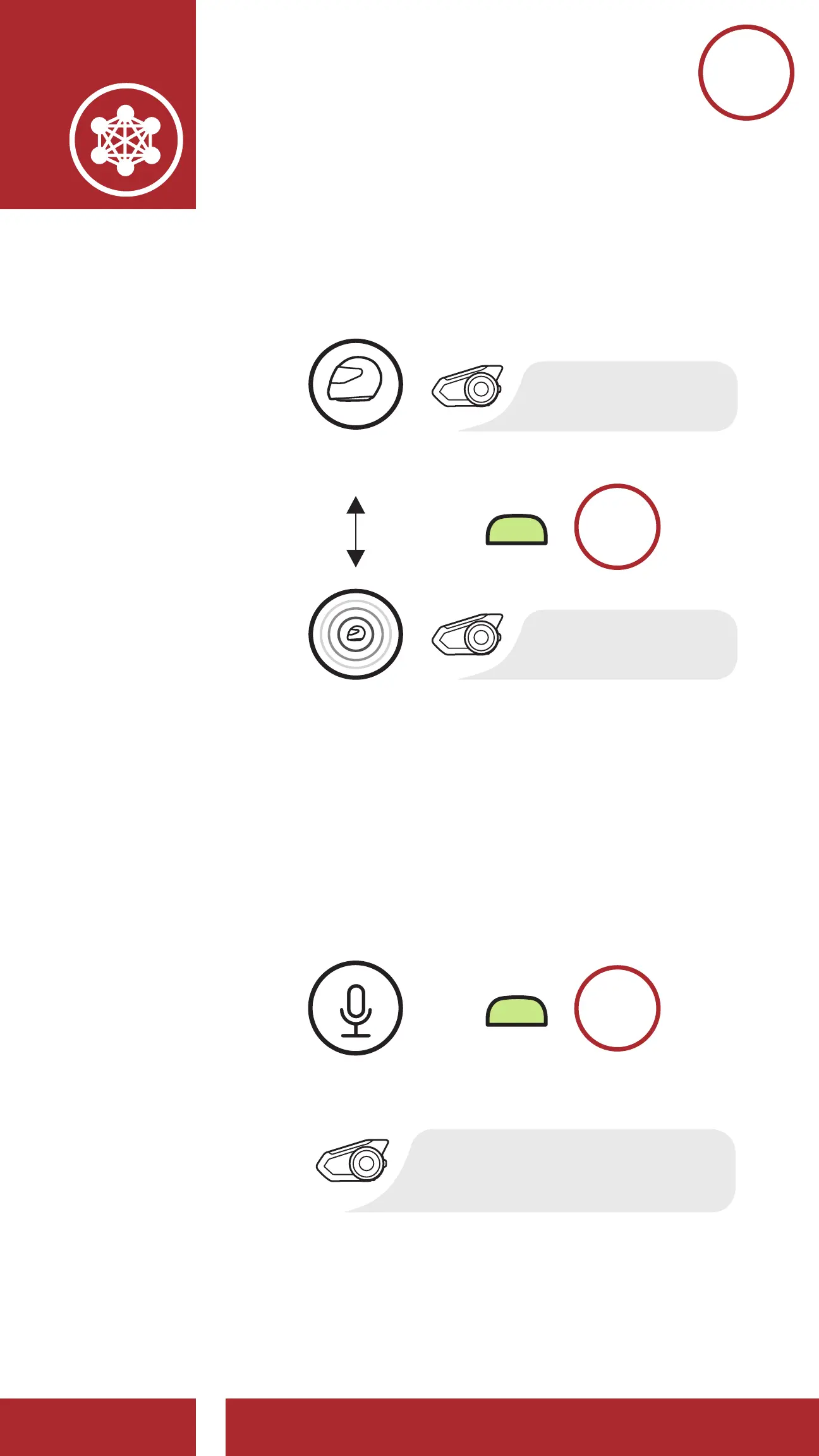
8.3.5 Toggle Public Mode / Guest Mode
M
Toggle Between Public Mode and
Guest Mode
=
“Guest Mode”
“Public Mode”
GUEST
MODE
PUBLIC
MODE
8.3.6 Mic Enable/Disable (Default: Enable)
Users can enable/disable the microphone
when communicating in a Mesh Intercom.
This can be done in either Public Mode or
Private Mode.
Enable / Disable the Microphone
=
“Mic on / Mic off”
M
ENABLE /
DISABLE THE
MICROPHONE



 To Next Page