Button
Functions
Powering On
and Off
Charging
Checking the
Battery Level
Volume
Adjustment
Downloadable
Sena Software
Configuration
Menu
30K Motorcycle Bluetooth Communication System | 21
3. GettinG Started
MENU
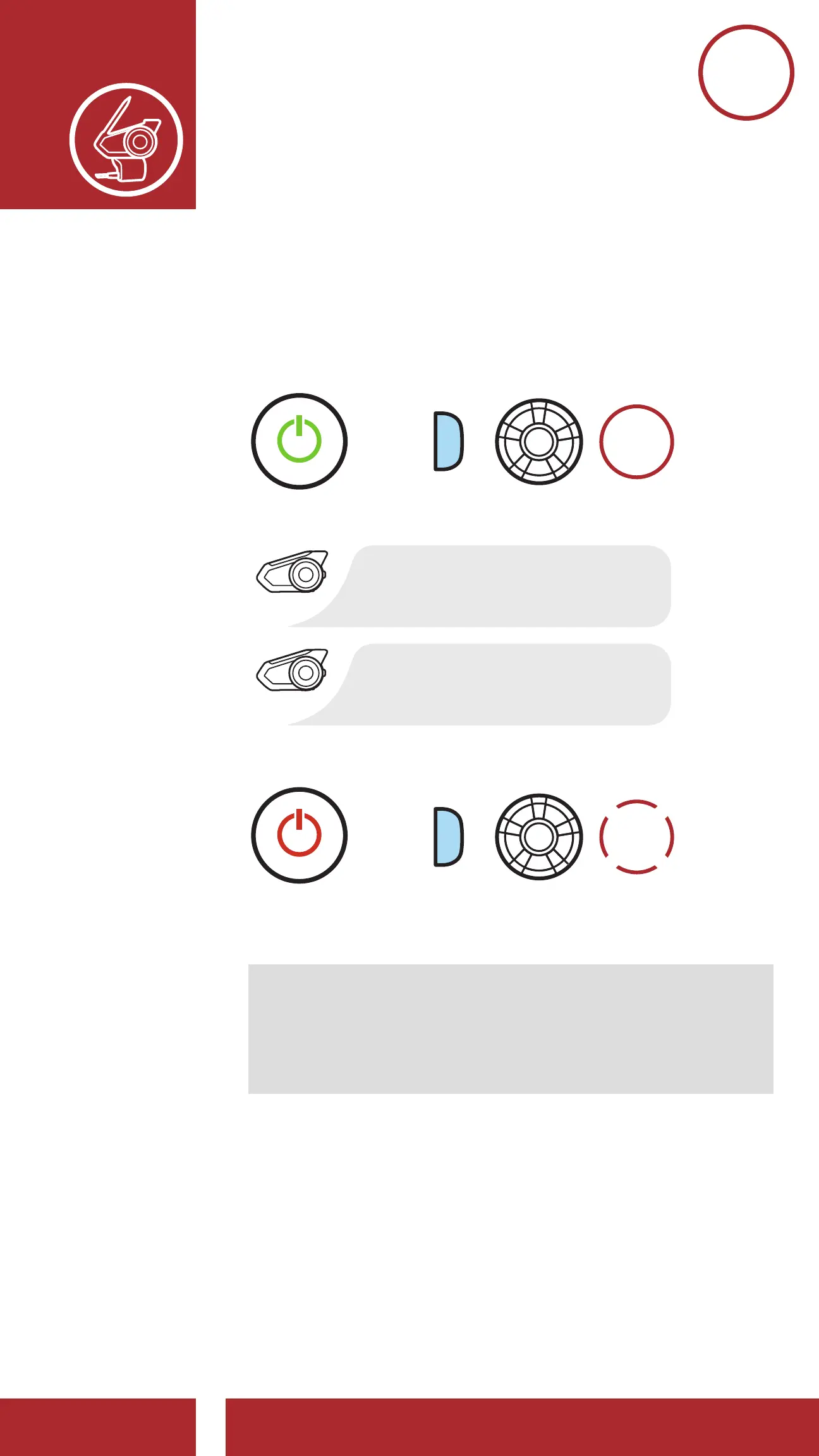
3.2 Powering On and Off
Press and hold the Jog Dial and Phone Button at
the same time to turn the headset on or off.
1s
HOLD
=
POWER
ON
=
POWER
Powering Off
“Preparing headset”
“Hello”
Note: If the Voice Command setting is disabled,
the “Hello” voice prompt will be heard instantly
after powering on the headset. Please refer to
Section 11: “Voice Command” for more details.



 To Next Page