Using the “Conference Manager” software
166 | ADN Digital Conference System
Automatically logging in the wireless conference units
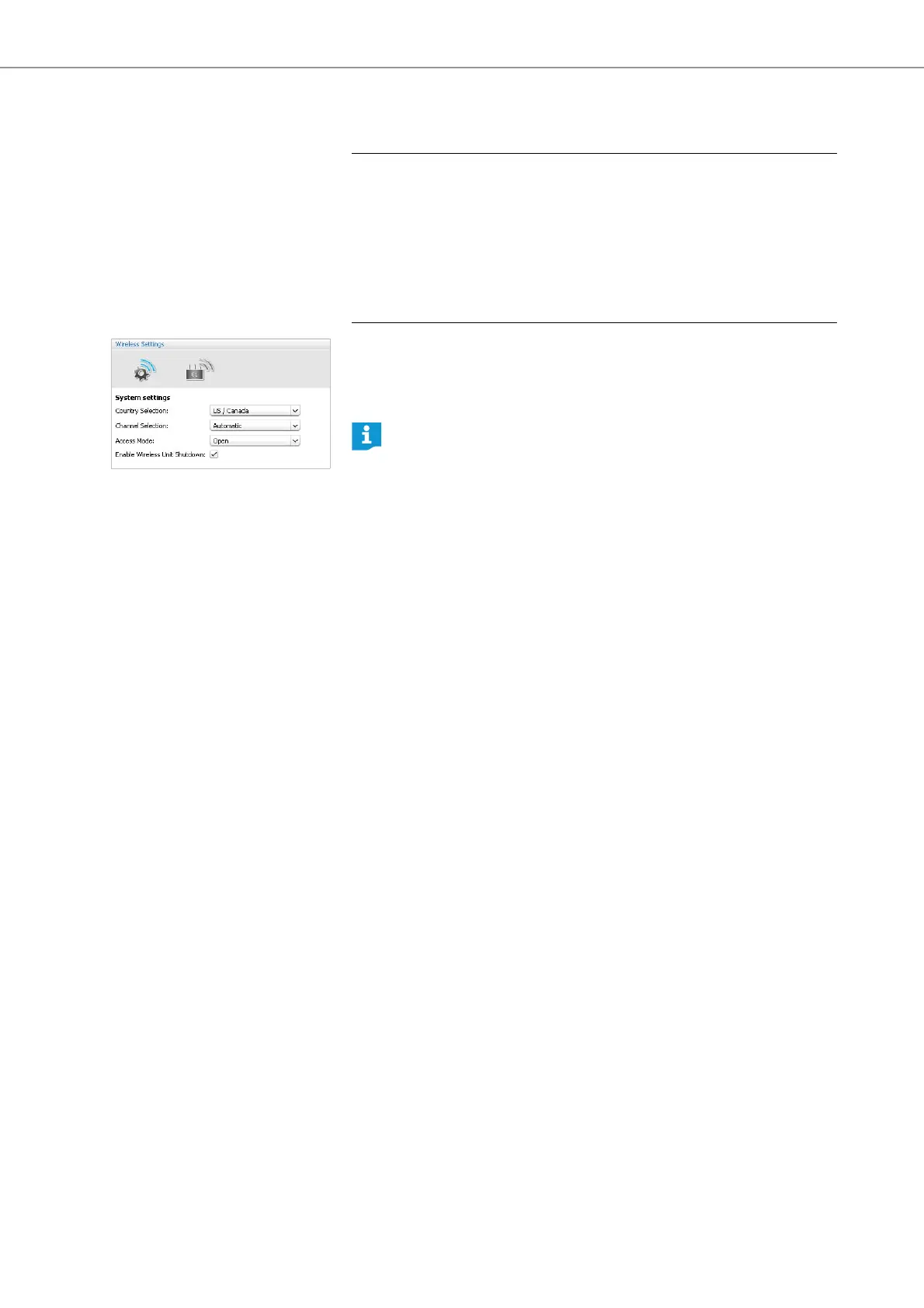
(open wireless conferencing) – “Access Mode - Open“
왘 Select “Open” from the “Access Mode” drop-down list.
왘 Click “Apply” or “OK“.
After switch-on, all wireless conference units within the transmission range
automatically connect to the antenna module and are ready for operation.
CAUTION
Intermodulation during conferencing!
If seve
ral open wireless conferences are held simultaneously (“Access Mode -
Open”)
, intermodulation will occur because the conference
units communicate with
the antenna modules of the different conference systems.
왘 In this case, manually log in the wireless conference uni
ts to the correct antenna
module (see “Manually logging in the wireless conference units (closed wireless
conferencing) – “Access Mode - Closed“” on page 167).
A list of the automatically logged-in wireless conference units is shown in
the Delegate View window (see page 206).



 To Next Page