ADN Digital Conference System |49
Putting the conference system into operation
Connecting the charger to and disconnecting it from the mains power supply
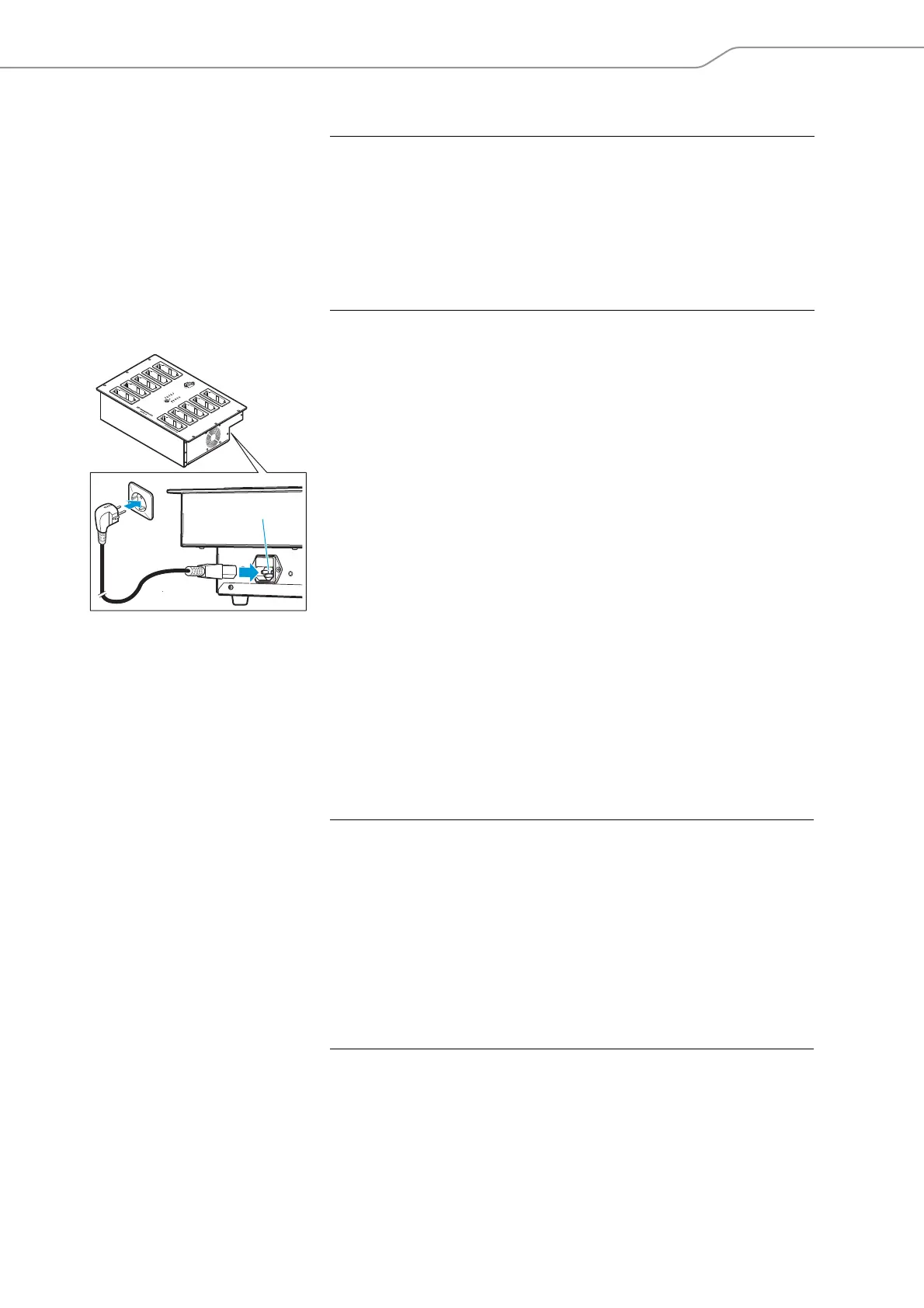
To connect the charger to the mains power supply:
왘 Connect the connector of the mains ca
ble
to the mains socket .
왘 Connect the mains plug (EU, UK or US plug) of
the mains cable to the wall
socket. Ensure a secure fit of the mains plug in the wall socket.
The charger is now ready for operation.
To disconnect the charger from the mains power supply:
왘 Pull out the mains plug from the wall socket.
Preparing the ADN-W CASE UNITS charging case for
operation
The ADN-W CASE UNITS charging case allows you to simultaneously charge up to
10 ADN-W C1 or ADN-W D1 wireless conference units with their ADN-W BA battery
packs installed.
Setting up the charging case
왘 Place the charging case on a flat, horizontal surface as shown.
CAUTION
Product damage due to an unsuitable power supply!
If
you connect the charger to an unsuitable power supply, this can cause damage
to the device.
왘 Use a mains cable with a 3-pin IEC mains connector to ensure a reliable mains
ground connection of the
charger – especially when you are using an extension
cable or a multi-outlet power strip.
왘 Avoid circuit overloading. If necessary, provide overcurrent protection.
8
CAUTION
Danger of heat accumulation in a closed charging case!
The ADN
-W CASE UNITS charging case and the ADN-W BA battery packs can get hot
during charging. If the heat cannot dissipate, the charging time increases and the
products can be damaged.
왘 Only operate the charging case in closed rooms and within the specified operat-
ing temperature range and air humidity range (see page 247) and make sure
that no air vents are blocked.
왘 Do not close the lid of the charging case during charging.
왘 Do not expose the charging case to heat
sources and direct sunlight during
charging.



 To Next Page