Structuring and controlling the conference system
34 | ADN Digital Conference System
Configuring and controlling the conference system
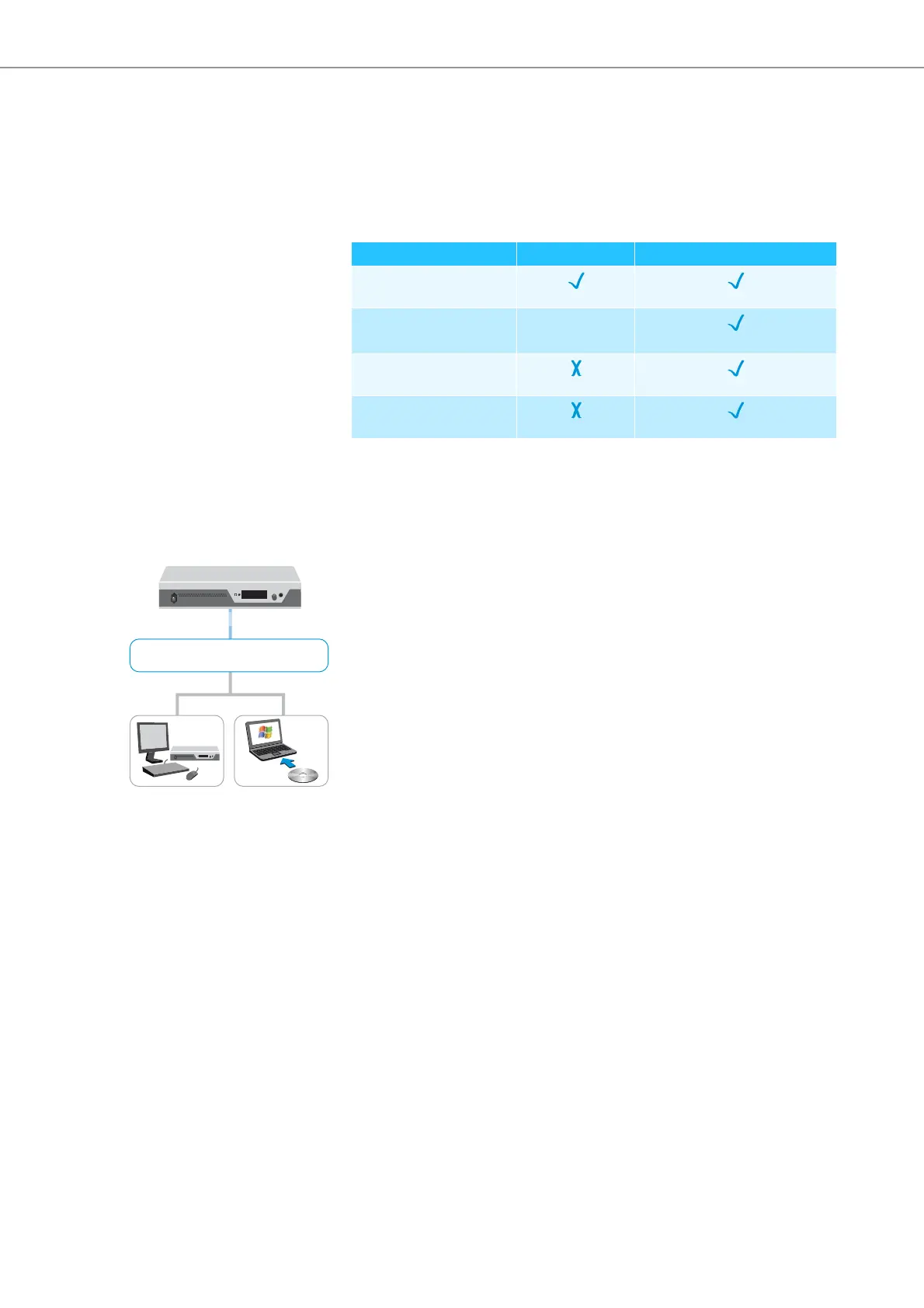
For configuring the conference system, you can either use the operating menu of
the central unit or the “Conference Manager” software. However, the full function-
ality of a wireless conference system can only be configured using the “Conference
Manager” software. The software also allows you to control conferences via a
graphical interface:
The “Conference Manager” software can be run in two different ways:
1
.
As a program on the central unit’s built-in PC
You have to connect a screen, keyboard, and mouse to the central unit (see
page 126).
2. As a program on a Windows PC
You have to install the “Conference Manager” software on the PC and integrate
the PC
together with the central unit in a network (see page 127).
Input and output of audio signals
Via XLR sockets, you can feed audio signals to the floor channel or output the floor
channel (see page 75).
For recording a conference on a USB mass storage device, you can use the recording
function of the ADN CU1 central unit, which saves the floor channel and all channels
of the conference units as audio files in wav format (see page 122).
Integration into a media control system
The ADN conference system can be completely integrated into a media control sys-
tem. You can monitor and control all functions of the conference system via the
programmable commands of your media control system (see page 80).
Function Operating menu “Conference Manager” software
Configuring the
conference
Configuring the wireless
conference components
possible with
restrictions
*
* When using the operating menu, you can only select dynamic frequency management
and the wireless conference units can only automatically connect to the antenna
module (“Access Mode - Open“). Manual frequency selection and manual
log-in of the
conference units (“Access Mode - Closed“) are only possible using the “Conference
Manager” software.
Controlling the conference
via a graphical interface
Monitoring the wireless
conference components
Conference Manager software
ADN CU1
1
2



 To Next Page