Using the “Conference Manager” software
180 | ADN Digital Conference System
To remove image files from the “Images” library panel:
*
왘 Select an image file.
왘 Click “Remove”.
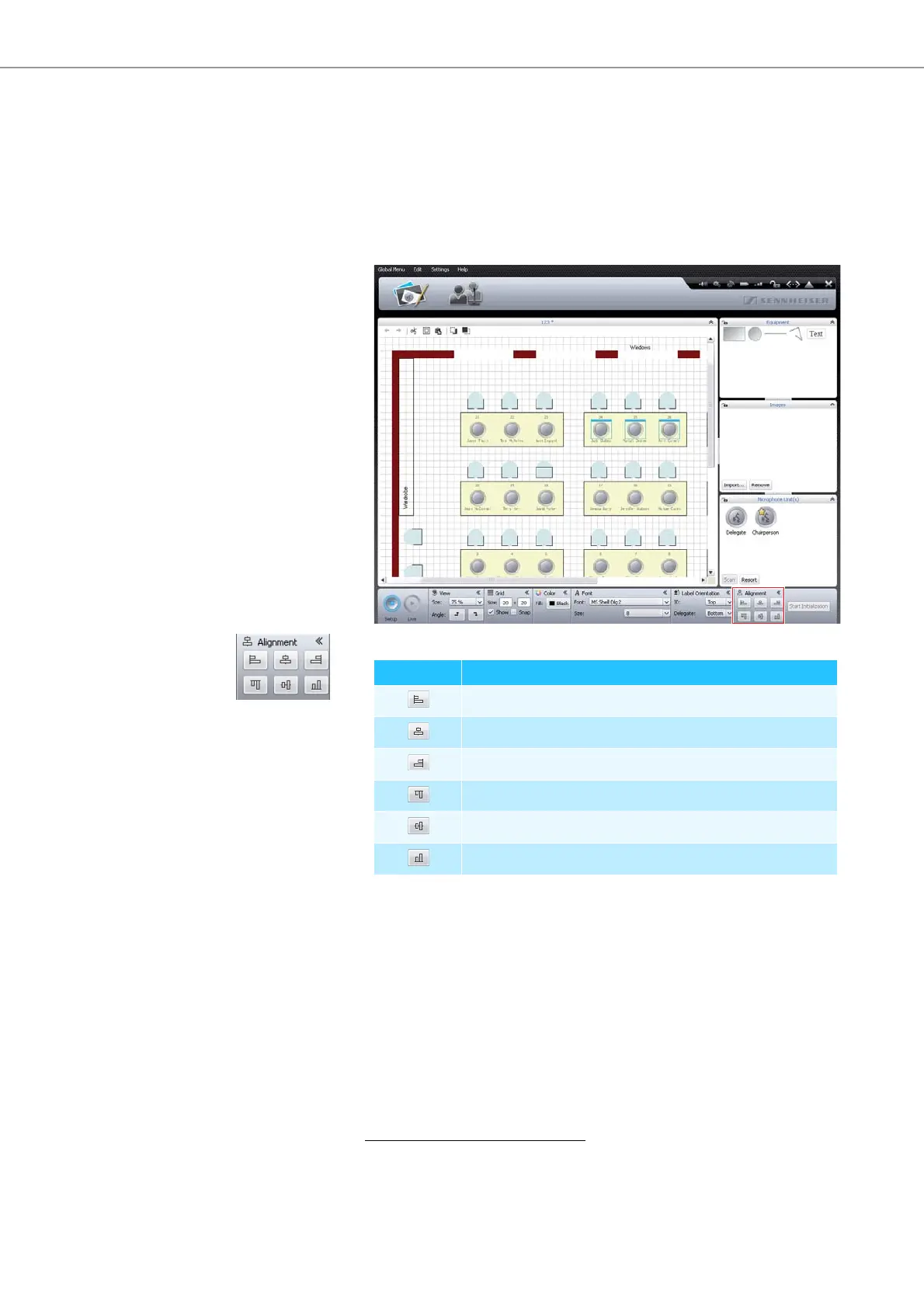
Automatically aligning objects 왘 Hold down the “CTRL” key and select several objects on
the canvas using the
mouse.
The objects appear with a bounding box (dotted line). The “Alignment” box
appears.
왘 In the “Alignment” box, click one of the following buttons:
The objects are aligned.
*
only if the library of the current configuration contains image files
Button Objects are aligned to the ...
left edge
horizontal center
right edge
top edge
vertical center
bottom edge



 To Next Page