Configuring the conference system via the central unit
94 | ADN Digital Conference System
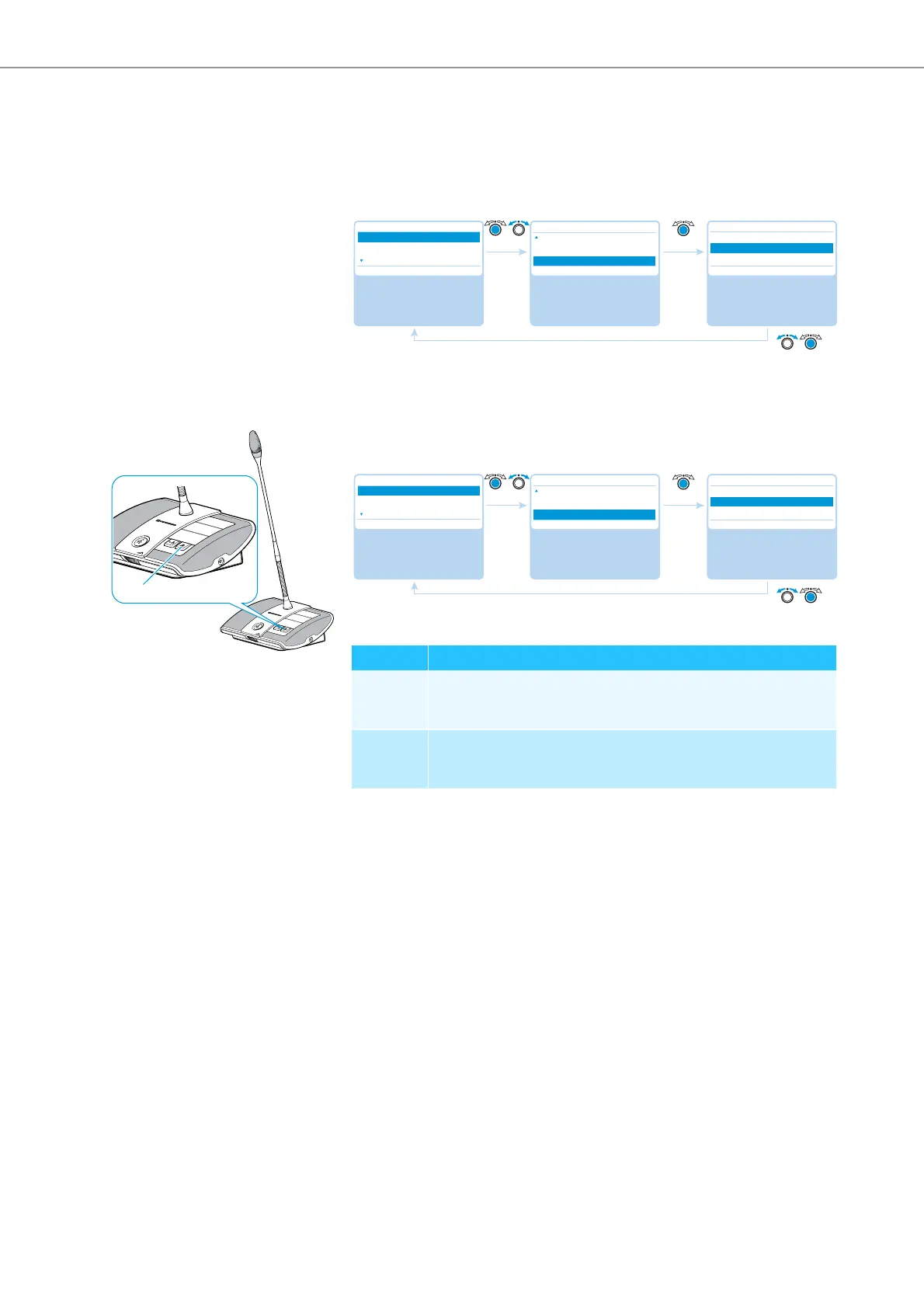
Re-initializing the conference units – “Re-Init”
If you connect ADN C1 or ADN-W C1 chairperson units to the confer
ence system
during a running conference, you have to re-initialize them.
When conference units are re-initialized, the conference will be interrupted. An
audio recording on a USB mass storage device will not be stopped.
Possible settings: “Yes” and “No”
Setting the function of the priority key
– “Clear Request List on Cancel”
Thi
s menu item allows you to set the function of the p
riority key of the ADN C1
or ADN-W C1 chairperson unit.
Possible settings: “On” and “Off”
Select and call up the
“Conference Menu”
submenu
Select and call up the
“Re-Init” menu item
Select the desired
setting; store the
setting
Main Menu
Conference Menu
Audio Menu
System Menu
Conference Menu
Reaction on Talktime exceed
Blink on Request
Re-Init
Re-Init
Yes
No
Setting Function of the priority key
“On“ Pressing the priority key deactivates all ADN D1 or ADN-W D1
delegate units.
All requests to speak are deleted.
“Off“ Pressing the priority key deactivates all currently active ADN D1
or ADN-W D1 delegate units.
All requests to speak are retained.
Select and call up the
“Conference Menu”
submenu
Select and call up the
“Clear Request List on
Cancel” menu item
Select the desired
setting; store the
setting
Main Menu
Conference Menu
Audio Menu
System Menu
Conference Menu
Blink on Request
Re-Init
Clear Request List on Cancel
Clear Request List on Cancel
On
Off
On Off



 To Next Page