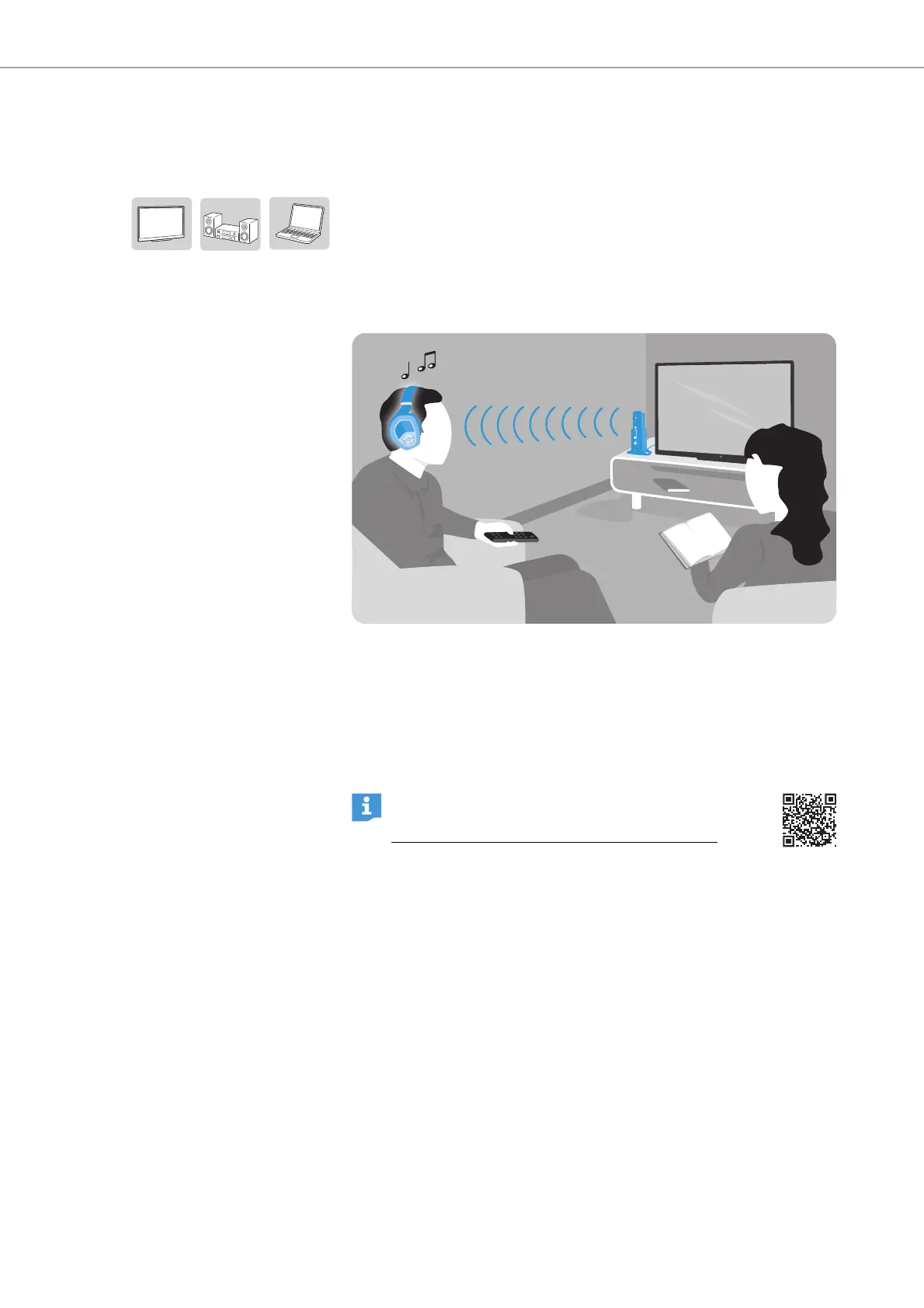
Putting the RS 195 into operation
12 | RS 195
Putting the RS 195 into operation
Setting up the transmitter
b Place the transmitter near your audio source.
b Separate the transmitter from other wireless devices in the room
by at least 20"/50 cm to avoid interference.
b Do not place the transmitter close to metal objects such as shelf
bars, reinforced concrete walls, etc. as this can decrease the
transmitter's range.
Connecting the transmitter to audio sources
You can simultaneously connect two audio sources (e.g. a TV and a
stereo hi-fi system) to the transmitter. The transmitter features a
digital as well as an analog audio input. If you connect two audio
sources, you can toggle between them using the
AUDIO INPUT
SELECTION
switch (see page 20).
b Switch your audio source off before connecting the transmitter.
b Check the connection possibilities of your audio source (audio
output, usually marked “OUT”).
b Select the corresponding connection cable and, if necessary, a
suitable adapter.
b Depending on the connection possibility selected, go to the
respective chapter and follow the instructions on how to connect
the transmitter to an audio source.
You can also refer to the video guides on how to con-
nect your digital wireless headphone system to a TV:
www.sennheiser-hearing.com/how-to-videos
.












 To Next Page