EasyManua.ls Logo

Sennheiser TR 195 - User Manual

Sennheiser TR 195
36 pages
Print Icon
To Next Page IconTo Next Page
Loading...
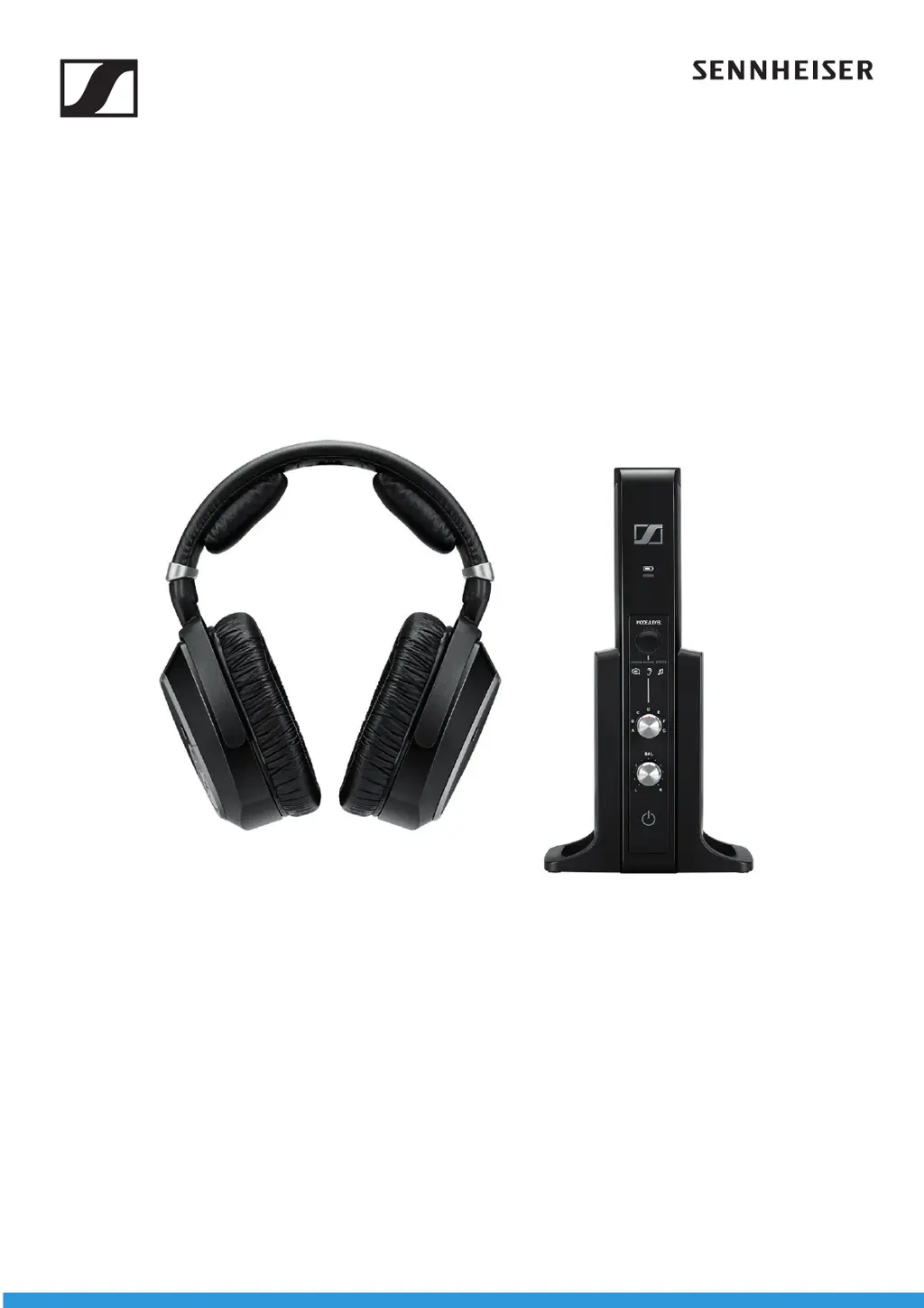
RS 195
Model: RS 195, TR 195, HDR 195
Digital wireless TV listening system
Instruction manual

Other manuals for Sennheiser TR 195

Questions and Answers

  • R
    robertsonandreaAug 9, 2025
    How to fix no sound on Sennheiser Headphone?
    • C
      Christopher WarnerAug 9, 2025
      If your Sennheiser Headphones have no sound, first ensure they are switched on. Check the power supply connection and deactivate any muting functions. Verify that the audio plug is properly connected and the audio source is on. Increase the volume on the audio source or deactivate its muting function. If using an audio cable, replace it to check if the issue is there. If the headphones aren't paired, pair them with the transmitter again. Try selecting a different audio input. For digital audio connections, set your device's audio output to 'PCM' with a sampling rate of max. 96 kHz.
  • S
    Stacey Smith PhDAug 16, 2025
    What to do if Sennheiser Headphone has sound dropouts?
    • D
      dhuffmanAug 16, 2025
      If you experience sound dropouts or no sound with your Sennheiser Headphones, it might be due to distance. Reduce the distance between the headphones and the transmitter. Obstacles can also interfere with the signal, so remove any obstructions between the transmitter and headphones. Other devices like WLAN routers, Bluetooth devices, or microwaves can cause interference. Try changing the position of the transmitter or the headphones. Keep the transmitter at least 50 cm/20" away from other wireless devices.
  • P
    Patricia BrownAug 23, 2025
    What to do if Sennheiser Headphone digital audio connection uses incompatible data transmission settings?
    • Y
      yarmstrongAug 23, 2025
      If your Sennheiser Headphones have no sound, set the digital audio output of your device/audio source to 'PCM', with a sampling rate of max. 96 kHz. Consult your audio source's instruction manual for guidance.
  • M
    Mikayla PachecoAug 31, 2025
    How far should Sennheiser Headphone transmitter be from other wireless devices?
    • M
      Megan EstradaAug 31, 2025
      Ensure that the transmitter is separated from other wireless devices by at least 50 cm/20".

Summary

Important Safety Instructions

Health and Accident Prevention

Guidance on protecting health and avoiding accidents when using the product.

Product Damage and Malfunction Prevention

Instructions to prevent damage to the product and ensure proper functioning.

Intended Use and Liability

Details the product's intended purpose and limitations of liability.

Rechargeable Battery Safety

Warnings and guidelines for the safe handling and use of rechargeable batteries.

RS 195 System Overview

Key Features

Lists the key features and capabilities of the RS 195 system.

Package Contents

Included Items

Lists all items included in the product package.

Product Components Overview

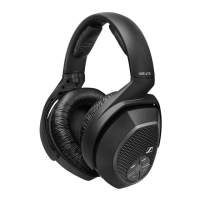
Headphones (HDR 195)

Details the components and controls of the headphones.

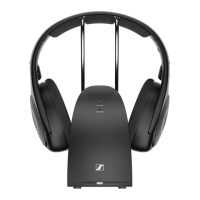
Transmitter (TR 195)

Details the components and controls of the transmitter.

LED Indicators Explained

Headphone LEDs

Explains the meaning of LEDs on the headphones.

Transmitter LEDs

Explains the meaning of LEDs on the transmitter.

Getting Started with RS 195

Transmitter Setup

Instructions for positioning and setting up the transmitter.

Connecting Audio Sources

Guides on connecting audio sources like TV or hi-fi systems.

Digital Optical Connection

Steps to connect the transmitter using an optical digital cable.

Analog Audio Connections

Instructions for connecting via analog audio cables.

RCA Analog Connection

Steps to connect using RCA audio cables.

Powering the Transmitter

How to connect the power adapter and plug in the transmitter.

Initial Setup and Battery Management

Battery Installation

Guide on how to insert or replace batteries in the headphones.

Charging Headphone Batteries

Instructions for charging the headphone batteries.

Headband Adjustment

How to adjust the headband for optimal fit and comfort.

Using the RS 195 System

Powering On the System

Steps to turn on the headphone system and pair devices.

Selecting Audio Input

How to switch between digital and analog audio sources.

Volume Control

Guide on how to control the volume level on the headphones.

Mute Function

How to mute and unmute the audio on the headphones.

Balance Adjustment

How to adjust the left/right audio balance.

Personal Hearing: Activation

Steps to activate or deactivate the Personal Hearing feature.

Personal Hearing: Profile Selection

Guide to selecting appropriate hearing profiles for better sound.

Personal Hearing: Sound Optimization

How to choose sound optimization for speech or music.

Personal Hearing: Volume Adjustment

How to adjust the maximum volume levels for Personal Hearing.

Personal Hearing: Volume Levels

Details on standard and high volume settings.

Pairing Headphones

Instructions for pairing headphones with the transmitter.

Powering Off the System

Methods to turn off the headphone system.

Cleaning and Maintenance

Replacing Ear Pads

Guide on how to replace the ear pads on the headphones.

Troubleshooting Sound Issues

Common Sound Problems

Troubleshooting common sound-related issues and solutions.

Troubleshooting Other Issues

Power and Connectivity Problems

Troubleshooting for transmitter/headphone power and connectivity issues.

Transmitter Range and Pairing Reset

Explains behavior when outside transmission range and how to reset pairing.

Technical Specifications

System Specifications

Technical specifications for the RS 195 system.

Headphones Specifications

Technical specifications for the HDR 195 headphones.

Transmitter Specifications

Technical specifications for the TR 195 transmitter.

Power Supply Specifications

Technical specifications for the power supply unit.

Additional Technical Information

Hearing Profile Details

Details and graphs of hearing profiles A-G.

Profile Parameters Explained

Explanations of compression, dynamic range, and noise suppression.

Manufacturer Declarations

Warranty Information

Information about the product warranty.

Declarations of Conformity

Statements of compliance with EU and UK directives/regulations.

Disposal Guidelines

Guidelines for proper disposal of the product and batteries.

Sennheiser TR 195 Specifications

General IconGeneral
BrandSennheiser
ModelTR 195
CategoryWireless Headphones
LanguageEnglish

Related product manuals