Product overview
RS 195 | 9
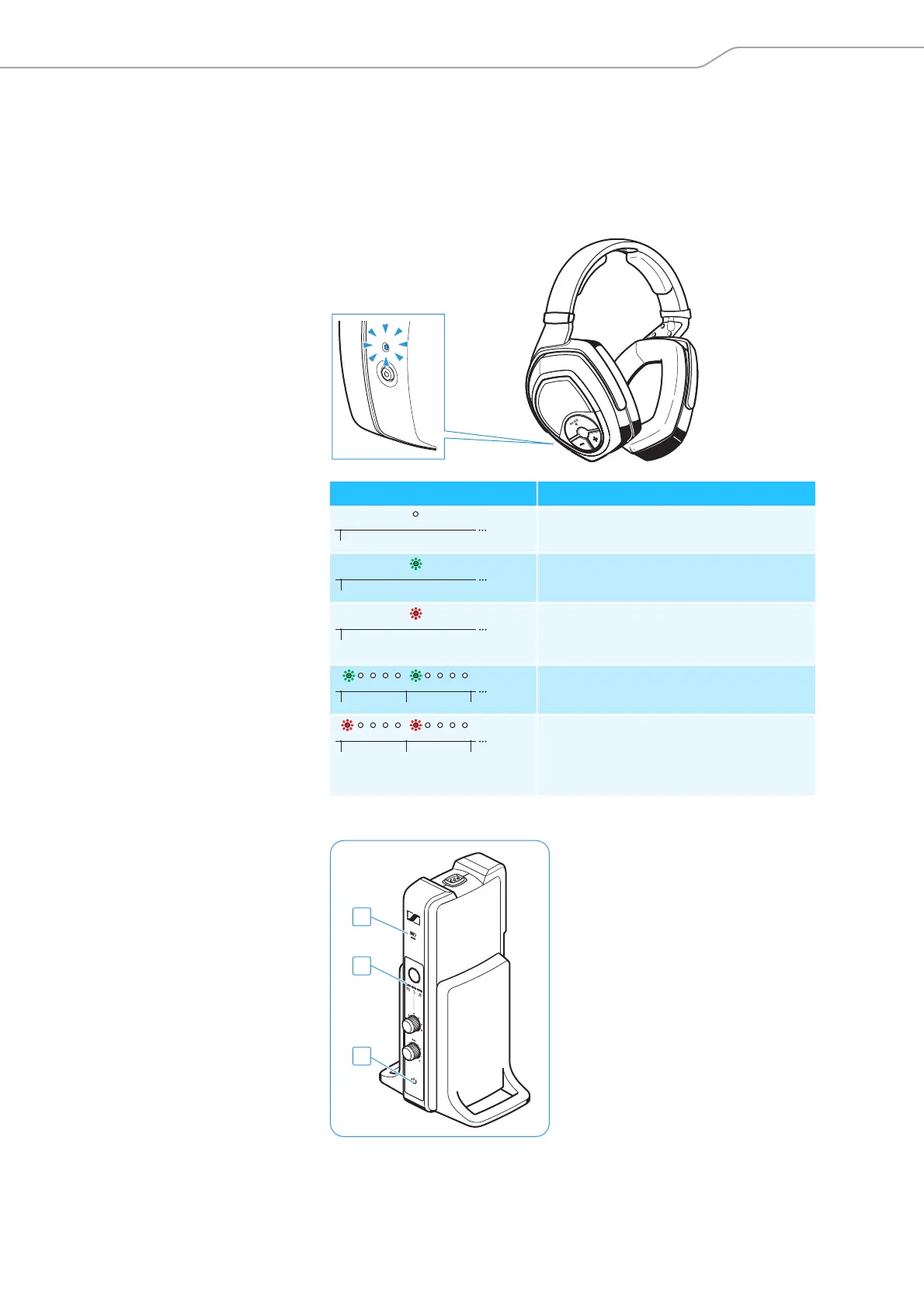
Overview of the displays
The LEDs on the headphones and on the transmitter indicate the cur-
rent operating state. If you are not using the headphones, the LEDs
automatically dim after approx. 30 seconds to not disturb you.
Overview of the LED on the headphones
Overview of the LEDs on the transmitter
HDR status LED Meaning
The headphones are switched off.
The headphones and the transmitter
are connected.
The headphones and the transmitter
are connected and the rechargeable
batteries are almost empty.
The headphones are not connected or
cannot connect to the transmitter.
The headphones are not connected or
cannot connect to the transmitter
and the rechargeable batteries are
almost empty.
1s1s













 To Next Page