Putting the RS 195 into operation
RS 195 | 13
Connection possibility A: optical (digital)
To achieve the best possible listening experience, connect the trans-
mitter to your home cinema or hi-fi system using the supplied optical
digital cable.
Your wireless headphone system is able to decode digital audio sig-
nals from a device connected to the DIGITAL OPTICAL IN input. Note
that your RS 195 only supports digital
PCM signals. Information on
how to set the audio format of the connected audio source to
PCM
can be found in the Sound menu or in the instruction manual of your
device.
* The appearance of the Sound menu can vary depending on the
device you are using.
b Pull off the clear protective caps from both plugs before connect-
ing the cable.
b Connect one end of the optical digital cable to the DIGITAL OPTI-
CAL IN
input of the transmitter and the other end to the optical
output of your audio source.
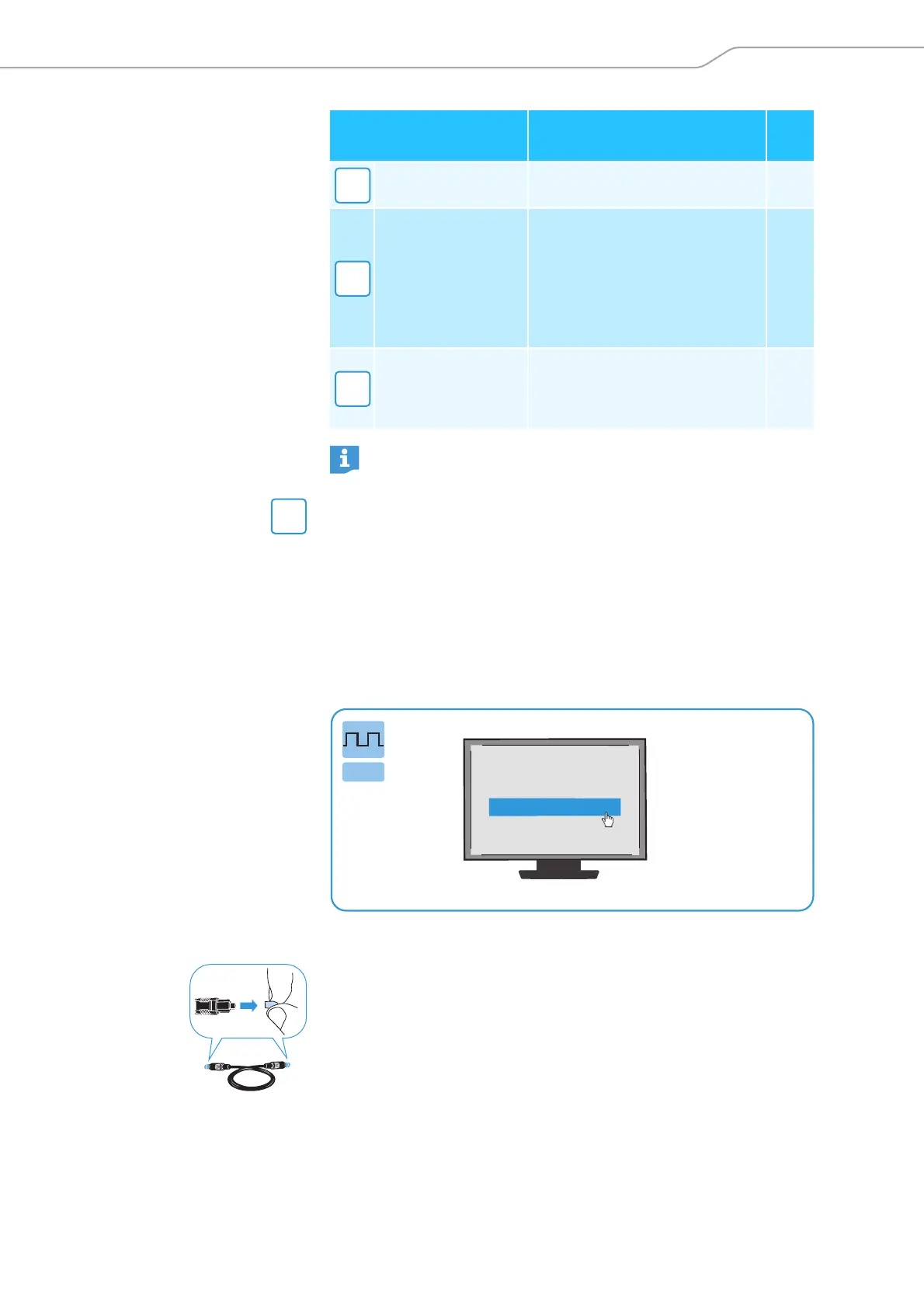
Connection possibilities
of the audio source
Connection cable
Page
Optical (digital) Optical digital cable 13
3.5 mm or 6.3 mm/
¼" jack socket
(analog)
Stereo audio cable;
in case of a 6.3 mm/¼" jack
socket:
with adapter 3.5 mm jack
socket to 6.3 mm/¼" jack
socket (to be ordered sepa-
rately)
14
RCA (analog)
Stereo audio cable with adapter
3.5 mm jack socket to
2 RCA plugs (to be ordered sep-
arately)
15
Accessories and adapters are available from your Sonova Con-
sumer Hearing partner.
A
B
C
A
Digital sound output
PCM
Bitstream
Sound menu
*
Digital











 To Next Page