On the central unit board near the RS232 and USB sockets, there is a switch that must be
positioned on the side of the connection to be used (USB or RS232).
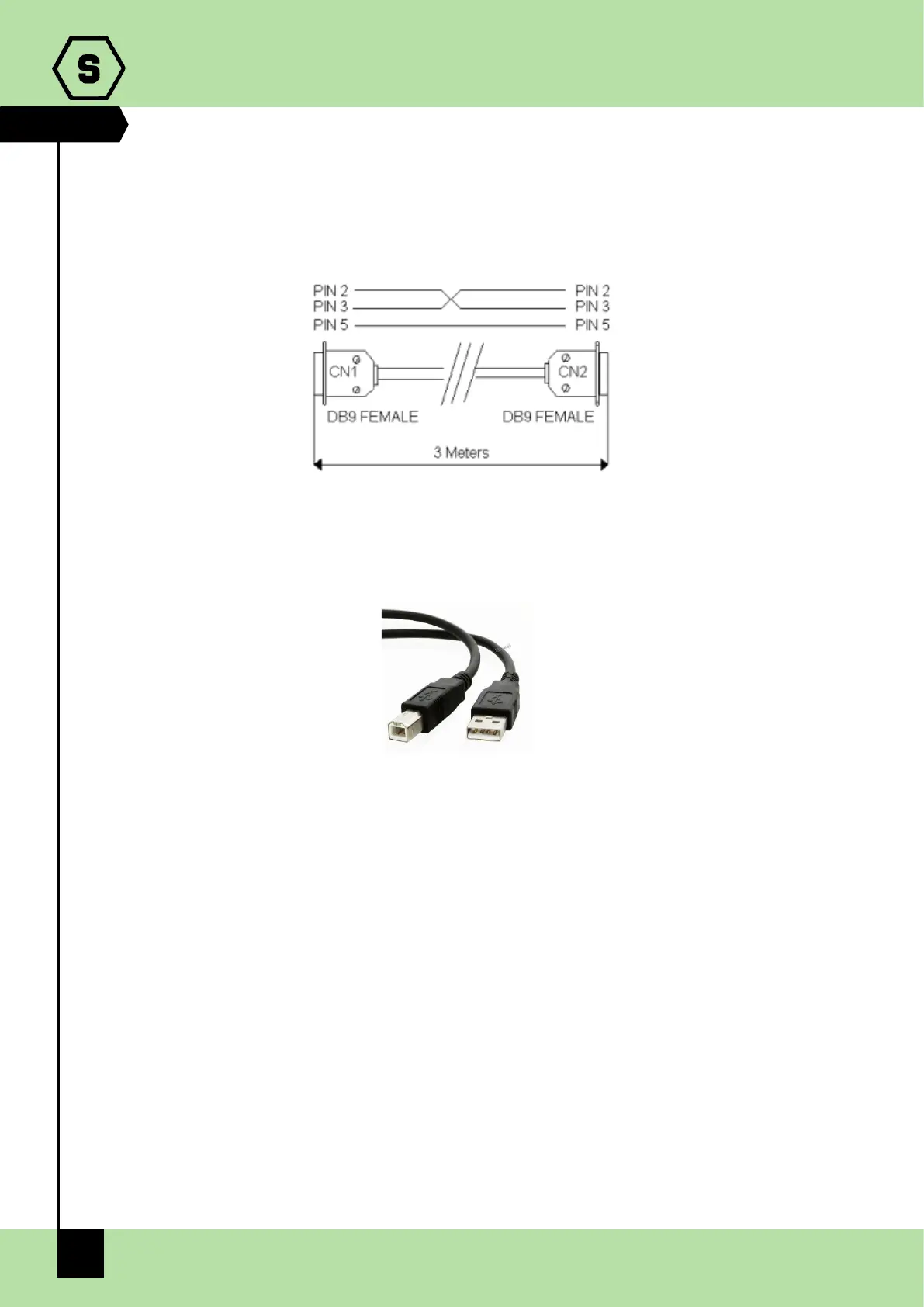
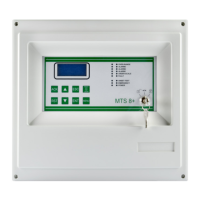
The following cables are to be used:
SERIAL CABLE
USB CABLE (printer type)
2.6 TCP/IP optional module
Via an optional interface, to be connected to the RS232 port, it is possible to connect the
central unit on a LAN/WAN network with TCP/IP protocol. The following features are
available with this type of connection:
• Remote modification of the central unit settings by the programming software
• Remote management of the central unit, via third party software, by using the
ModBus protocol
• Remote management of the central unit, via a monitoring software made by
Sensitron (available in the future)
For technical features and use of TCP/IP module, please consult the product
documentation.


 To Next Page