Instruction Manual Multiscan 8+
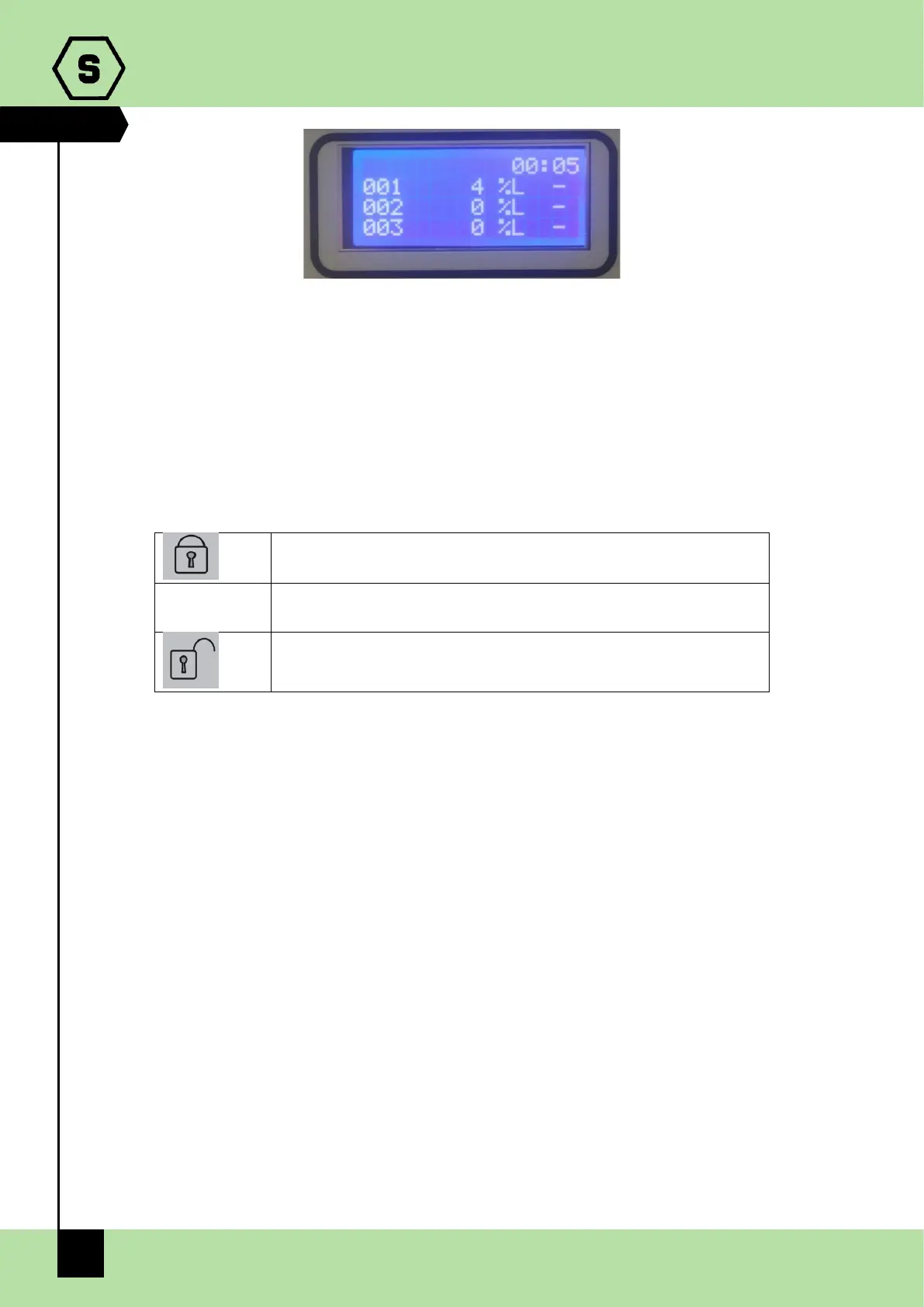
Fig. 3.1 b) Display in normal status
3.2 System status
The central unit communicates with the operator by means of the LCD display and LEDs
on the front panel. Different information is displayed during different states of the system.
A few general rules apply at any level as follows:
On the front is a key switch with three positions, which determine system operation
Closed padlock: it is not possible to operate the central unit
ACK it is possible to acknowledge the event by silencing the buzzer of
the central unit
Open padlock: all operations on the central unit can be carried out
(except for programming, which can only be done by a computer)
Should there be a list displayed, the page scrolling can be done using the up/down arrow
keys.
The up/down arrow keys allow the user to move between editable parameters in the
various menus.
At any display level, the ESC key will switch back to the previous view.
On any screen, if no key is pressed for 3 minutes, the display indication will automatically
return to the main screen.
System status
The system is designed to be in one of the following operating status:
NORMAL
ALARM
FAULT
TEST
UNSET
EMERGENCY


 To Next Page