Io
SENSOR
Section 2 SMT-200 Operations
SMT-200 Operations and Technical Manual 2.00/R1
23
2.17.2.3 Operating menu
General options for string testing
Autonumber
If enabled the string ID number will increment by one
after every accepted test.
Save Rej’s
If disabled only successful tests will be recorded.
Full Test
Toggle between display Full Test Results or Go/No-Go
test. The Go/No-Go test will not record detailed
readings, just a pass or fail result.
Cont on reject
Selects abort or continue test on the first reject found .
@Constant
Toggles between constant excursion and constant
velocity. See explanation below.
T-Corr on
Toggles temperature correction between data and spec.
(see below)
Continuous
Selects continuous testing mode.
Interval
Selects interval between tests in continuous mode.
When testing geophones with natural frequencies below 12Hz the selection of constant velocity or
constant excursion for the distortion test becomes significant. For geophones above 12Hz, constant
excursion and constant velocity are equivalent.
Constant velocity
The distortion test drives the moving mass inside the element at a particular
drive level and checks for harmonics that the element itself introduces. In
the case of a constant velocity drive the drive level is fixed at 0.7 in/s
(0.01778 m/s). The actual excursion that this produces will depend on the
frequency of the drive signal and the natural frequency of the element.
Lower drive frequencies will result in a proportional increase in the moving
mass excursion. The increased movement could result in increased
distortion due to the springs being driven into a non linear region. To take
this into account the test can be carried out with a constant excursion.
Constant excursion
With this test the drive current (and so the drive level) is compensated to
allow for testing at frequencies other than 12 Hz. By altering the drive level
the excursion of the moving mass can be kept to 0.236 mm, which is the
same value as would have been produced driving the moving mass at 12
Hz with a 0.7 in/s drive. This should give consistent results regardless of
the test frequency. The frequency at which the distortion is tested is
selected in the geophone menu. Recommended setting.
T-Corr on
Temperature compensation can be applied to either the geophone
specifications or the captured data. In the first case there is no temperature
adjustment performed on the data but the original specs. Alternatively the
uncompensated specs can be used in which case the data will be
temperature compensated. See section 2.5.3.
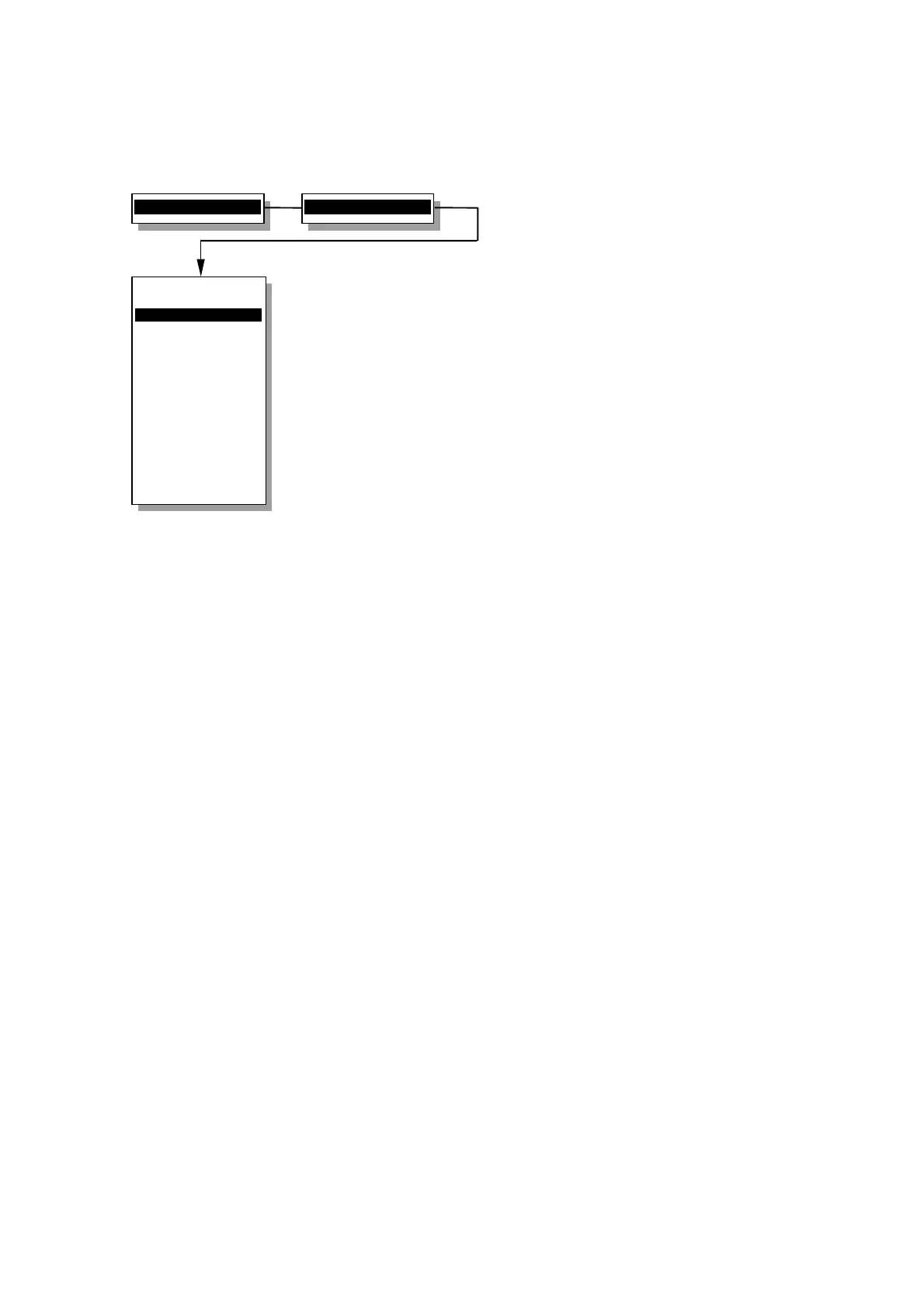
2>Setup menu...
3>Operating menu
Operating menu
----------------
1>Autonumber ON
2 Save Rej's YES
3 Full Test
4 Cont on reject
5 @Constant Exc.
6 T-Corr on Data
7 Continuous off
8 Interval 5 s
0 Back to Setup
----------------
Enable automatic
test numbering


 To Next Page