Section 2 SMT-200 Operations Io
SENSOR
10
SMT-200 Operations and Technical Manual 2.00/R1
2.2.1 Post Mortem on Powering up
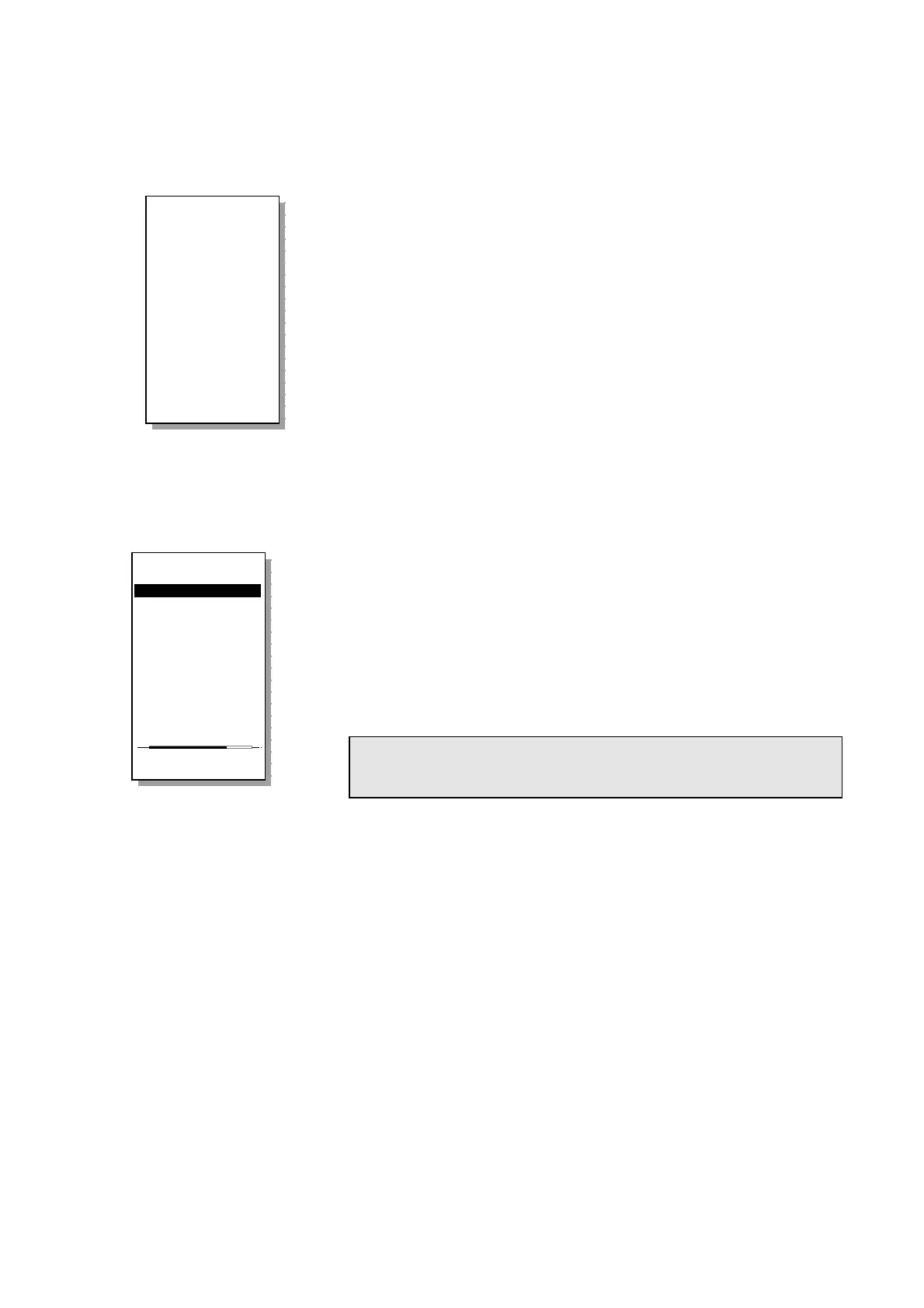
If the SMT-200 was last shutdown with one of the following errors, a
post mortem screen is displayed on the next power up sequence
to alert the operator.
Temperature High
SMT-200 detected an internal temperature
greater than 80°C
Temperature Low
SMT-200 detected an internal temperature
lower than -40°C
Battery Low
SMT-200 detected a battery voltage less
than 10.7 V
Shut Down Error
Abnormal shut down (e.g. battery removed)
2.3 Navigating around the screens
The SMT-200 operates on a simple menu system. There are two ways to access the sub-menus:
CURSOR CONTROL
Use the cursor keys to move to the required sub-
menu. Once the cursor is next to the selected menu hit the
ENTER/START
key to select the sub-menu. The down and right
cursors move down the screen and the up and left cursors move
up the screen.
DIRECT CONTROL
Hit the number corresponding to the desired sub-
menu on the numeric keypad. This will take you directly to the
required menu.
NOTE: The Tag Reader 5 is an SMT-200 optional extra. If not used all
menu items related to this feature can be removed from SMT-200
menu item display via the Docking Station Option screen.
For example Redisplay last is item 1 on the File menu. This particular option will display the last test
record that was recorded. From the Main menu press 4 to take you to the File menu. Press 1 to
directly enter the Redisplay last option. Press 0 to return to the File menu and 0 again to return you
to the Main menu. With a little practice this gives you a fast and powerful way of accessing the menu
items.
Main menu
----------------
1>Do a test...
2 Setup menu...
3 Temp. menu...
4 File menu...
5 Tag menu...
6 About...
0 Shut down
Enter test mode
!!!!!!!!!!!!!!!!
The SMT-200
was not properly
shut down
Shut Down ERROR!
18/11/99 12:35
Press any key
to continue
!!!!!!!!!!!!!!!!


 To Next Page