Section 2 SMT-200 Operations Io
SENSOR
26
SMT-200 Operations and Technical Manual 2.00/R1
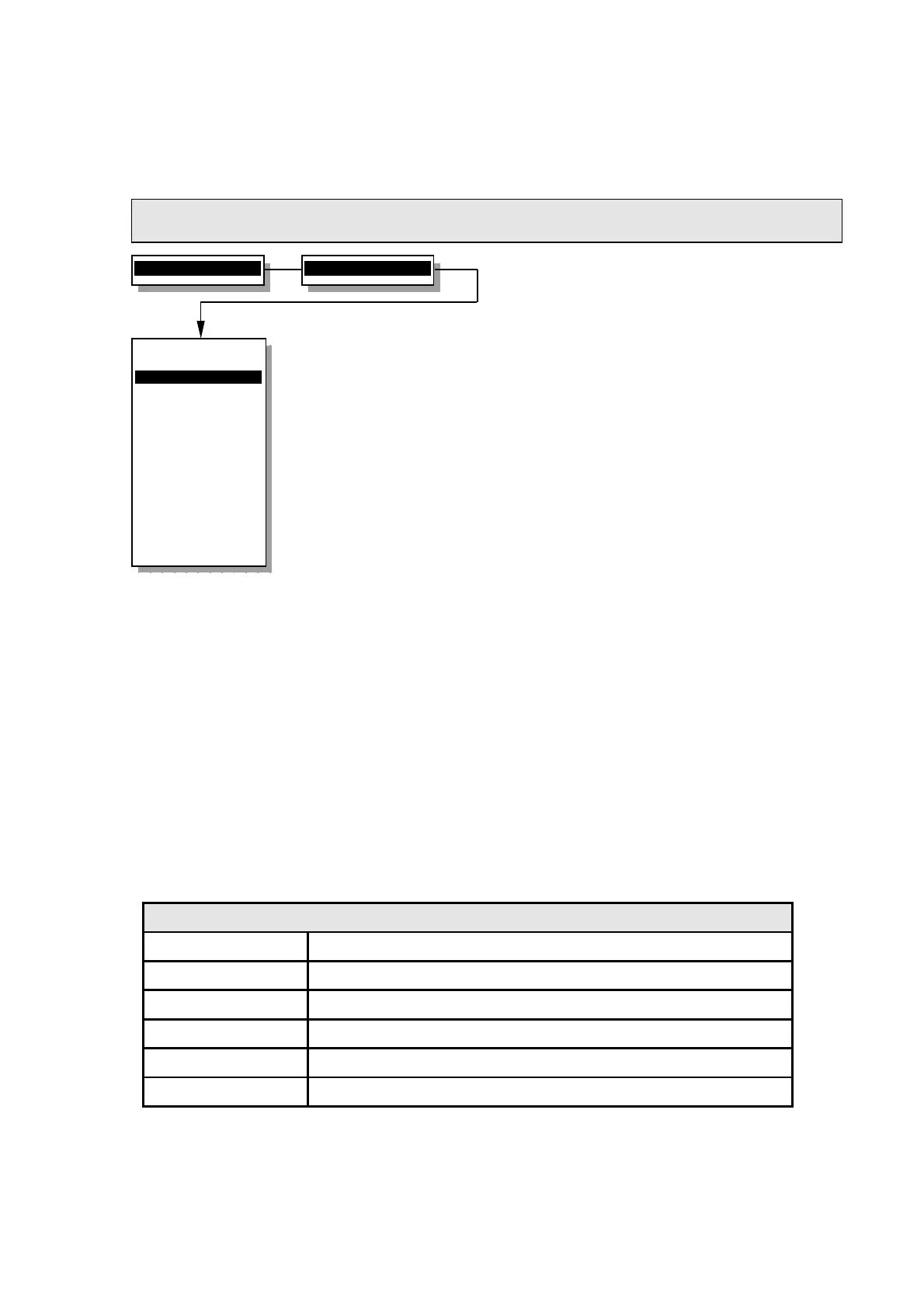
2.22.2.9 Diagnostics
Runs the diagnostics and calibration routines
NOTE: Use the Diagnostics test plug (part number SMT-200 C 0515) where indicated.
When exiting Diagnostics Test routine all settings are restored to original values.
To access this menu after selecting Diagnostics it you are required to enter
a PIN (Personal Identification Number) to access the menu. The PIN is the
serial number of the SMT-200 that can be found from the about menu.
Iopa
Is for calibration of the leakage test. To use this
connect the SMT-200 Diagnostics test plug or place
the required resistance (100MΩ default) between
the leak and geophone negative terminal. After
calibration the measured value should be about the
same as the expected leakage of the strings (or
100MΩ whichever is lower). On selection of this test
you are requested to enter the value for the test
resistor. Once this has been done the SMT-200 will
calculate the leakage current and thus be able to
accurately calculate leakage values.
Simulation
This will allow you to generate synthetic data
instead of real collected geophone data. This is
particularly useful for training and getting used to
the SMT-200 without needing to have a strings
connected. Make sure this is set to “off” before
testing actual strings. Test results are saved with
the comment SIMULATION.
Post Mortem
Shows how the unit shut down previously. The table
below shows the various messages and the
meaning of each.
Reset all
Restores all SMT-200 settings to their default
values and load the SM-4 10Hz 375Ω geophone
specification. Restored values are also saved to the
configuration file. (To reset display contrast press
the +/- key during booting).
Post Mortem messages
Normal Shut Down Regular shut down with no problems detected
Temperature High SMT-200 detected an internal temperature greater than 80°C
Temperature Low SMT-200 detected an internal temperature lower than -40°C
Battery Low SMT-200 detected a battery voltage less than 10.7 V
Timed Out Shut down initiated by power saving function (set in Power menu)
Shut Down Error Abnormal shut down (e.g. battery removed)
2>Setup menu...
9>Diagnostics...
Diagnostics menu
----------------
1>Iopa 0.07 nA
2 Simulation off
3 Post Mortem
4 Reset All
5 Display...
6 Hardware...
7 Tests...
0 Back to Setup
----------------
Calibrate Iopa
for Leakage test


 To Next Page