Section 2 SMT-200 Operations Io
SENSOR
24
SMT-200 Operations and Technical Manual 2.00/R1
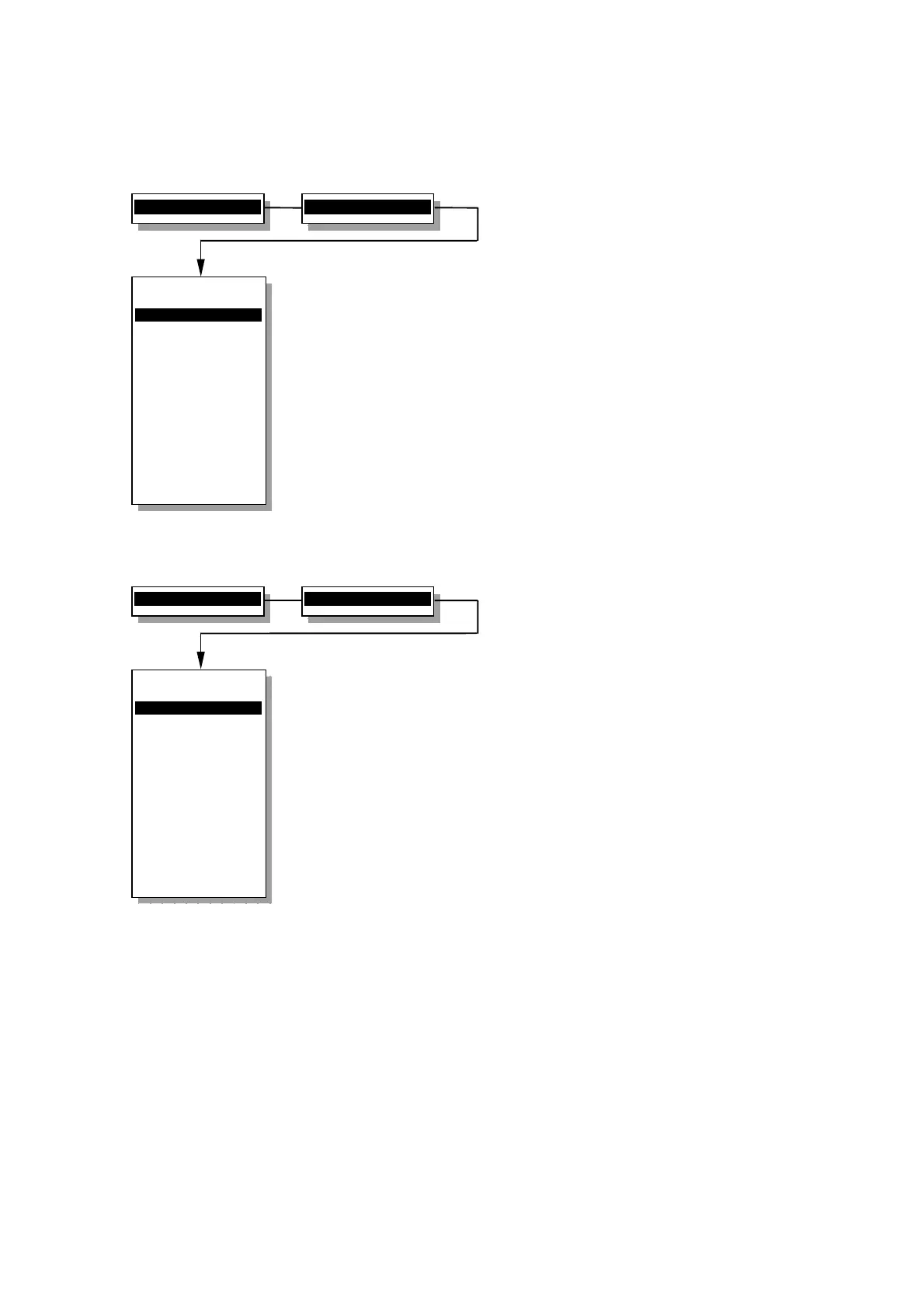
2.18.2.4 Tests Sequence
Selects the tests to be performed on the string
Low Drive
Enables or disables the Low Drive test.
Polarity
Enables or disables the Polarity test.
Noise
Enables or disables Noise test.
Leakage
Enables or disables the Leakage test.
Resistance
Enables or disables DC resistance test.
Fn, Bo, Go
Enables or disables Natural Frequency, Damping
and Sensitivity test.
Dist Imp
Enables or disables the Distortion test.
Cont Imp
Enables or disables the Continuous impedance test.
Polarity
Specifies if the polarity tap test is the first (after
Low_Drive) or last test to be performed.
2.19.2.5 Display menu
Customises display, keypad and sound options
Backlight
Toggles the LCD backlight on or off.
LCD Contrast+
Increases contrast of LCD display.
LCD Contrast-
Decreases contrast of LCD display.
Beeps
Enables or disables SMT-200 warning tones.
Key Beeps
Enables or disables keyboard feedback tones.
Metric Units
Toggles between metric and imperial units.
2>Setup menu...
4>Tests Sequence
Tests Sequence
----------------
1>Low Drive off
2 Polarity off
3 Noise off
4 Leakage off
5 Resistance ON
6 Fn, Bo, Go ON
7 Dist, Imp ON
8 Cont Imp off
9 Polarity First
0 Back to Setup
----------------
Select
Low Drive Test
2>Setup menu...
6>Display menu
Display menu
----------------
1>Backlight ON
2 LCD Contrast +
3 LCD Contrast -
4 Beeps ON
5 Key Beeps ON
6 Metric units
0 Back to Setup
----------------
Select display
back-light


 To Next Page