Io
SENSOR
Section 2 SMT-200 Operations
SMT-200 Operations and Technical Manual 2.00/R1
31
2.26.4.2 Storage Status
Indicates the internal memory storage
The SMT-200 can store around 16000 records. The Storage status will let
you see exactly how many records are held in memory and the estimated
number of subsequent records that can be stored.
2.27.4.3 Dump data file
Transfer contents of data file to COM port
Dump data is used to send data directly to a serial printer or export the data
file contents using a terminal program. Default setting of the terminal is
9600-N-8-1 with flow control off. The baud rate can be changed via the
docking station program. This procedure should be followed to prevent
problems with the DTR line activating the start button.
Three messages displayed during this procedure:
a) Start Terminal then Press 0
b) Dumping data 0 - Cancel
c) Stop Terminal then Press 0
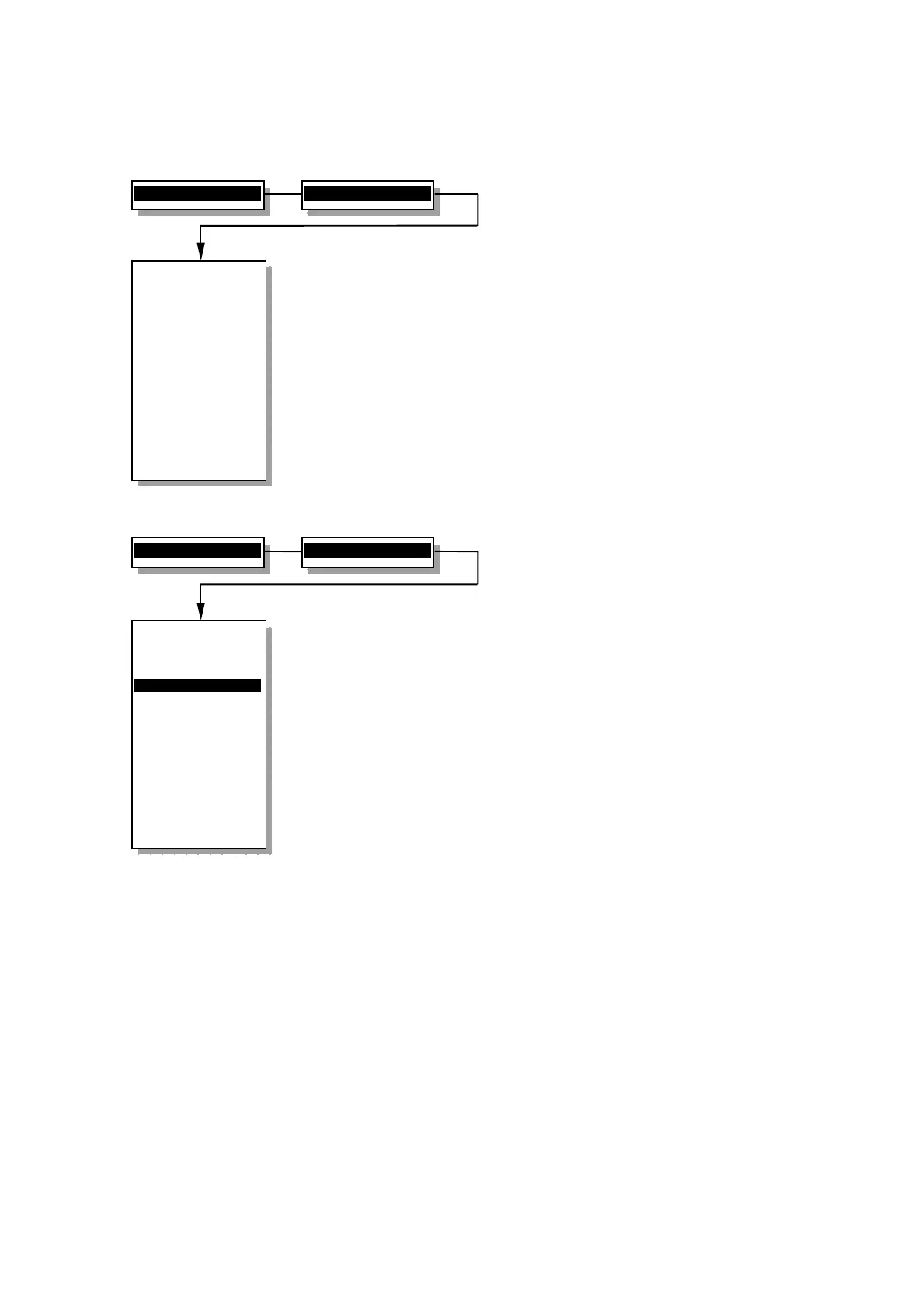
4>File menu...
2>Storage status
Storage status
----------------
Stored Records:
82
Estimated space:
15012 Records
----------------
0 - File Menu
4>File menu...
3>Dump data file
File menu
----------------
1 Redisplay last
2 Storage status
3>Dump data file
4 List data file
5 Erase ALL data
6 Read Config
7 Save Config
0 Back to Main
----------------
Dump data file
to the COM port


 To Next Page