Section 2 SMT-200 Operations Io
SENSOR
32
SMT-200 Operations and Technical Manual 2.00/R1
2.28.4.4 List data file
List contents of data file
This will list the contents of the data file on the screen. The screen will scroll
if all the records cannot fit on one page of the display. Press 0 to stop the
scrolling. The next key press will exit back to the file menu.
2.29.4.5 Erase data
Clears contents of data file
This will clear all the records currently held in the data file. Press
ENTER/START
to confirm erasing file or 0 to cancel command. Once erased
the data file cannot be recovered.
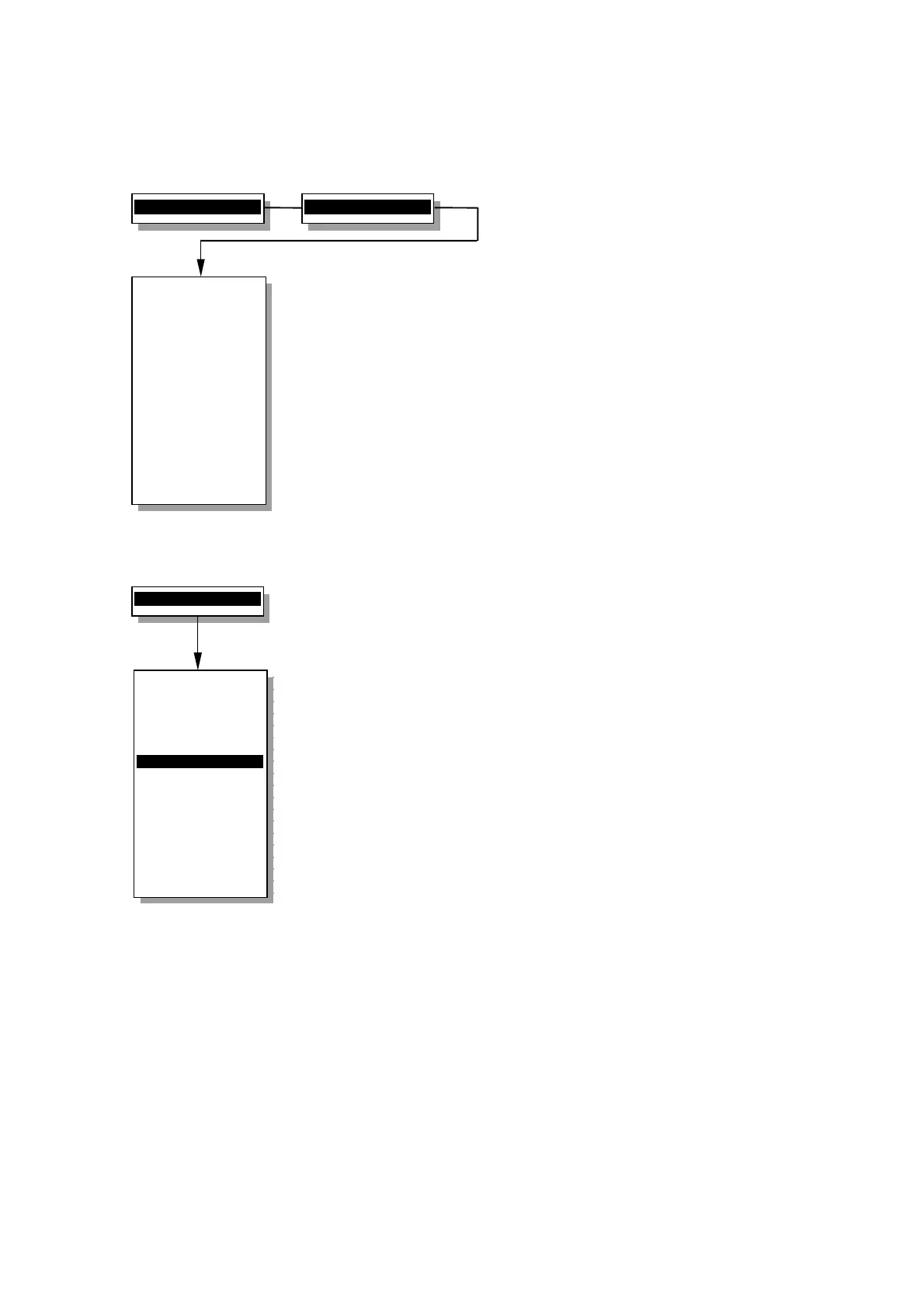
4>File menu...
4>List data file
12 817 10.11 0.6
13 819 10.12 0.6
14 816 10.12 0.6
15 816 10.11 0.7
16 817 10.10 0.6
17 819 10.10 0.6
18 820 10.09 0.7
19 818 10.05 0.6
20 817 10.01 0.6
21 815 10.10 0.7
22 812 10.15 0.7
23 818 10.11 0.6
24 817 10.12 0.6
25 816 10.08 0.7
File menu
----------------
1 Redisplay last
2 Storage status
3 Dump data file
4 List data file
5>Erase ALL data
6 Read Config
7 Save Config
0 Back to Main
----------------
Erase ALL data
( Be careful ! )
4>File menu...


 To Next Page