info@xyleminc.com
MS 7000 | DIAVASO Datalogger User Manual | 05/05/2017
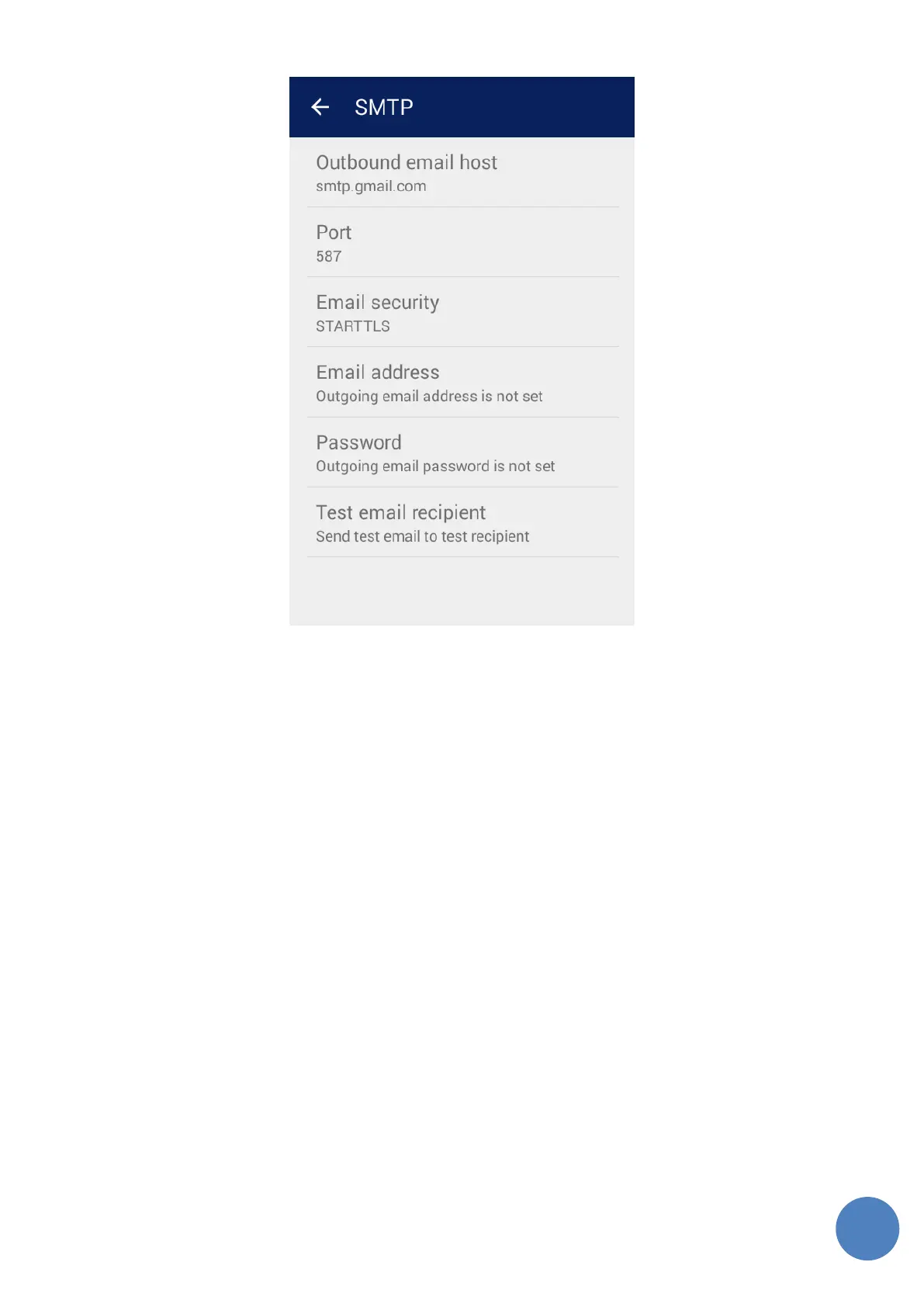
Figure 8: SMTP settings
o Outbound email host - host-name or IP address of the SMTP server to use for sending emails
o Port - the port the SMTP server uses
o Email security - security option to use (None, SSL, STARTTLS)
o Email address - sender email address; the SMTP server must allow sending email from this user
o Password - password belonging to the sender email address; needed only if the SMTP server
requires it
o Test email recipient - Test the correct configuration of SMTP by sending test email to this email
address by using the Save and test button in this dialog
6 About
The About screen contains information about Sensus and also information about the open-source
licenses used in the application. It can be seen in Figure 9. The information in this screen is
interactive. Clicking on a line opens an application that can handle the desired action (e.g. email
client is opened after tapping on email).



 To Next Page