MS 7000 | DIAVASO Datalogger User Manual | 05/05/2017
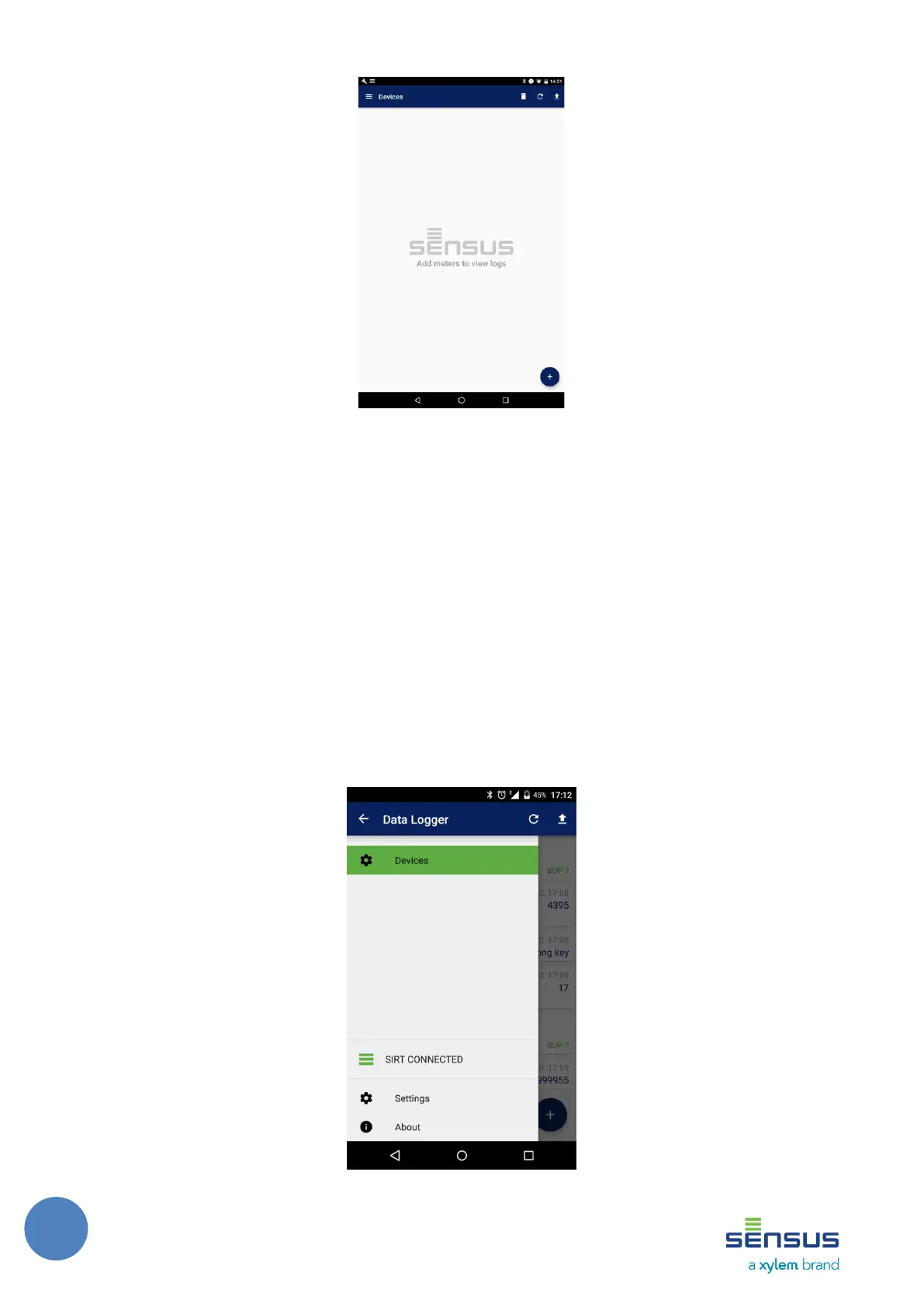
FIGURE 1 : DEVICES SCREEN
explained in Section 4.2. Multiselect allows to select multiple devices at once and proceed to
obtain logs from all of them. Delete devices deletes all listed devices with an option to undo this
after deletion. Refresh device tries connect to all listed devices and gets current data from them.
Send files sends files to ftp server as configured in settings 5.7.1. Sending files to ftp server is
explained in detail in Section 7.2.1. Basic filter is used to find specific meter through text or status.
4.2 Navigation drawer
Navigation drawer, shown in Figure 2, serves as the place from which other screens of the
application can be accessed. The navigation drawer can be opened either by touching the icon on
the left side of the application’s header or by sliding your finger from the left edge of the device’s
screen.
FIGURE 2: NAVIGATION DRAWER SCREEN



 To Next Page