MS 7000 | DIAVASO Datalogger User Manual | 05/05/2017
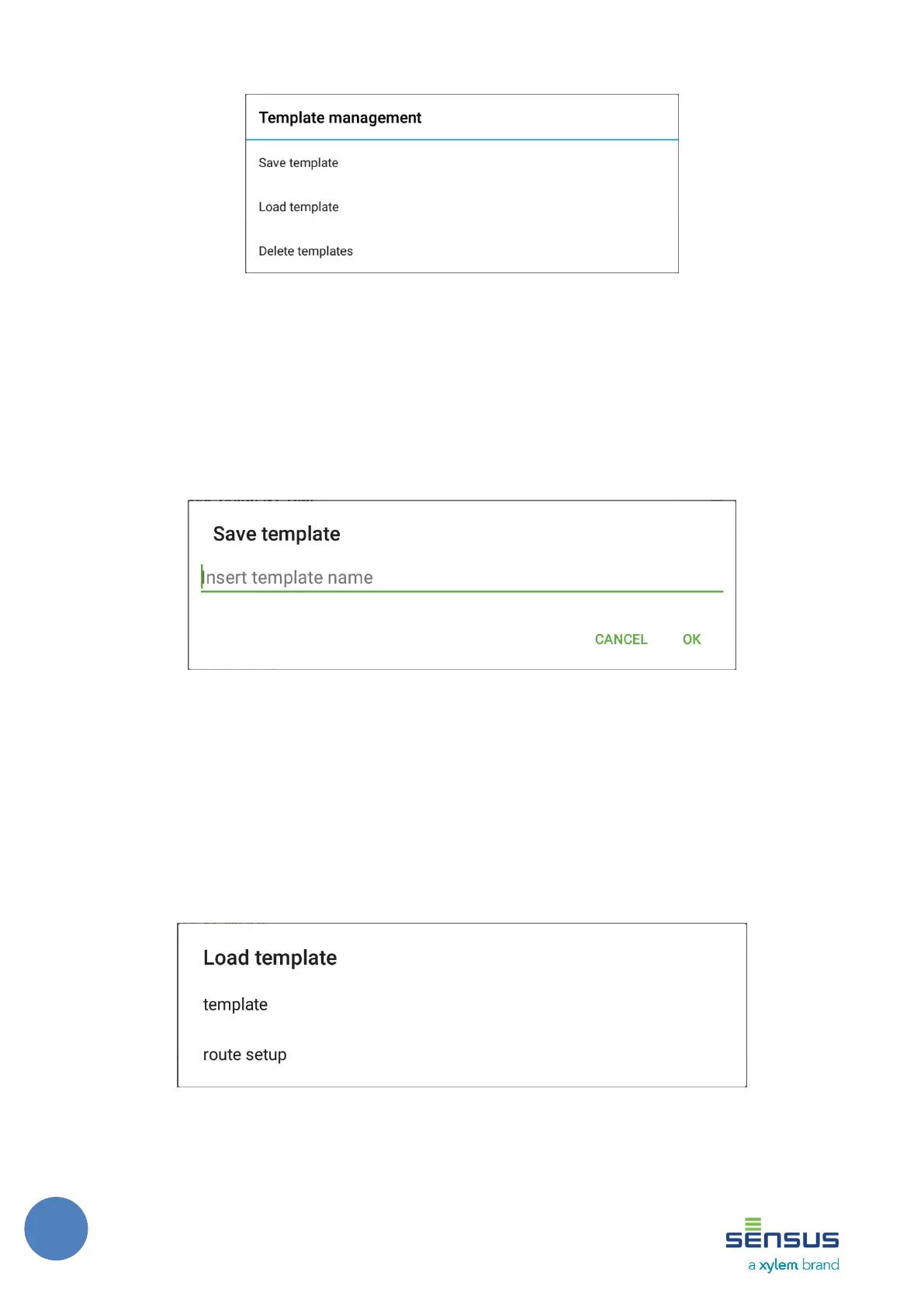
FIGURE 23: TEMPLATE MANAGEMENT
FIGURE 24: TEMPLATE DIALOG WINDOW
7.3.1 Save template
Save template option allows to save current settings under a filled name in the dialog window to
the device database. When user saves template under an existing template name, existing
template will be replaced by the newly created one ( Figure 25).
FIGURE 25: SAVE TEMPLATE DIALOG WINDOW
7.3.2 Load template
Load template option opens dialog window that provides the list of saved templates. The list
shows templates by the type of the meter they have been created from. User can select the
template that can by applied to detail configuration screen. Unique meter settings (e.g. dates)
must be individually set by the user (Figure 26).
FIGURE 26: LOAD TEMPLATE DIALOG WINDOW



 To Next Page