info@xyleminc.com
MS 7000 | DIAVASO Datalogger User Manual | 05/05/2017
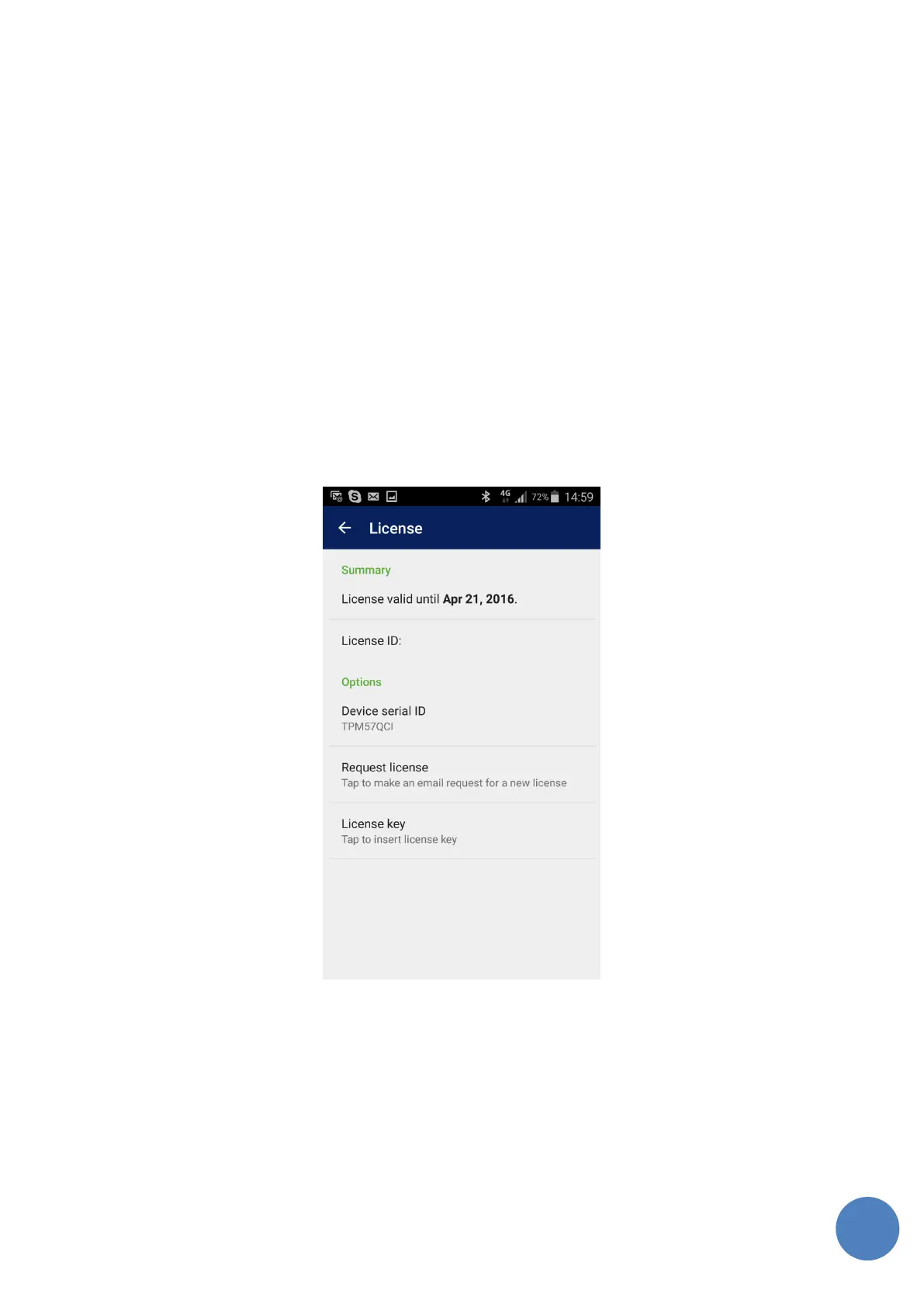
8.1 Sending request for a license key
After taping on Request license button a new email will be opened. Reciepent of the email and
License request text will be filled out automatically in the email client on android device.
For successful receiving of license key you need to add following information :
• License ID (provided by Sensus, serial ID of the purchased license)
• Name of the person using the Sniffer application
• Phone number
Sensus team will check your request for a license and will send back license key . To insert license
key tap on the License key button and insert license key provided by Sensus. The text in the
Summary section will be changed to “License is valid.”
FIGURE 30: LICENSING & REGISTRATION



 To Next Page