info@xyleminc.com
MS 7000 | DIAVASO Datalogger User Manual | 05/05/2017
7.3.3 Delete templates
Delete template option opens dialog window with the list of all saved templates and user is
allowed to delete any of them (Figure 27).
FIGURE 27: DELETE TEMPLATE DIALOG WINDOW
7.4 Data visualization
This section contains information about gathered data that is displayed in a table and a graph.
7.4.1 Table
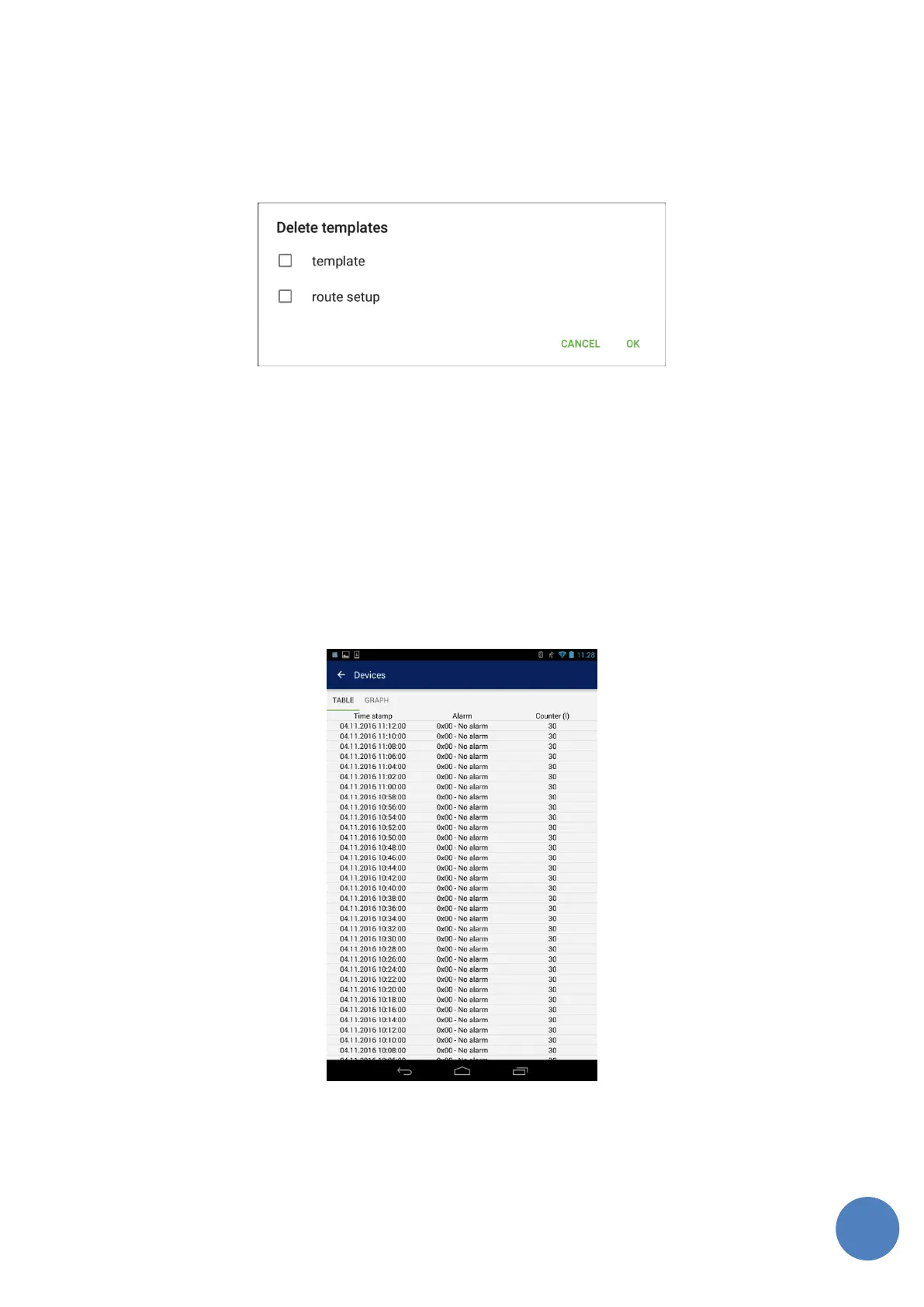
User is able to see data shown in the table as can be see in the figure 28. Data is in the same
format as csv file from which it is loaded and all of data in csv file is in the table.
FIGURE 28: DATA TABLE EXAMPLE



 To Next Page