info@xyleminc.com
MS 7000 | DIAVASO Datalogger User Manual | 05/05/2017
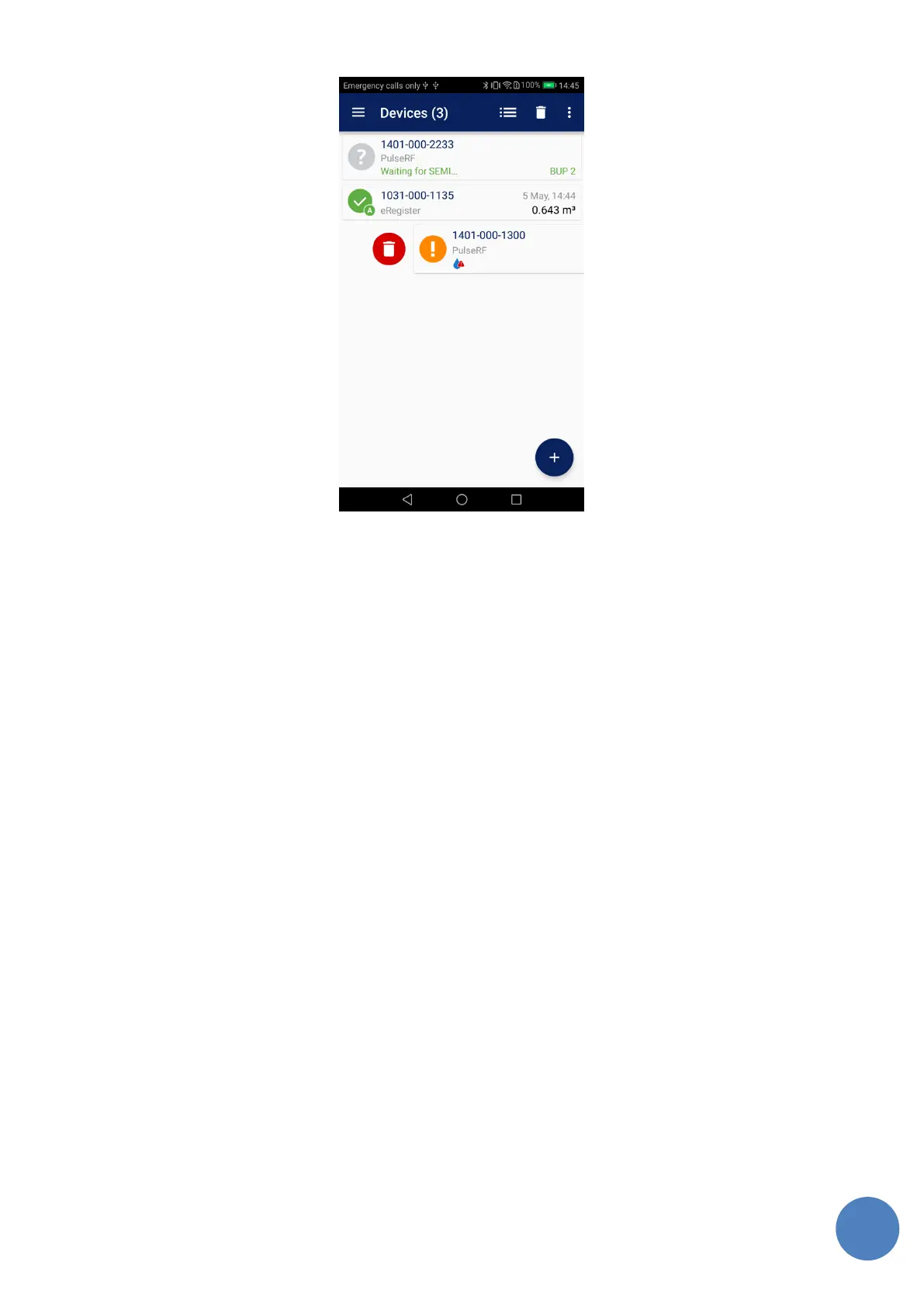
FIGURE 15: DEVICE LIST – ALL DEVICES READ, UNDO BUTTON FOR PREVIOUSLY DELETED ITEM SHOWN, ANOTHER METER IS GOING TO BE
DELETED USING SWIPE TO RIGHT SIDE
The list also contains a Refresh button. The button is placed on the right side of the header.
When pushed all the devices are refreshed (i.e. information from more recent telegram is shown)
except for the ones that are being requested for logs at the moment. This is useful to recognize
which devices are still in range after the user moved to a different location. The SEMI telegram is
used only if it is newer than 5 × expected BUP interval that is configured in Settings.
The list remembers all the added devices permanently unless they are deleted by user. This
allows to prepare the devices’ list at office and use it in field later.
7.2 Gathering log data
When a meter item is touched in the list the Log screen is shown (see Figure 16). If a tablet in the
landscape mode is used both the Device list and Log screen are displayed side by side. Otherwise
the Log screen is shown on the whole screen.



 To Next Page