MS 7000 | DIAVASO Datalogger User Manual | 05/05/2017
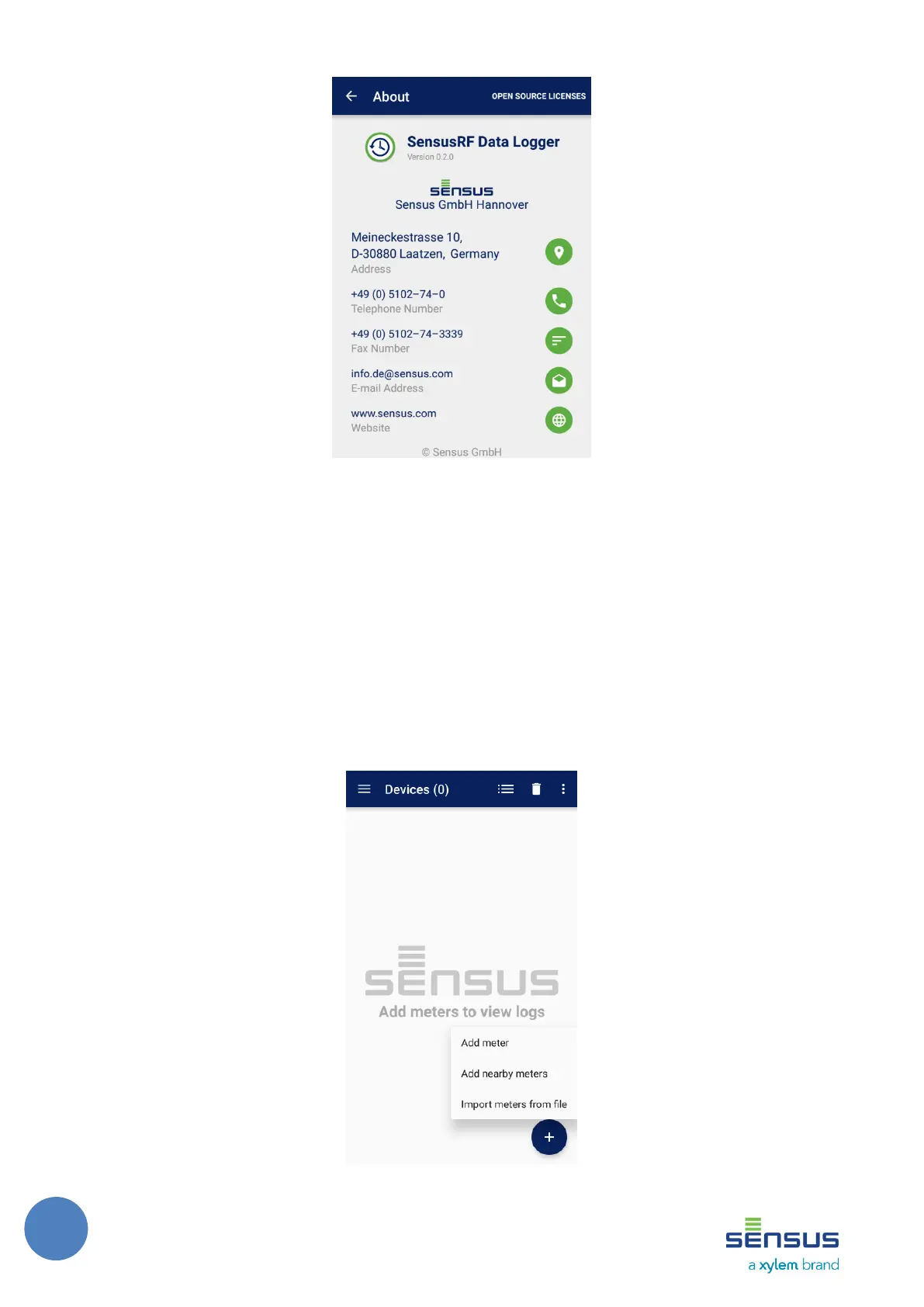
FIGURE 9: ABOUT SCREEN
7 Collecting logs
The following chapters explain how the endpoints may be selected for the log collection and how
to configure which data will be collected.
7.1 Devices
Endpoints , their logs are going to be collected must be added to a Device list.
User may add devices using the floating Action (+) button in the bottom right corner of the
screen. It is shown on Figure 10.
FIGURE 10: EMPTY DEVICE LIST WITH ADD DEVICE OPTIONS



 To Next Page