info@xyleminc.com
MS 7000 | DIAVASO Datalogger User Manual | 05/05/2017
FIGURE 21: LOG DOWNLOAD FINISHED AND DATA FILES ARE AVAILABLE
The user is informed if the files were sent successfully or if an error occurred or if no files were
found. The successfully sent files are deleted from the device.
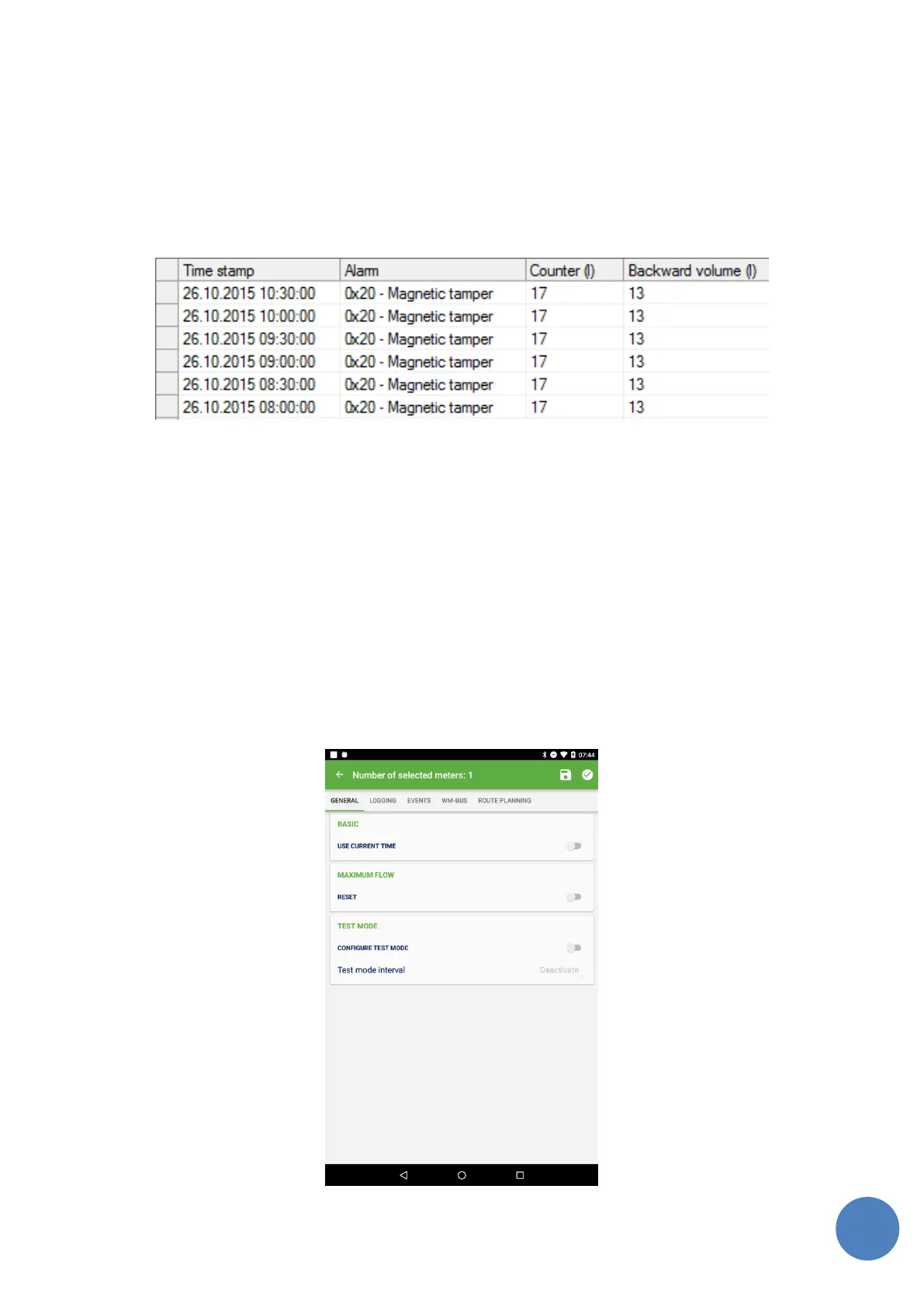
FIGURE 22: CSV FILE EXAMPLE
7.2.2 Downloaded logs
User is able to click on meter with readout value 'not read' and 'wrong key' if meter contains
already downloaded logs. User is able to work with files as described in 7.4.
7.3 Template management
Application allows to save users meter log configurations settings to a template. This template can
be applied to the meter or to the group of meters of the same type. This option is in toolbar
header in detail screen for single and multiple meter configuration (Figure23). The template
management opens dialog window with the options to save, load and delete users templates
(Figure 24).



 To Next Page